


Accounting
Automate expenses for a faster close
Expensify helps accounting firms eliminate manual work with smart receipt capture, client-specific policies, and automatic reconciliation.

Snap receipts with SmartScan

Sync with accounting tools

Automate policies & approvals

Track expenses by client
The best expense tracking software for accountants and accounting firms
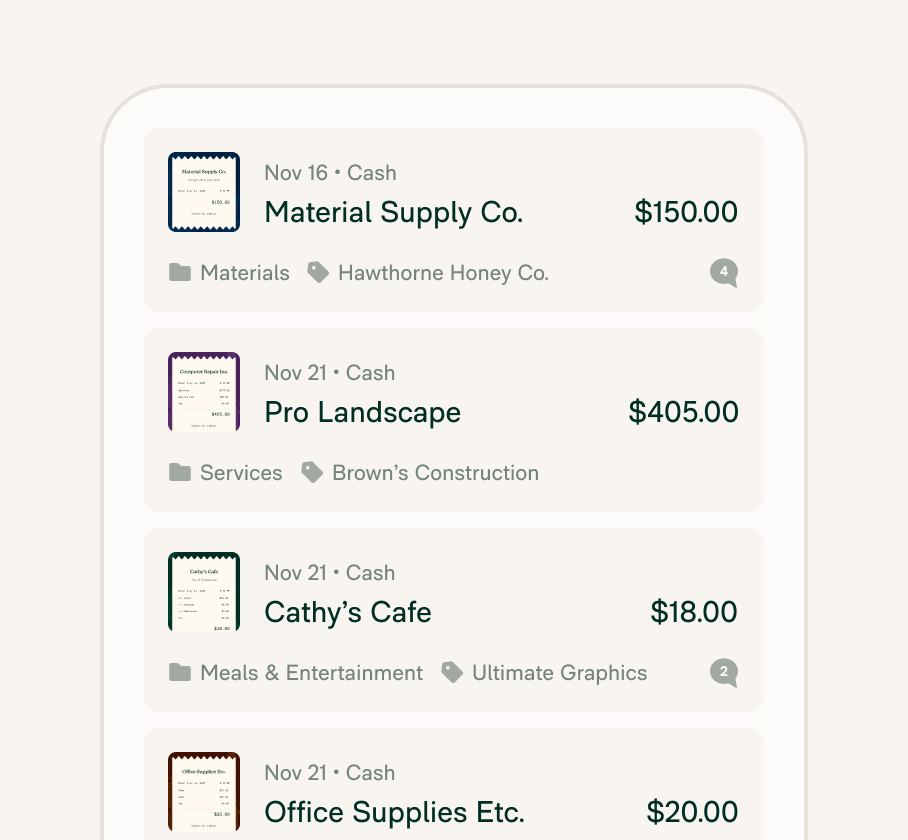
Manage expenses across clients and teams
Track client-specific expenses with categories, tags, and departments that integrate directly into yours or their accounting software like QuickBooks, NetSuite, Xero, or Sage Intacct.
Automate receipt capture and reconciliation
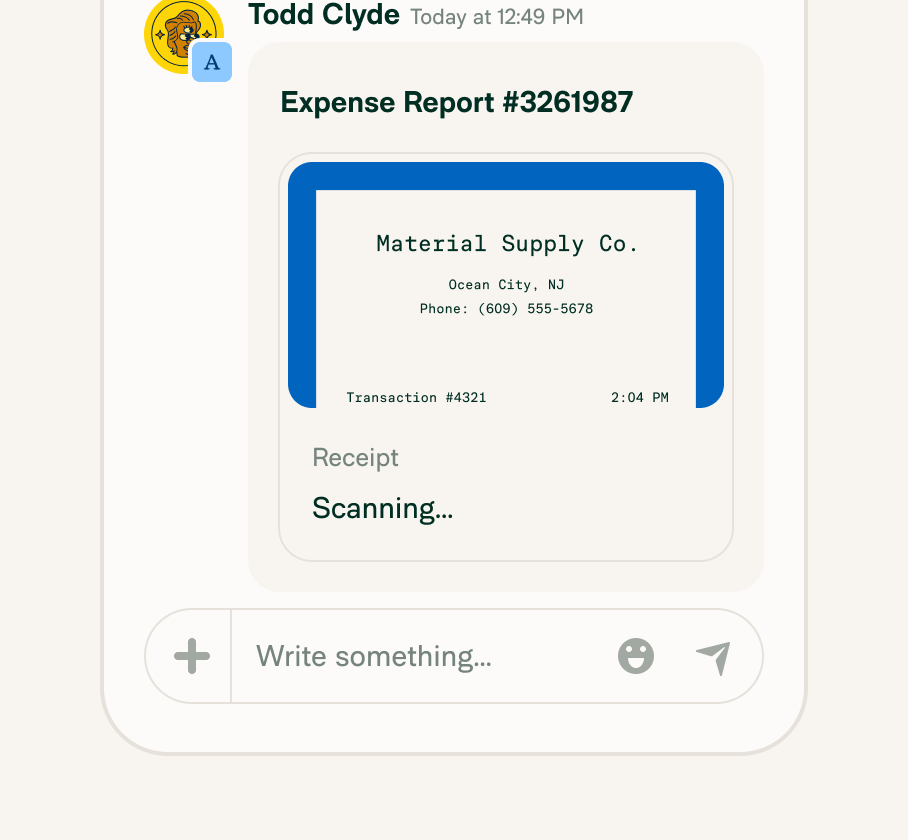
Scan or auto-import receipts, batch upload, and reconcile reports in realtime with one-click matching and categorized transactions – even offline, using the mobile app. Concierge AI helps enforce policy, flag prohibited spend, and streamline expense workflows, making monthly close easier from anywhere.
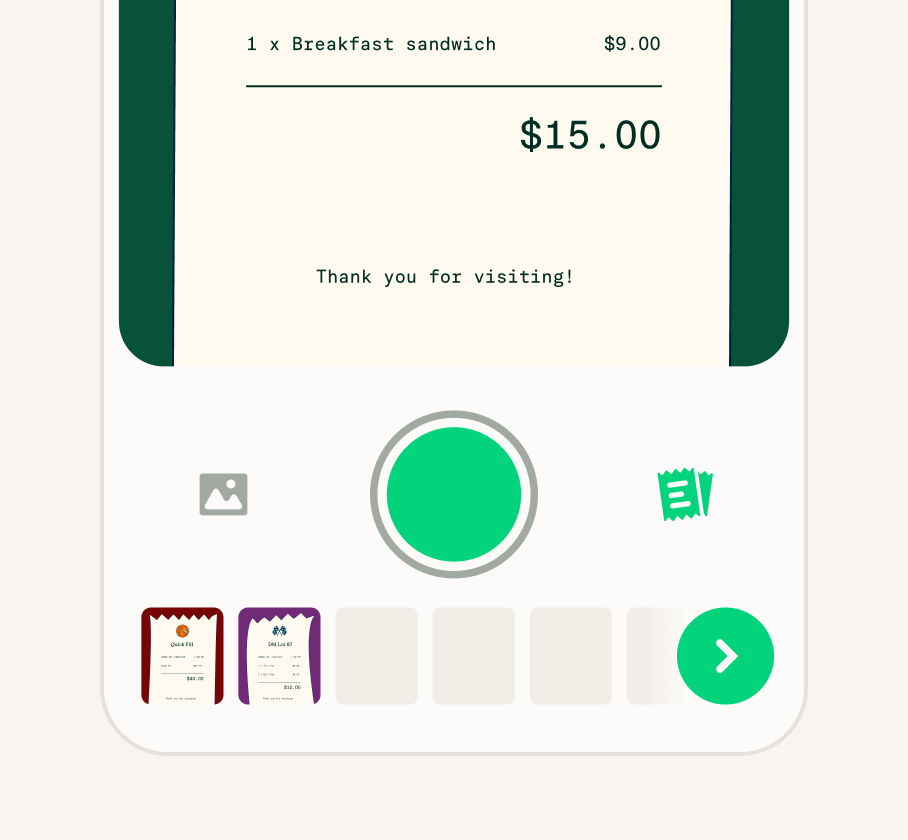
Eliminate manual entry for good
Replace manual expense entry with a fully automated expense flow that runs quietly in the background, turning hours of tedious admin into seconds of automation.
Support multiple clients or departments
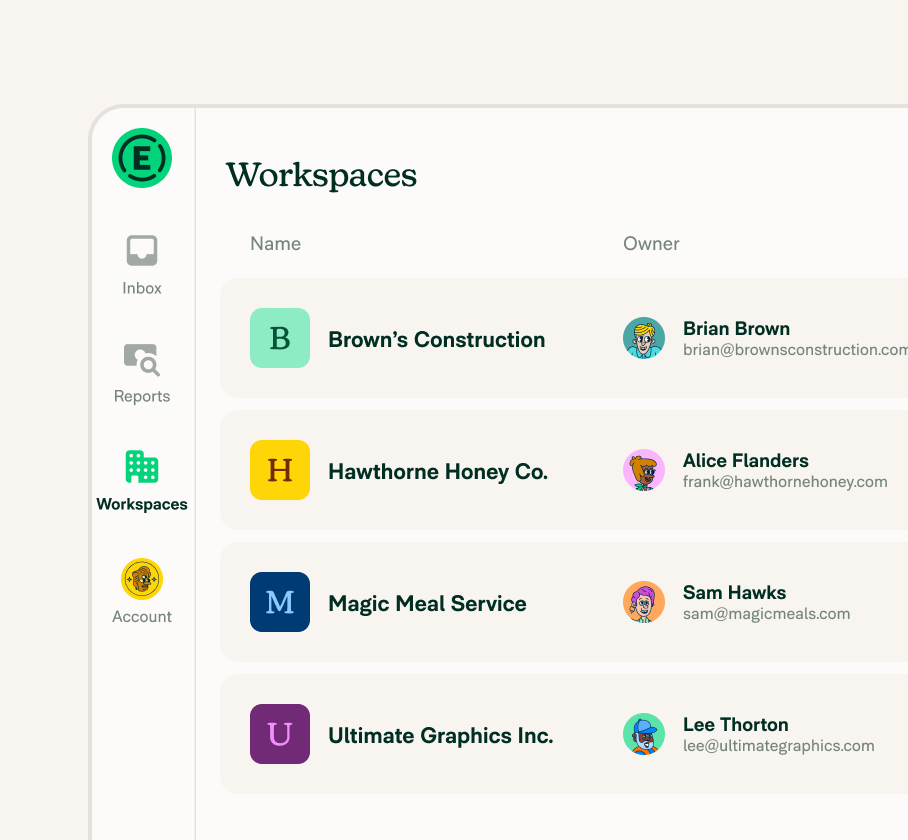
Manage multiple organizations or internal teams with separate policies, accounting integrations, and approval workflows all in one platform.


“Since we started using Expensify, the amount of time it takes from creating an expense to getting reimbursed has been cut in half. The app has freed up our time to focus on other aspects of our clients' needs.” - Laura Redmond, CEO of Redmond Accounting
FAQs
-
When choosing expense management software for accountants, look for features such as advanced reporting capabilities, automated receipt capture and categorization, integration with accounting systems, and multi-user access with role-based permissions. Be sure the software offers robust security measures so sensitive financial data is always protected.
-
Typically, expense tracking software ensures data security and privacy by employing multiple measures, such as data encryption, secure user authentication protocols, and compliance with industry standards. Features like these help safeguard sensitive financial information from unauthorized access and data breaches.
-
Yes, most of today’s expense tracking software can seamlessly integrate with various accounting tools and platforms.
Expensify, for example, integrates with some of the most popular accounting software on the market, helping to streamline data transfer, reduce manual entry, and ensure accuracy across financial systems so accountants can easily manage and analyze their expenses.
-
When you use expense tracking software instead of traditional methods, you get benefits like realtime tracking, automated data entry, and enhanced accuracy. Software simplifies the process of managing expenses, reducing the risk of human error, thus allowing for more efficient reporting and analysis.
-
Many accountants use dedicated expense tracking tools like Expensify alongside their general ledger software.
While accounting platforms like QuickBooks or Xero offer basic expense features, Expensify streamlines the entire process with automation, SmartScan receipt capture, approval workflows, and realtime syncing, making it a preferred solution for firms looking to improve efficiency.
-
The best expense tracking software for accountants is one that saves time, integrates seamlessly with accounting tools, and ensures data accuracy.
Expensify checks all those boxes by automating every step from receipt capture to policy enforcement to ledger exports. It also supports firm-level needs, like multi-client management, expense categorization, and team-level visibility.
-
Yes. Expensify supports managing multiple clients from a single dashboard. Firms can create dedicated Workspaces for each client, connect unique accounting systems, set different approval workflows, and even issue Expensify VisaⓇ Commercial Cards if needed.
This keeps expense data clean, separated, and easy to manage during monthly reconciliation or audits.
-
The four main types of expenses in accounting are fixed, variable, operating, and non-operating.
Fixed expenses stay consistent over time, like rent or salaries. Variable expenses fluctuate with business activity, such as raw materials or utilities. Operating expenses relate to core business functions, while non-operating expenses cover things like interest payments or losses from asset sales.
-
T&E stands for Travel and Expense. The T&E process refers to how companies manage employee expenses related to travel, meals, lodging, transportation, and other business-related costs. It typically involves submitting receipts, applying policy rules, getting manager approval, and syncing expenses with accounting tools.
Expensify automates each step of the corporate T&E process to reduce admin time and improve compliance.
Try Expensify today
See how much time you can save by integrating Expensify with Gusto. From onboarding to expense reporting to reimbursement, everything just works faster, smarter, and easier.
Start your free trial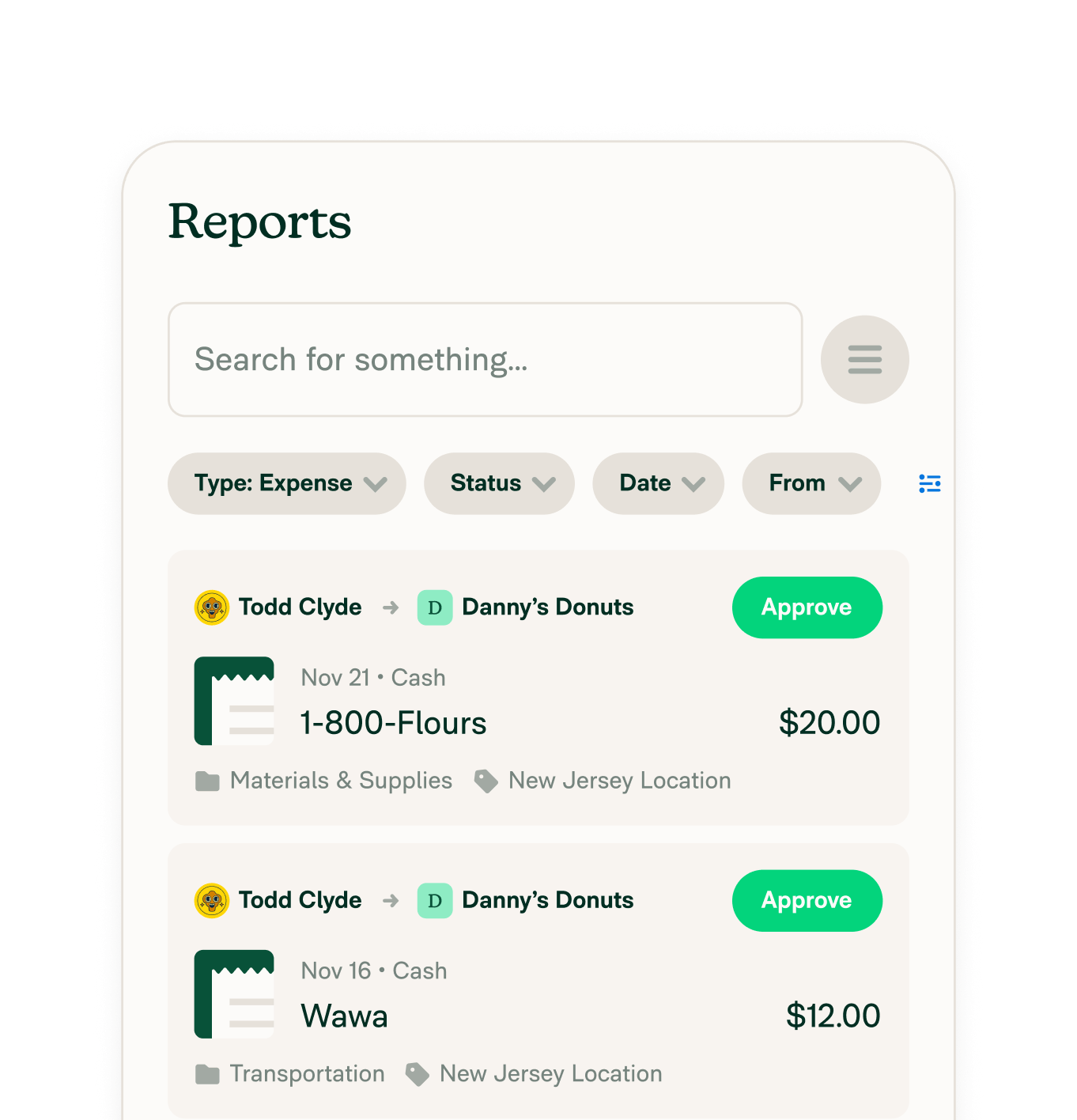
Features
Resources

Get Started


