


Snap a photo, skip the typing
Open the app, tap the camera, and SmartScan reads the merchant, date, total, and currency automatically. The receipt attaches to the expense instantly. Scan your receipts with no typing required.
Most receipt apps make you do the data entry. SmartScan does it for you.

Snap a photo, skip the typing

Realtime data extraction

Match to card transactions

Duplicate detection
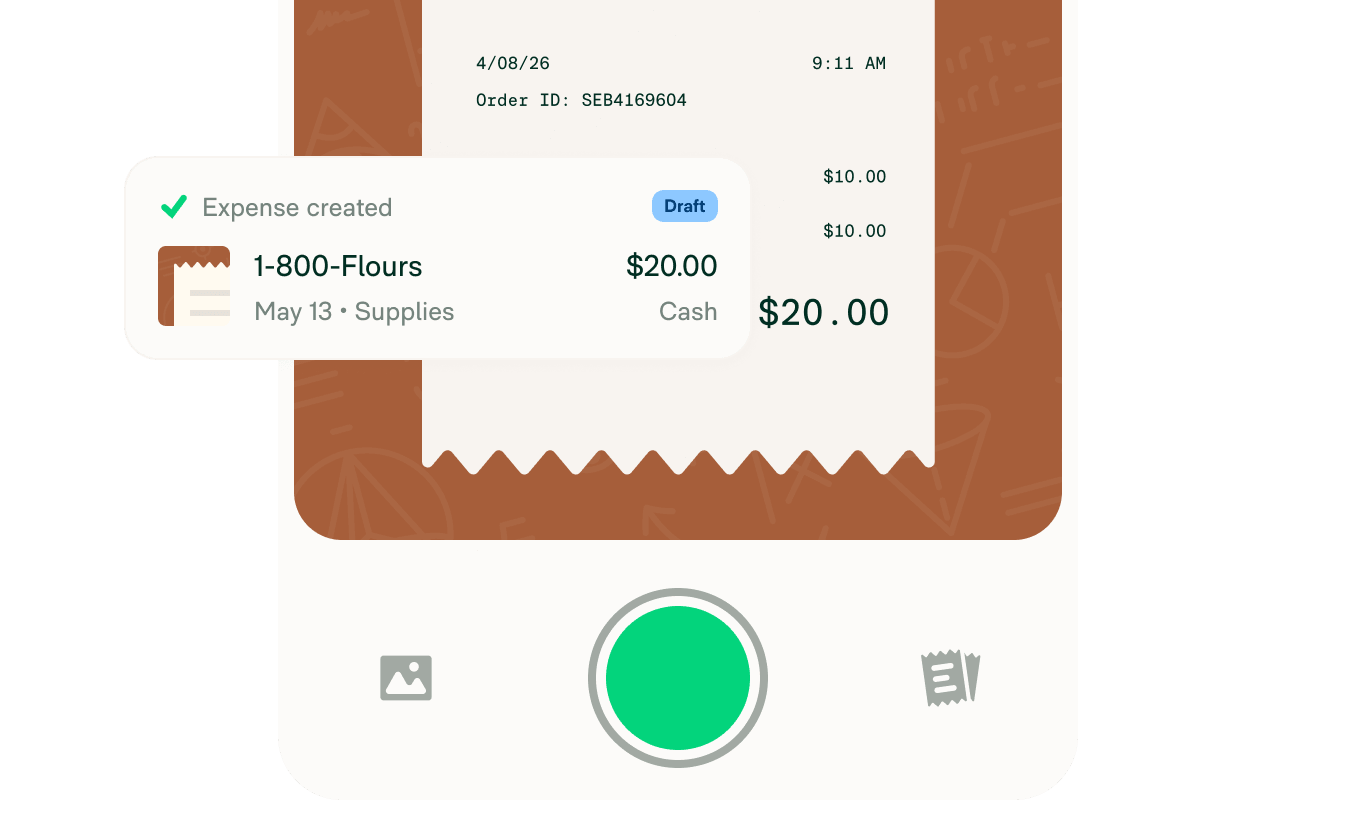
Open the app, tap the camera, and SmartScan reads the merchant, date, total, and currency automatically. The receipt attaches to the expense instantly. Scan your receipts with no typing required.
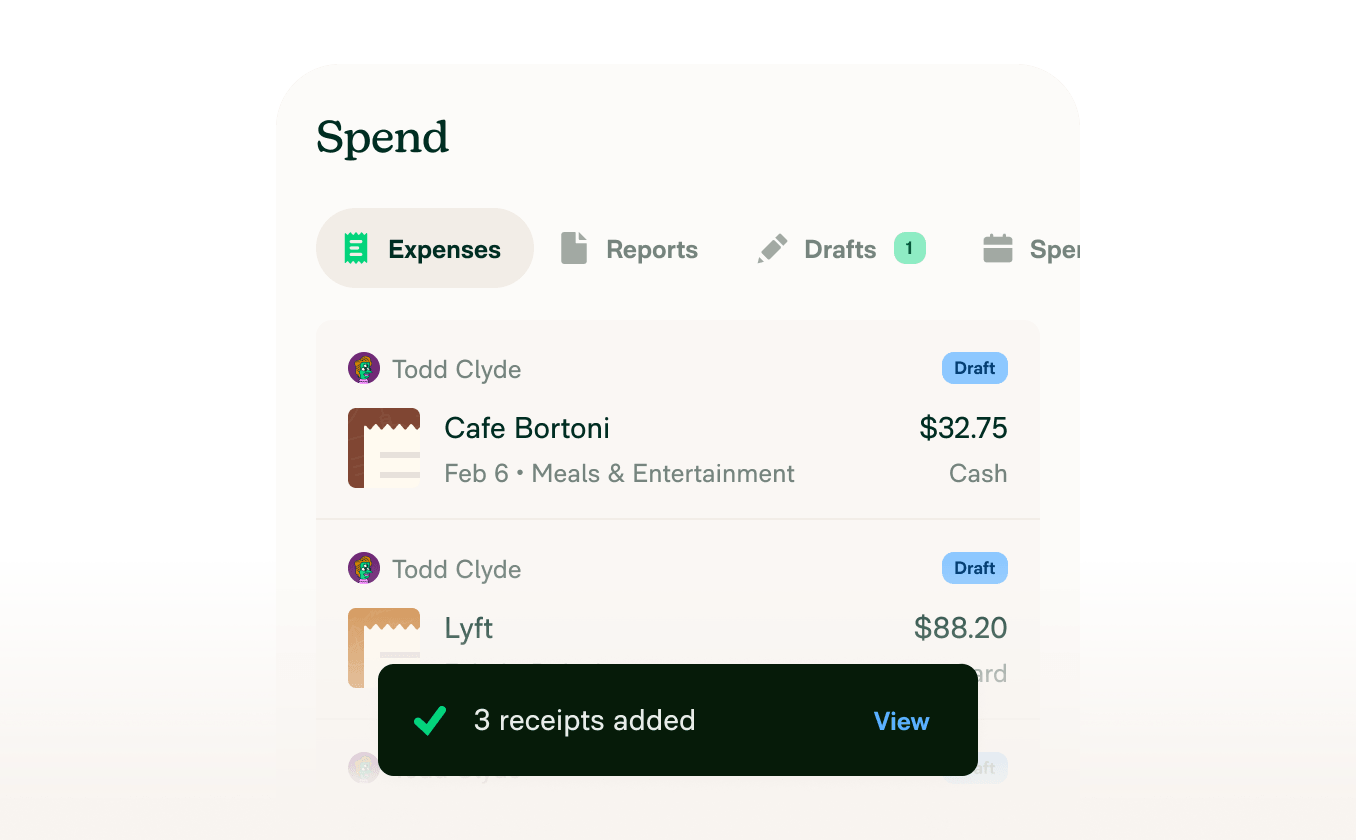
SmartScan extracts receipt data in realtime, with no batch processing or overnight delays. Expenses appear in the app the moment the photo is taken, ready for categorization and submission.
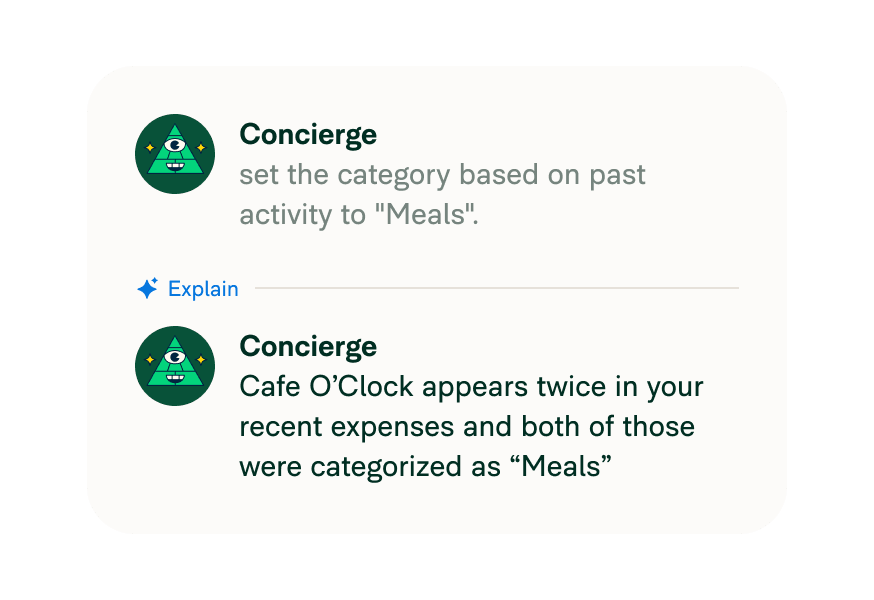
Expensify uses your policies and past behavior to auto-categorize expenses as they're created.
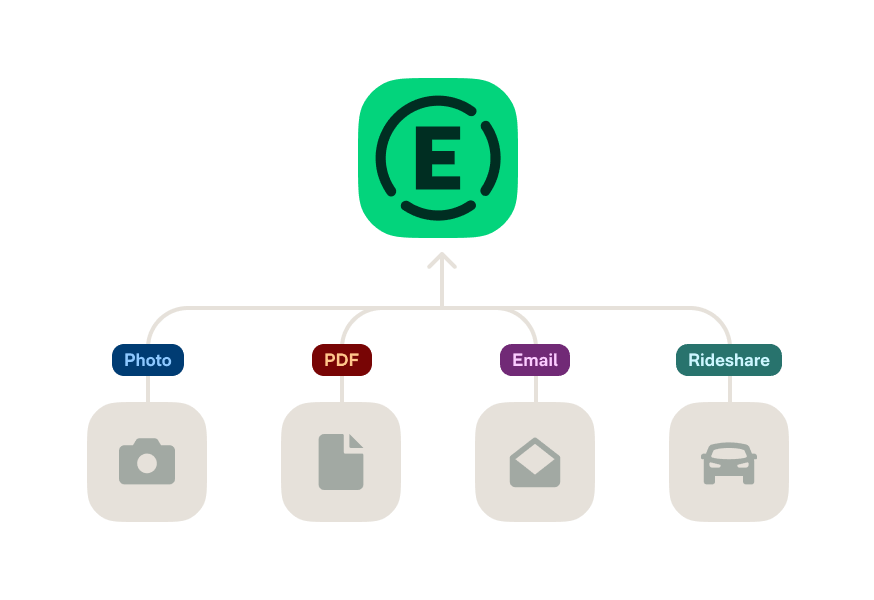
Scan a paper receipt or automatically import digital receipts from integrations like Uber. SmartScan handles both formats the same way.
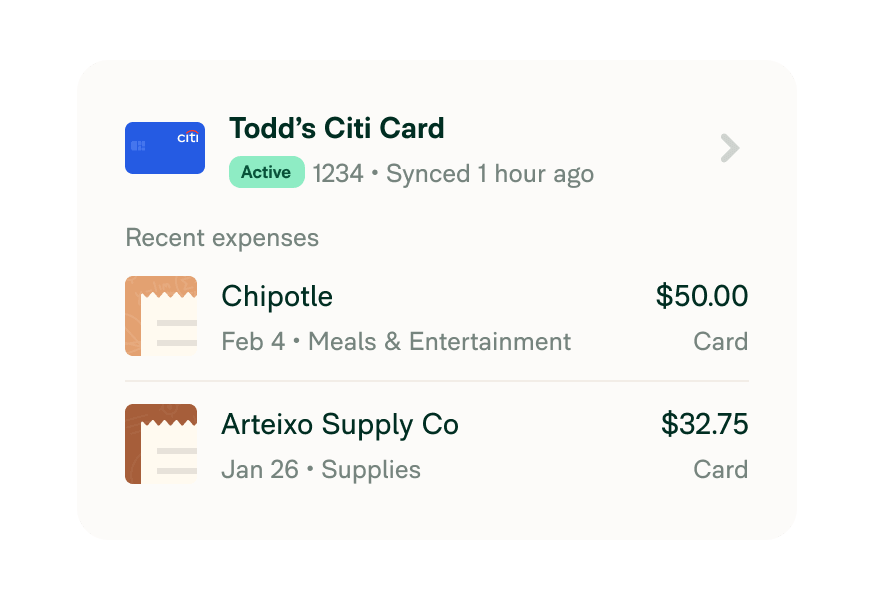
Paid with a card linked to Expensify? The scanned receipt matches to the card transaction automatically, with no manual matching or duplicate entries.


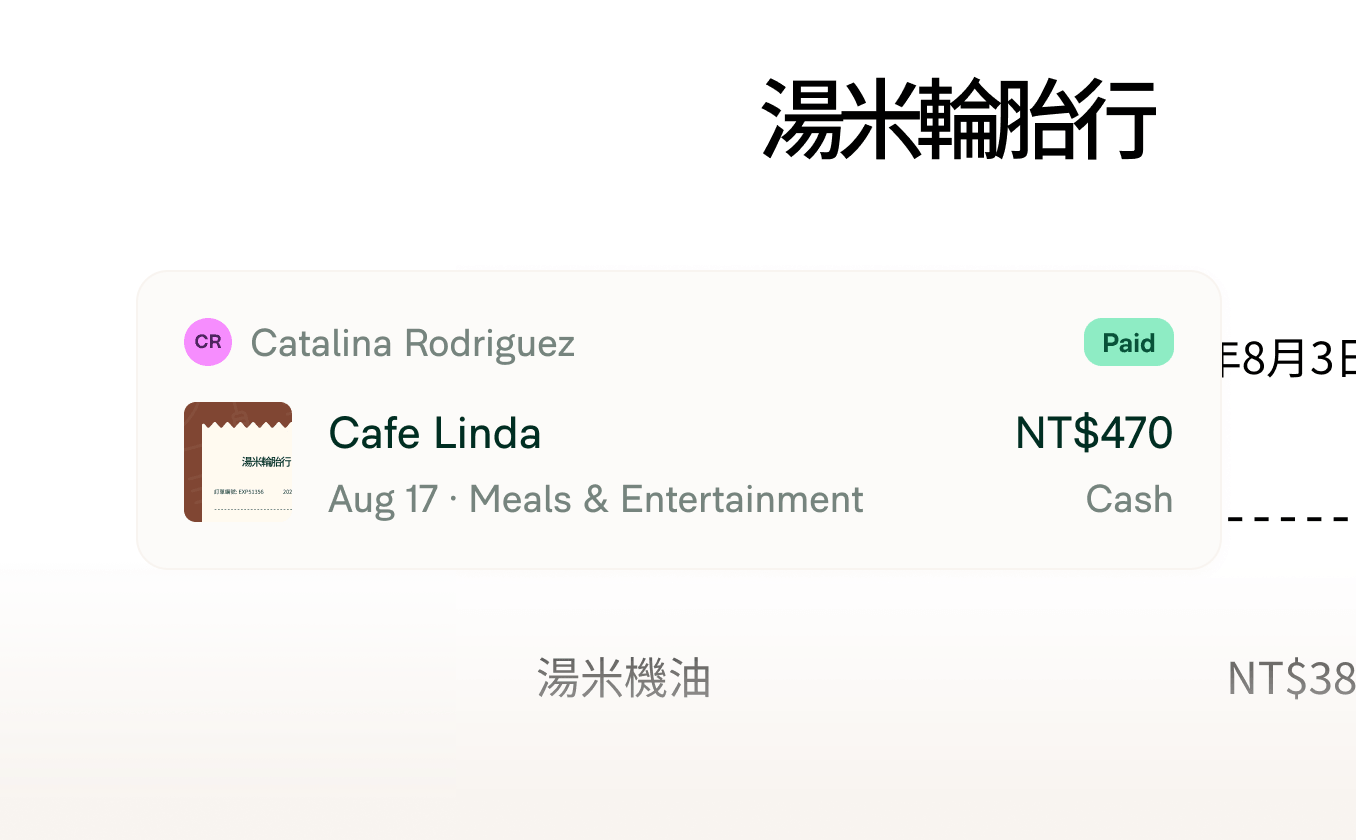
SmartScan supports 160+ currencies and receipt formats, making it useful for international travel and teams with employees across multiple countries.
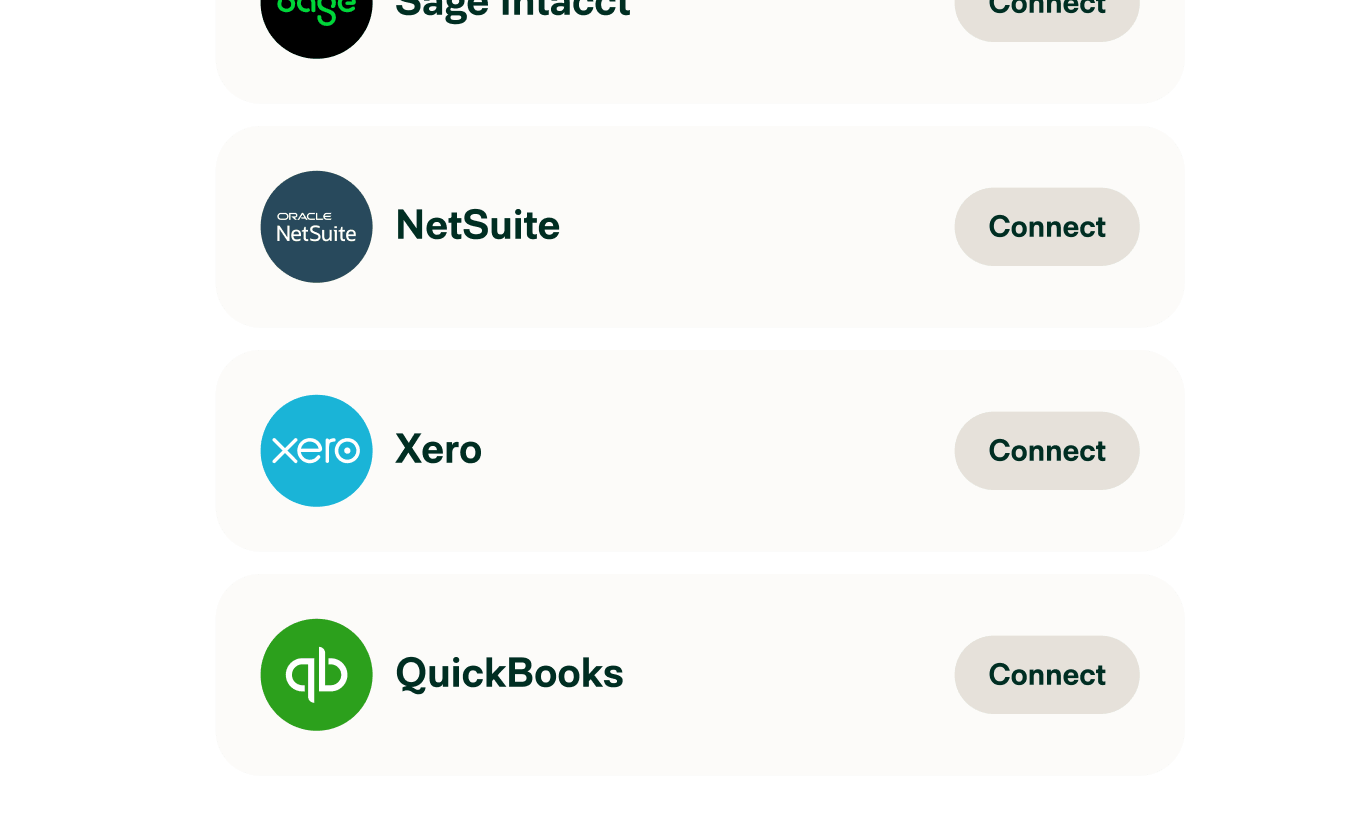
Scanned receipts sync to QuickBooks, NetSuite, Xero, and 45+ other platforms automatically.
When automation breaks, most tools leave you to untangle it, but Expensify's AI expense management is built to self-diagnose and reconfigure.

Snap a photo without Wi-Fi. Expensify will process it as soon as you're reconnected, so you never lose a receipt again.

Forward receipts to receipts@expensify.com, text a photo to 47777 (US numbers only), or drag and drop files into the web app.
With Expensify, snapping a receipt is the only thing you have to do.
Just open the Expensify app, tap the green camera button, and snap a photo. Expensify’s SmartScan will automatically extract the details and create an expense for you.
Yes! Forward any emailed receipt to receipts@expensify.com from your registered email address, and SmartScan will process it automatically. You can also drag and drop digital receipts into the web app.
No problem. You can still snap a photo offline – Expensify will queue the receipt and process it as soon as you’re reconnected.
Absolutely. SmartScan supports receipts in multiple languages and currencies, making it ideal for international business travel.
Each scan should be for a single receipt to ensure accuracy. However, you can batch process receipts by uploading or forwarding several at a time – SmartScan will handle them individually.
Expensify creates an expense using the scanned data, matches it to any associated card transaction, categorizes it based on your policy, and adds it to the right report – all automatically.
If something’s unclear or missing, Concierge will step in to help fix it. You’ll get a notification if a receipt needs attention, and Concierge may even ask follow-up questions to make sure everything’s accurate. It’s like having a virtual assistant for your expenses.
A receipt scanner or receipt tracking app uses optical character recognition (OCR) to read and extract data from a receipt photo, including merchant name, date, amount, and currency, and convert it into a digital expense record automatically. Expensify's SmartScan does this in under five seconds, then files the expense to the right report without any manual input.
Yes. Expensify tracks receipts from capture through reimbursement, organizing them into expense reports, matching them to card transactions, and syncing them to your accounting system automatically. It works for individual employees tracking their own receipts and for finance teams managing expense reporting across a company.



