November 2026 Expensify product update: Insights is here, and busywork is on notice
Your spend has been trying to tell you something. Now, Insights can help you hear it. Plus, we’ve got several more updates to make the rest of your month easier.
TL;DR — What's new in Expensify (November 2026)
- Insights is here: see where your money’s going, spot what changed, and let Concierge explain why.
- Merge two reports into one.
- Share expense reports with any email address.
- Give contractors submit-only access with limited visibility with the new guest role.
- Choose which days expenses submit, with timezone-aware scheduling.
- See pending card transactions from Plaid-connected banks.
- Join your company's workspace without waiting on an invite.
- Set an end date on your vacation delegate so approvals come back to you automatically.
- Upload your expense policy PDF so employees can ask Concierge questions about it.
- Choose whether your company or employees cover foreign currency conversion fees.
- Get 20% off compliance services with our new LegalZoom partnership.
Meet Insights
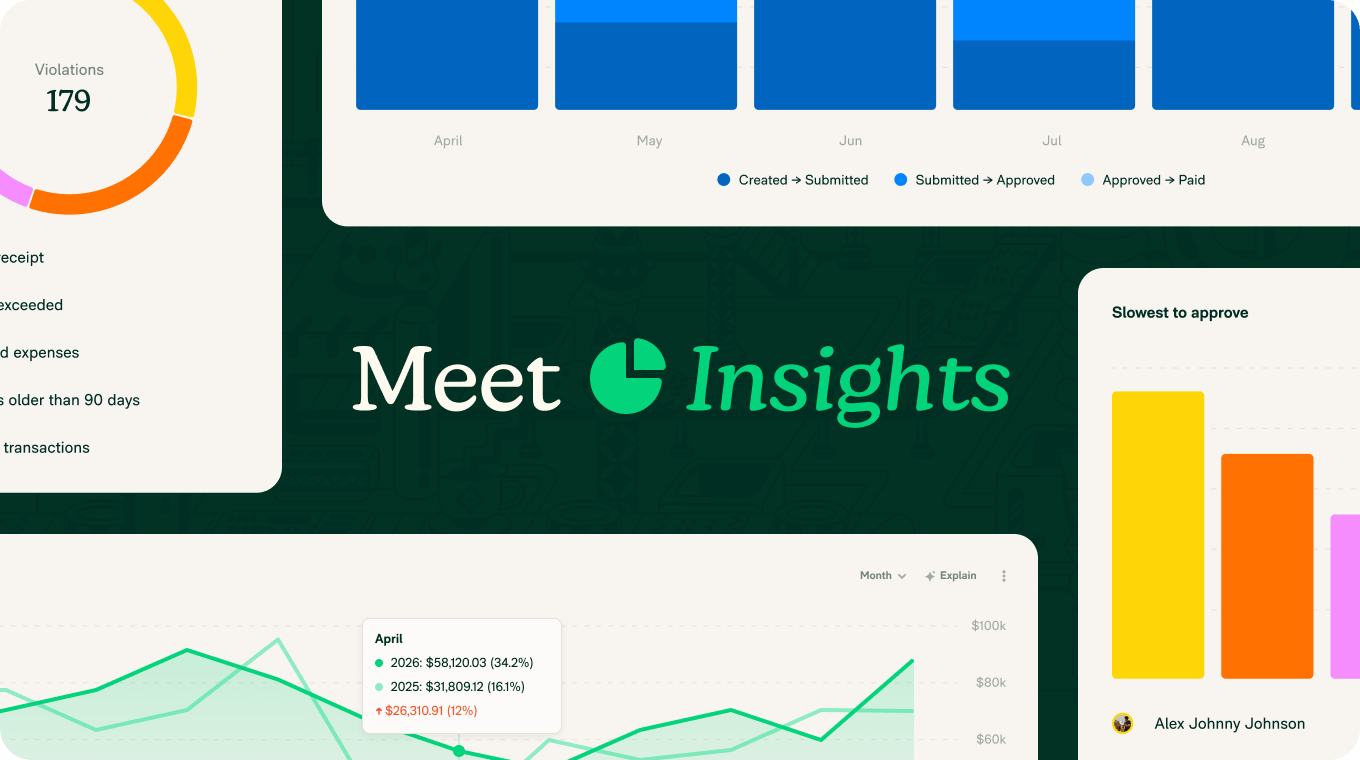
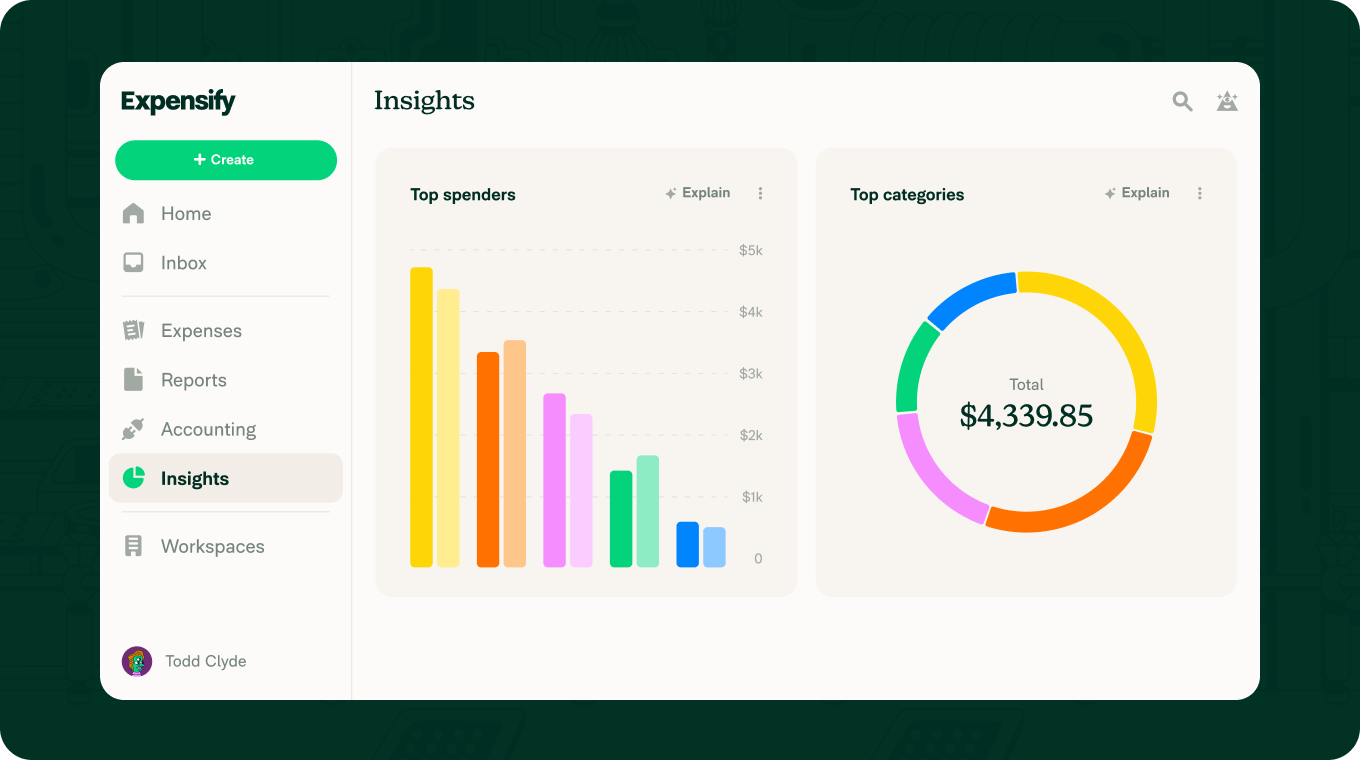
Insights is an AI-driven product that shows where your money’s going, who’s holding up approvals, and which expense policies need a touch-up. Concierge then explains the data behind every insight to give you more confidence in the best next steps.
Insights by Expensify. Your spend, explained. With the tools to control it.
The questions you normally dig for, answered
Open Insights and the answers are already waiting for you.
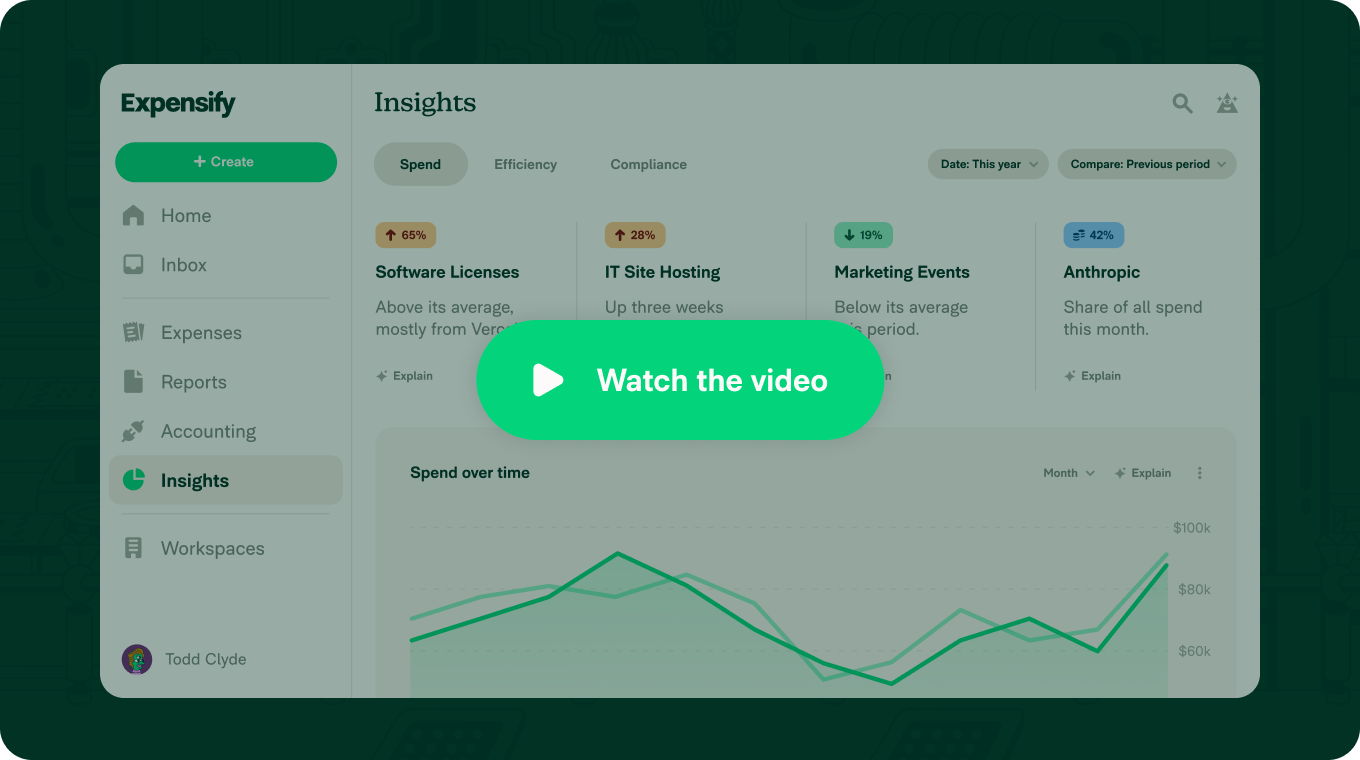
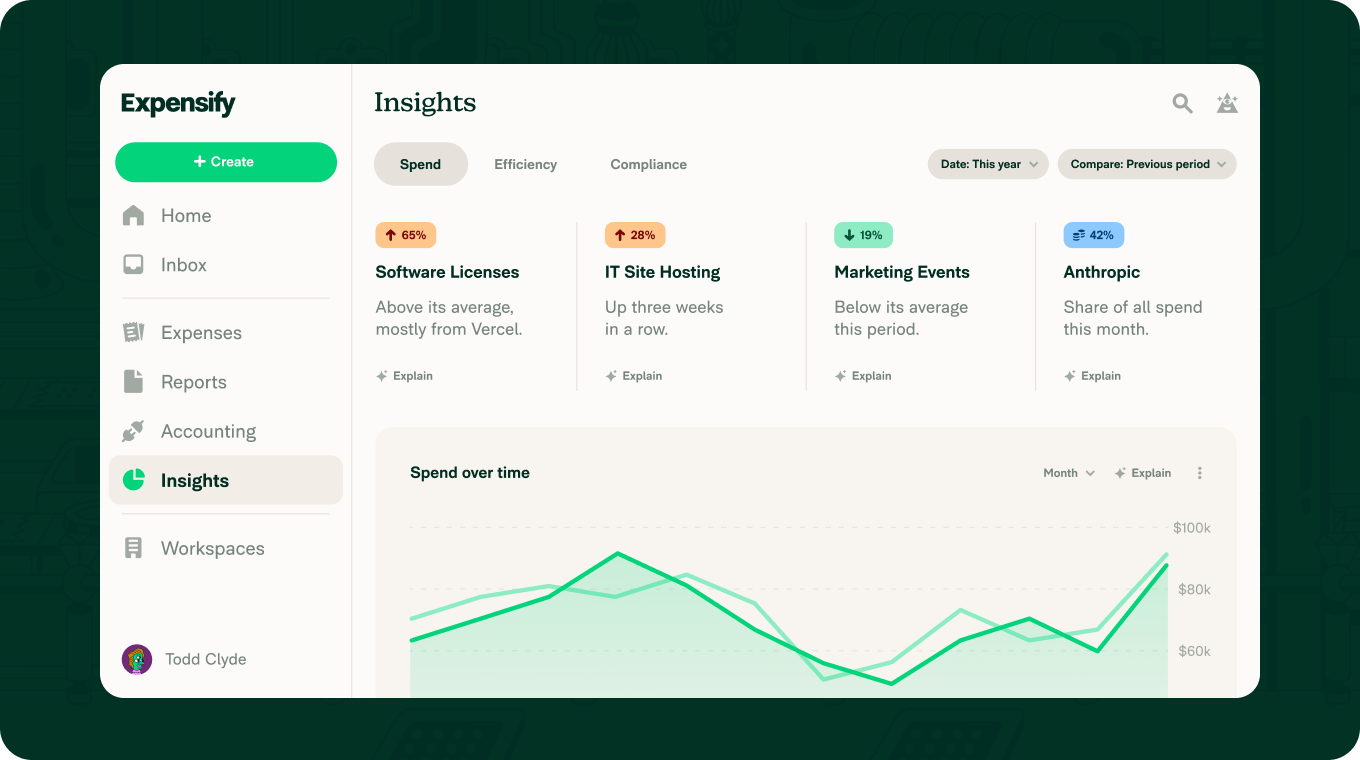
Where did the money go? In the Spend tab, see how your money is flowing, which categories and merchants are behind it, and what changed since last period. Insight cards call out what's worth noticing in plain English, like "Top 3 merchants account for 48% of spend."
Why is month-end always late? If you approve expenses, the Efficiency tab shows how long they take from submission to payment, and where they get stuck along the way. See your average processing time, which step is slowing you down, and whether you're getting faster than last period.
Where do policies keep getting missed? If you set, enforce, or audit policy, the Compliance tab shows how violations are trending, which ones come up most, and where they're coming from. You'll see whether things are improving and which policy to tighten or clarify first.
Not sure where to start? Try this:
Open Insights and pick a date range.
Hit Explain on any chart and Concierge tells you why it moved and what to look at next.
Click a bar or line to land on the exact expenses behind it.
Export any dashboard as an image to share what you found. Learn more about Insights.
More updates this month
Merge two expense reports into one. Duplicate or split reports? Combine them instead of starting over. Learn more about merging reports.
Share a report with anyone, even if they're not in your workspace. Just add their email address. Learn more about sharing reports.
Bring contractors into your workspace with the new guest role. Give external collaborators access without handing over the keys. Learn more about guest permissions.
Expense reports now auto-submit based on your workspace's timezone. You also get to pick the day of the week (or days of the month) that work for your submission schedule. Learn how to set up automatic report submissions.
See pending card transactions, before they post. Available now for cards connected to Expensify through Plaid. Learn more about pending card transactions.
Join your company's workspace without waiting on an invite. Sign up with your work email and you're in. Learn more about joining your company's workspace.
Set an end date on your vacation delegate. Approvals return to you automatically when you're back. Learn more about delegating when out of office.
Ask Concierge about your expense policy. Upload your policy as a PDF and anyone can get answers from your company rules. Learn more about adding an expense policy.
Choose who covers FX fees on cross-border reimbursements. Admins can choose whether the company or employee pays the conversion fee. Company-paid fees export as a separate line item to QuickBooks, Xero, Sage Intacct, and NetSuite. Learn how to map your FX expense account.
Admins save on LegalZoom. Expensify customers now get 20% off LegalZoom’s business compliance services. Claim your discount.
That’s all for this month! We’ll be back with more updates next month.
— Concierge