


Track
Log trips your way
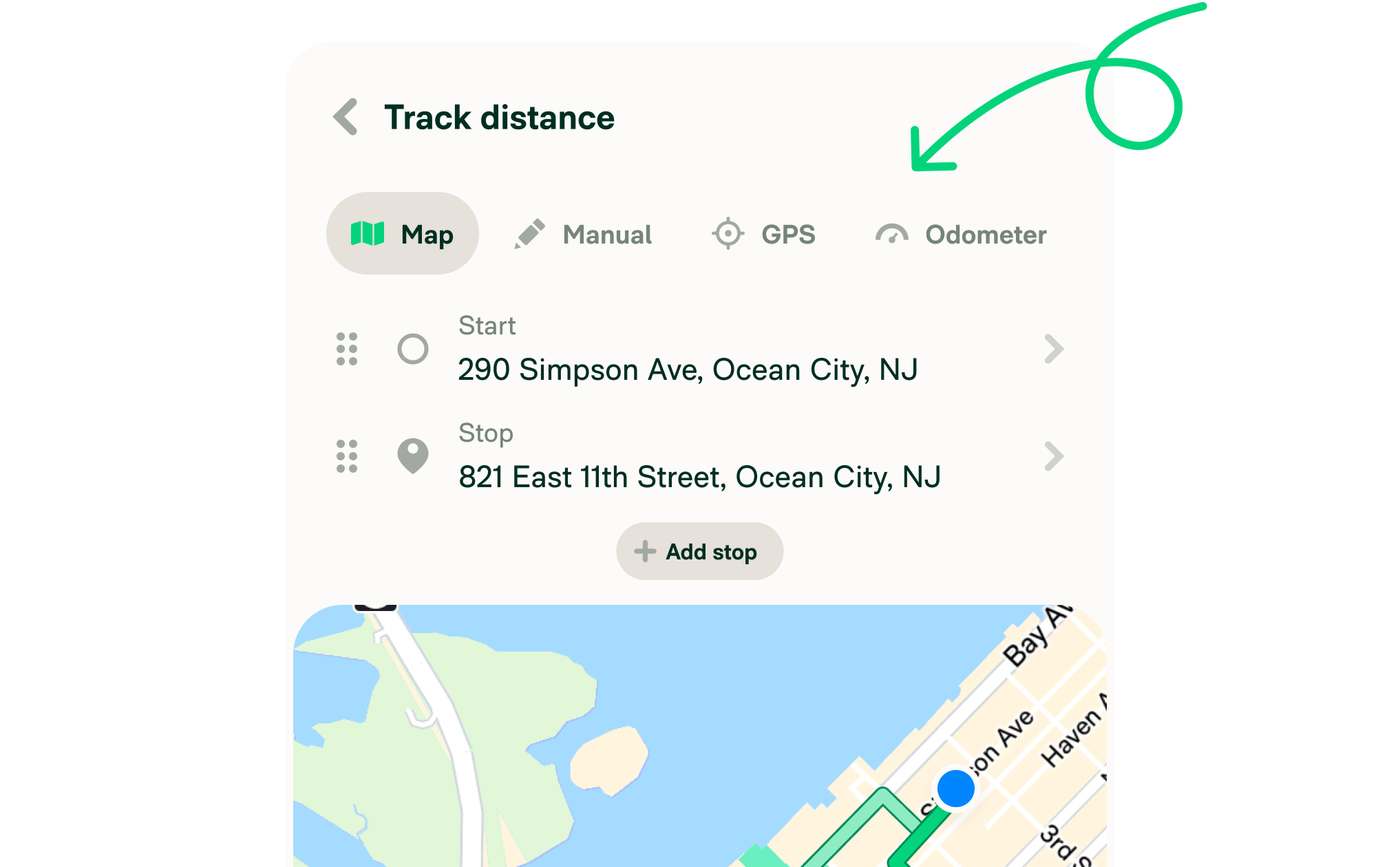
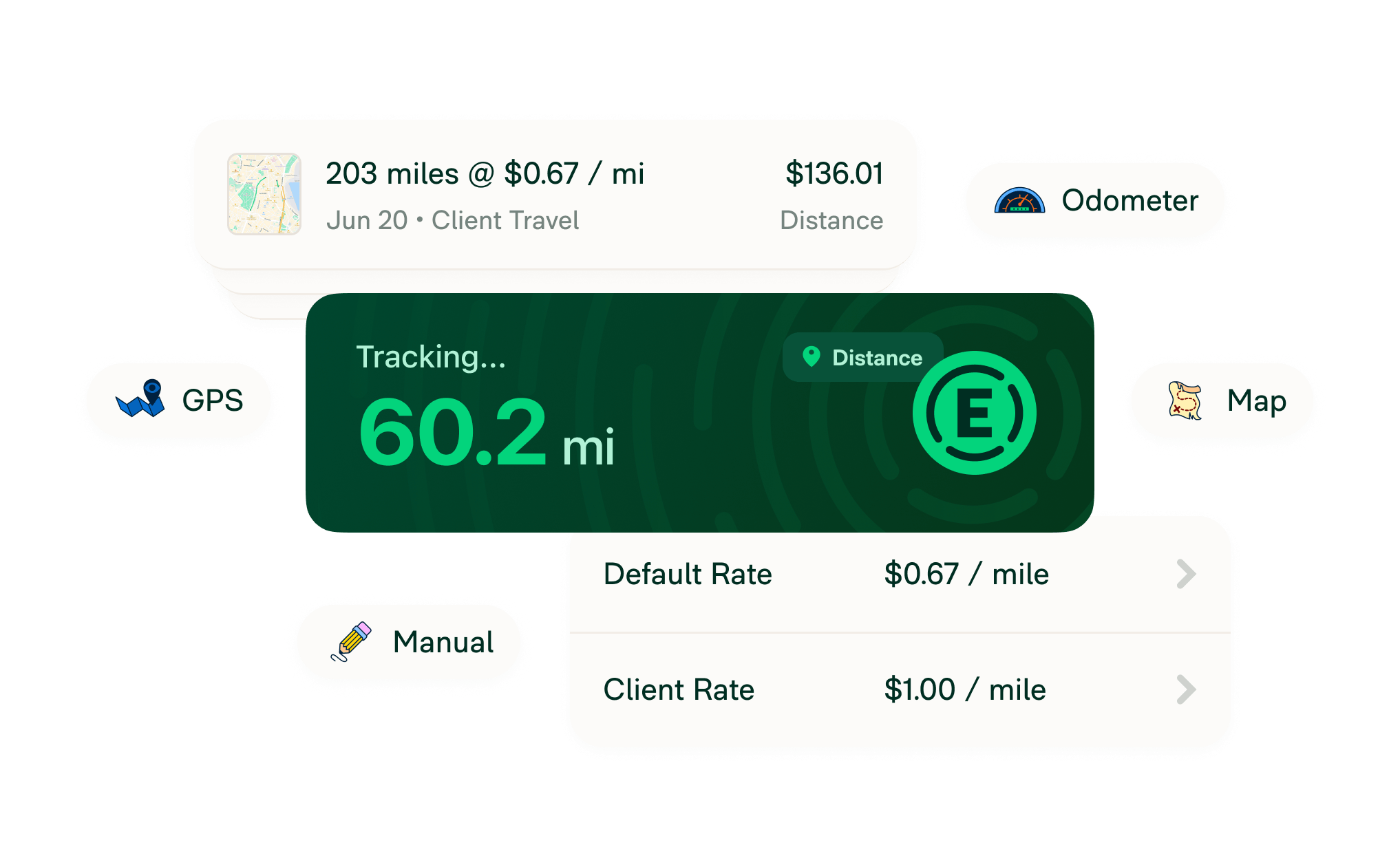
Track mileage automatically with GPS, enter start and stop addresses, snap your odometer, or log the distance yourself. Whatever fits your workflow.
Track mileage and calculate reimbursements in seconds with Expensify’s built-in automatic mileage tracker.


GPS for automatic tracking

Track miles or kilometers

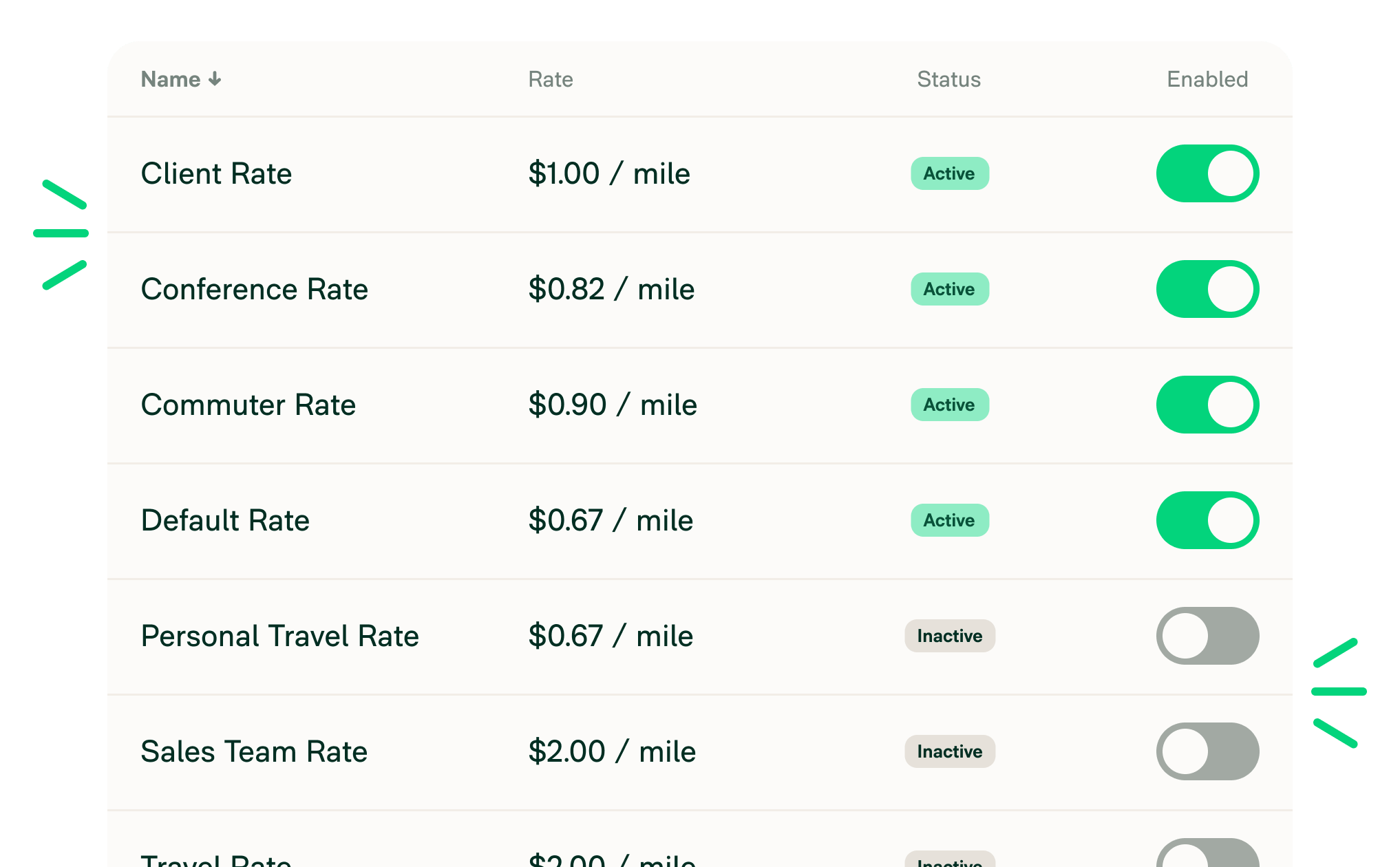
Create custom mileage rates

Automate reimbursements
Track mileage automatically with GPS, enter start and stop addresses, snap your odometer, or log the distance yourself. Whatever fits your workflow.
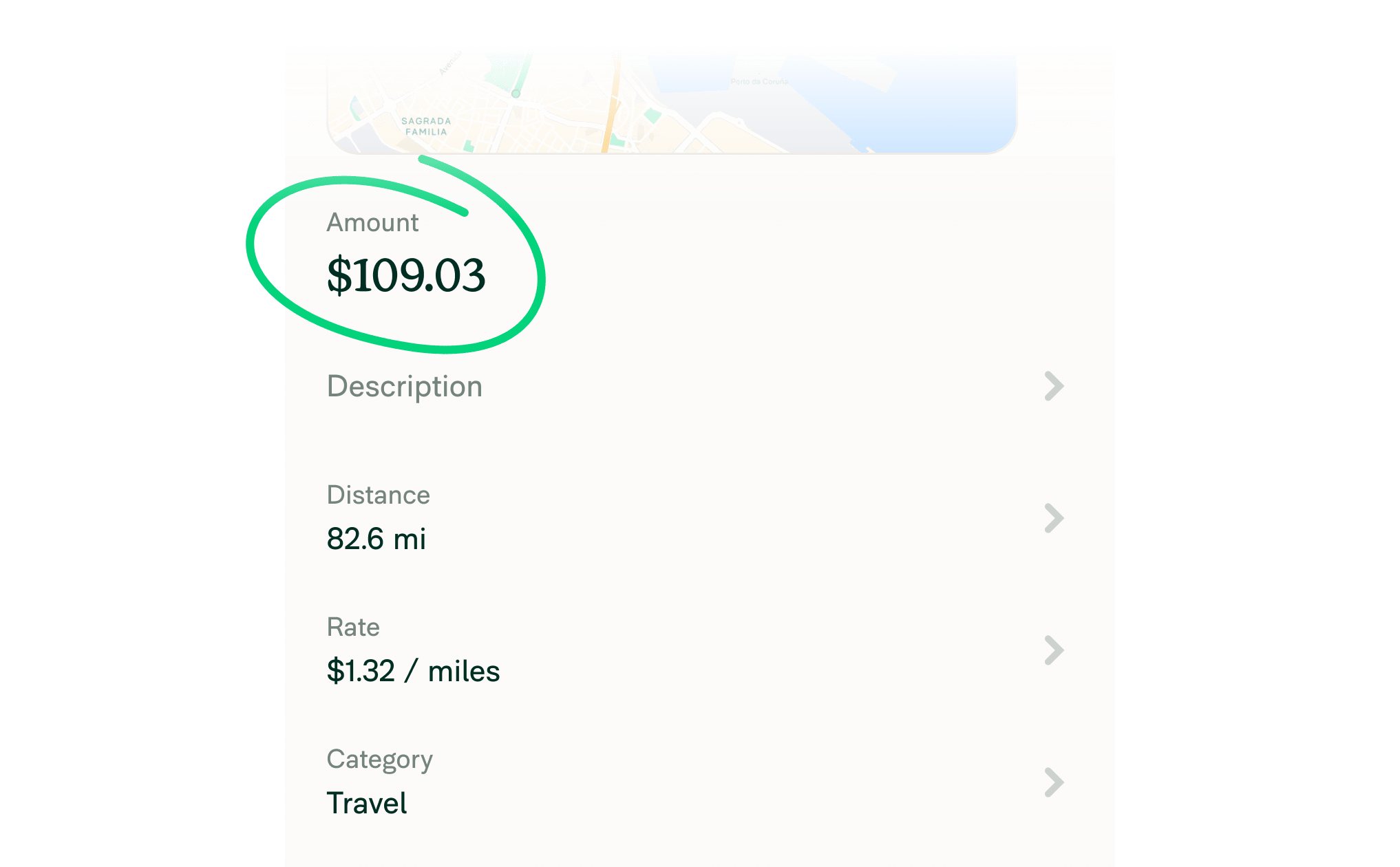
Use your custom mileage rate or the IRS mileage rate to automate reimbursement calculations in seconds.
Easily categorize and export mileage for tax season. Perfect for freelancers, small businesses, or anyone tracking mileage for taxes.
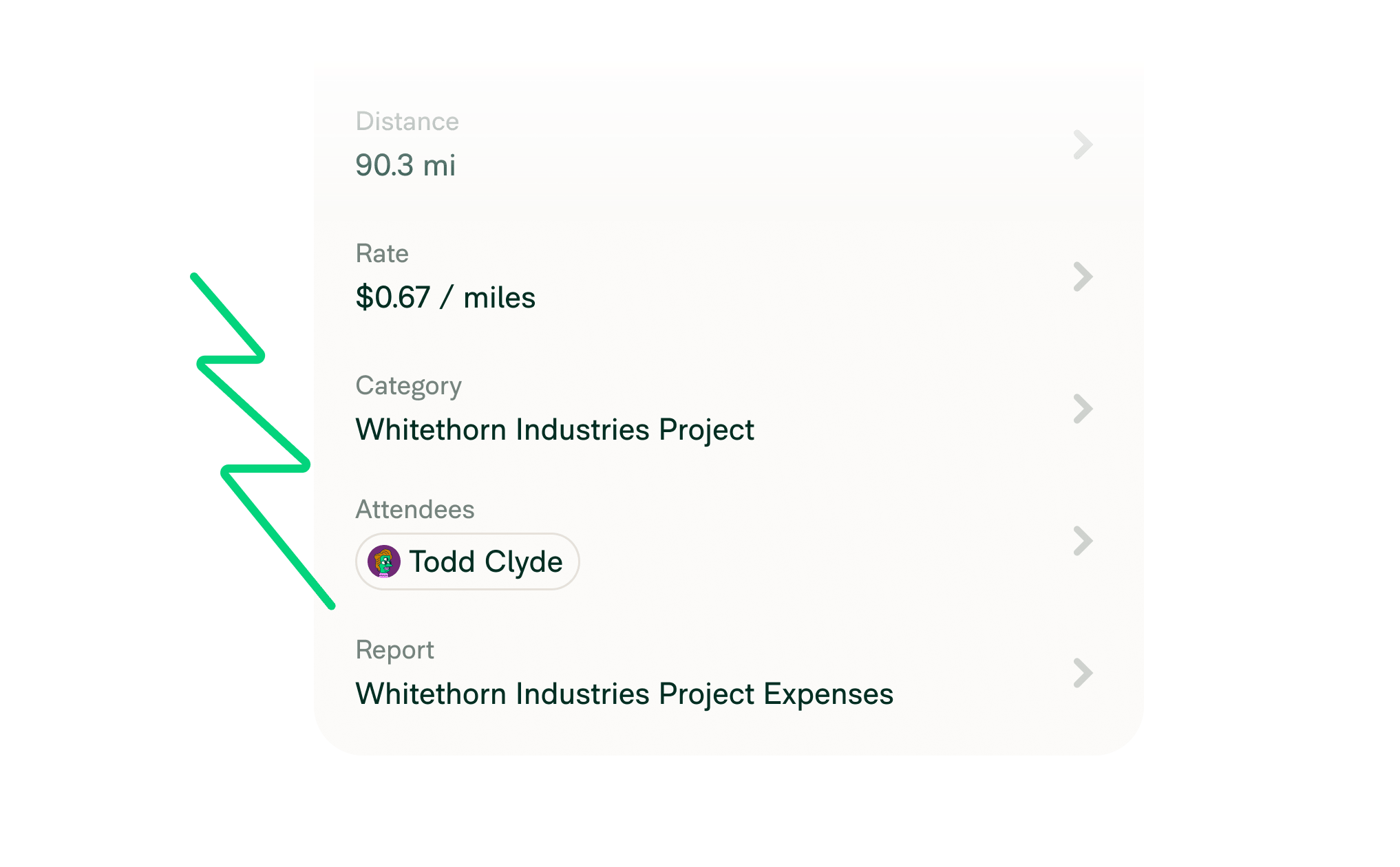
Assign different reimbursement rates by employee group, role, or project for full flexibility and control.

Whether you're driving across states or countries, Expensify supports both metric and imperial units.

Capture and track driving distance from wherever you work – at home, on the road, or anywhere in between.

Mileage expenses automatically route into the right expense report, complete with category, tags, and descriptions.

Apply location-specific mileage rates and documentation to ensure compliance with IRS or local tax authority standards.


Expensify's built-in mileage tracker turns all that into a thing of the past. With multiple tracking options, custom mileage rates, and automatic syncing to expense reports, distance tracking is effortless.
Logging mileage shouldn’t feel like extra work. With Expensify, it takes just a few seconds to track business travel expenses and get reimbursed fast.
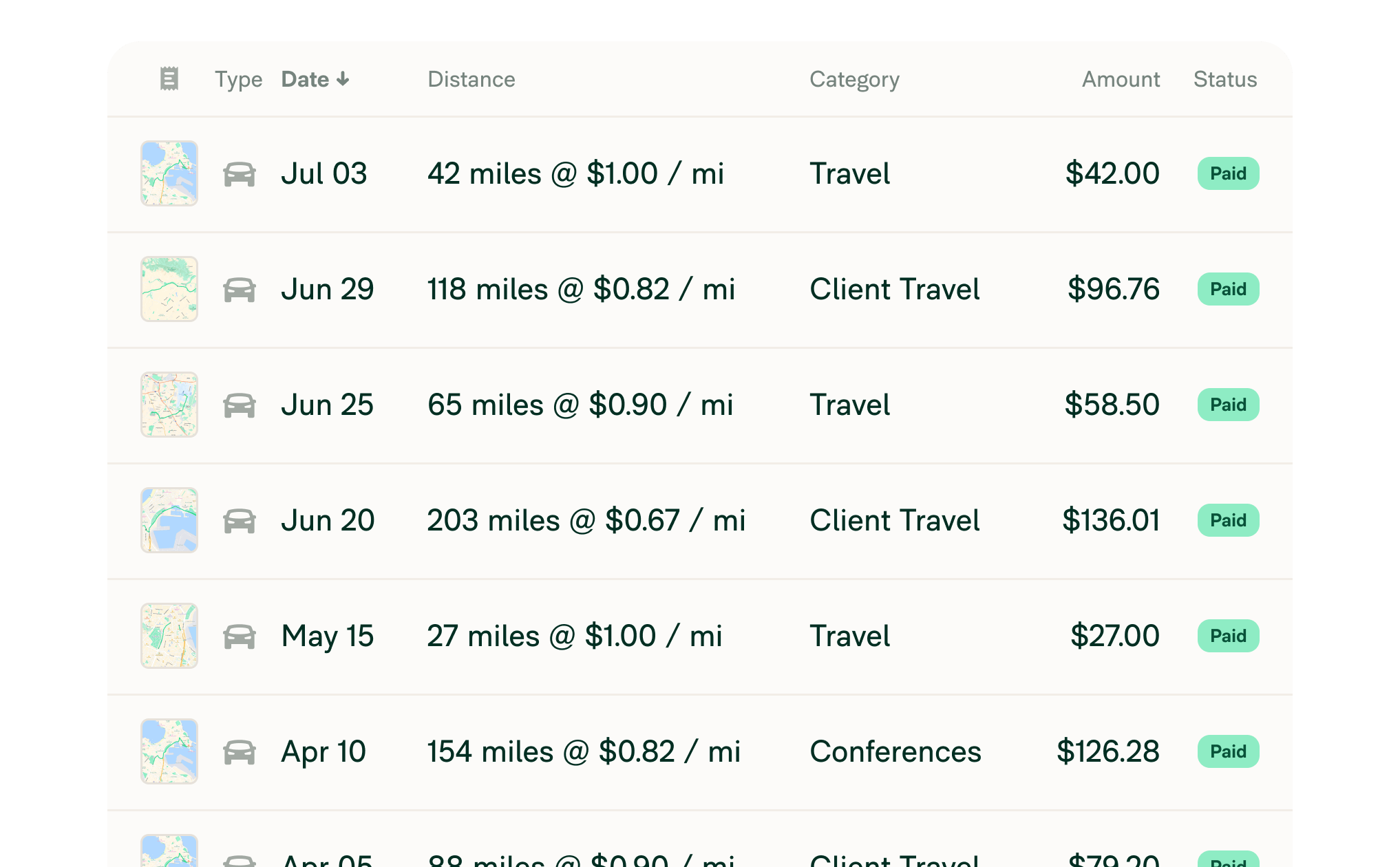

Mileage tracking is the process of recording the distance driven for work-related travel. It ensures accurate reimbursement for employees and helps businesses maintain compliant, tax-deductible records. Whether you’re self-employed or managing a team, tracking mileage is essential for financial accuracy and audit-ready documentation.
Business miles can be tracked manually with a mileage log or automatically using a mileage tracking app like Expensify. You can track via GPS, enter start and stop addresses on a map, snap a picture of your odometer, or input total distance. Expensify calculates reimbursement based on your mileage rate and organizes everything in one place.
The best mileage tracking apps are accurate, customizable, and simple to use across devices. Expensify stands out by offering multiple ways to log distance, automated reimbursement using IRS or custom rates, and full integration with expense reports. You can track mileage, categorize trips, and manage everything in one place.
Start by choosing a user-friendly tool like Expensify that integrates directly with your expense workflows. Set clear expectations, provide training, and show how easy it is to log miles and get reimbursed. When mileage tracking is built into your expense app, adoption is seamless and no separate app is required.
Accuracy depends on using consistent tracking methods. With Expensify, you can require employees to enter start and stop locations, apply approved mileage rates, and submit trips for manager review. You can also export reports for auditing.
To track business mileage for IRS tax deductions, you must maintain an accurate log of your work-related trips by capturing the date, purpose, starting point, and exact distance. Expensify automates this process by letting you log miles automatically via GPS tracking, map-based route entry, or manual odometer readings. The app then automatically calculates your deduction or reimbursement using the current standard IRS mileage rate (72.5 cents for 2026), creating audit-ready expense reports instantly.
Expensify is the best app for tracking mileage for taxes. It automatically tracks mileage via GPS, calculates reimbursement at the current IRS rate, and generates an IRS-compliant mileage log - all from the mobile app. No manual logging required.
The IRS mileage rate is a per-mile reimbursement rate set by the IRS and updated annually. Expensify applies the latest rate automatically, helping you stay compliant and ensure fair reimbursements. For 2026, the reimbursement rate is 72.5 cents per mile.
Yes. Expensify includes built-in distance tracking that supports miles and kilometers, custom rates, and various logging methods such as GPS, odometer, start/stop address, and manual entry. You can log and submit mileage from both the desktop and mobile app.
With Expensify, freelancers and self-employed professionals can log every trip automatically, export a mileage report at tax time, and submit it directly to their accountant or accounting software.
With Expensify, tracking mileage is no longer a hassle. Log it, submit it, and get reimbursed fast. Smarter mileage tracking starts here.



