August 2026 Expensify product update: Easier-to-use AI agents, upgraded controls, and Greek language support
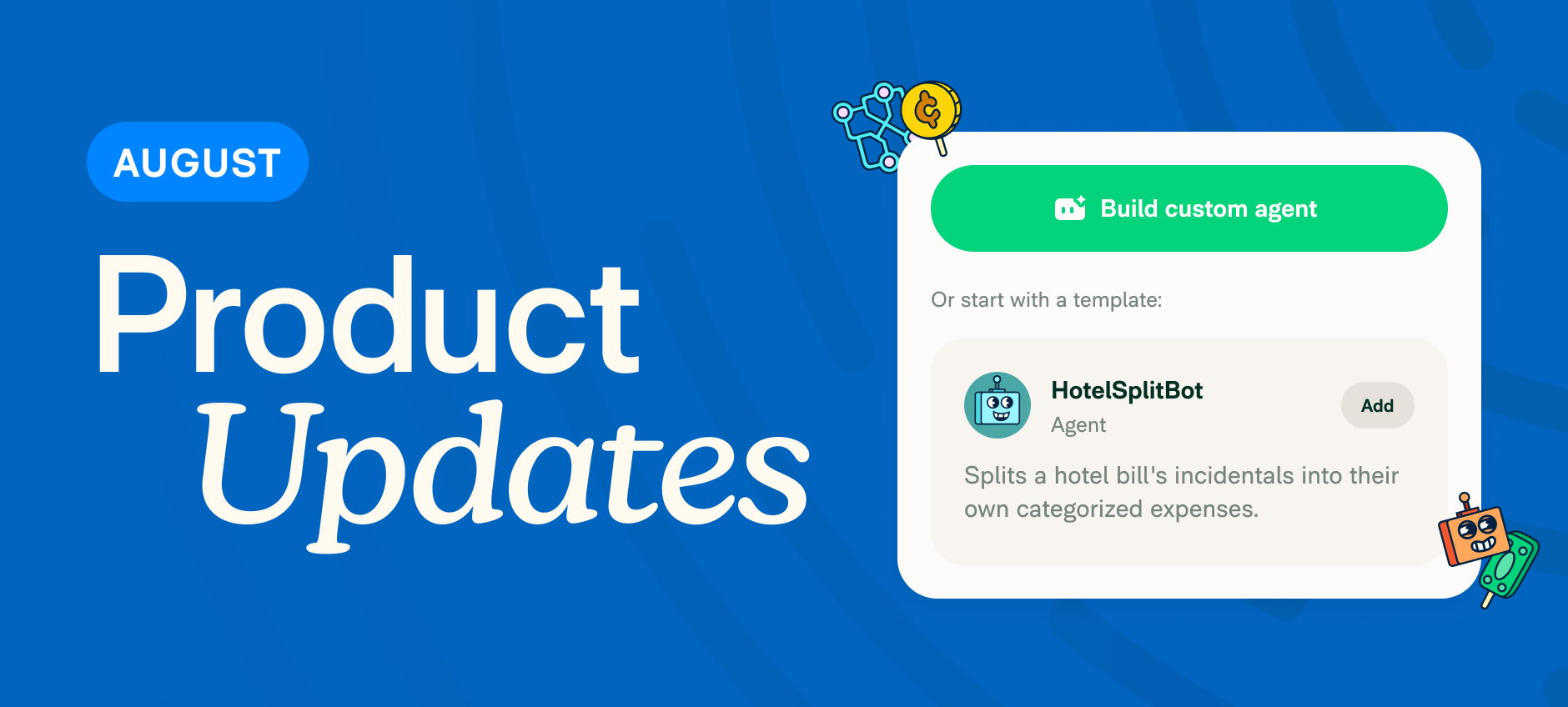
This month's update is about giving admins more control with less manual work. Improved AI agents, smarter card rules, cleaner accounting sync, and more. Here's what's new.
TL;DR – What’s new in Expensify (August 2026)
- Start AI agents faster with pre-built rule templates
- [Beta] Match vendors automatically on export to QuickBooks Online, Sage Intacct, and Xero
- Switch the interface to Greek
- Block card transactions in international currencies
- Take bulk actions on company cards
- Copy settings across multiple workspaces at once
- Filter for every workspace except a select few
Smarter automation, for everyone
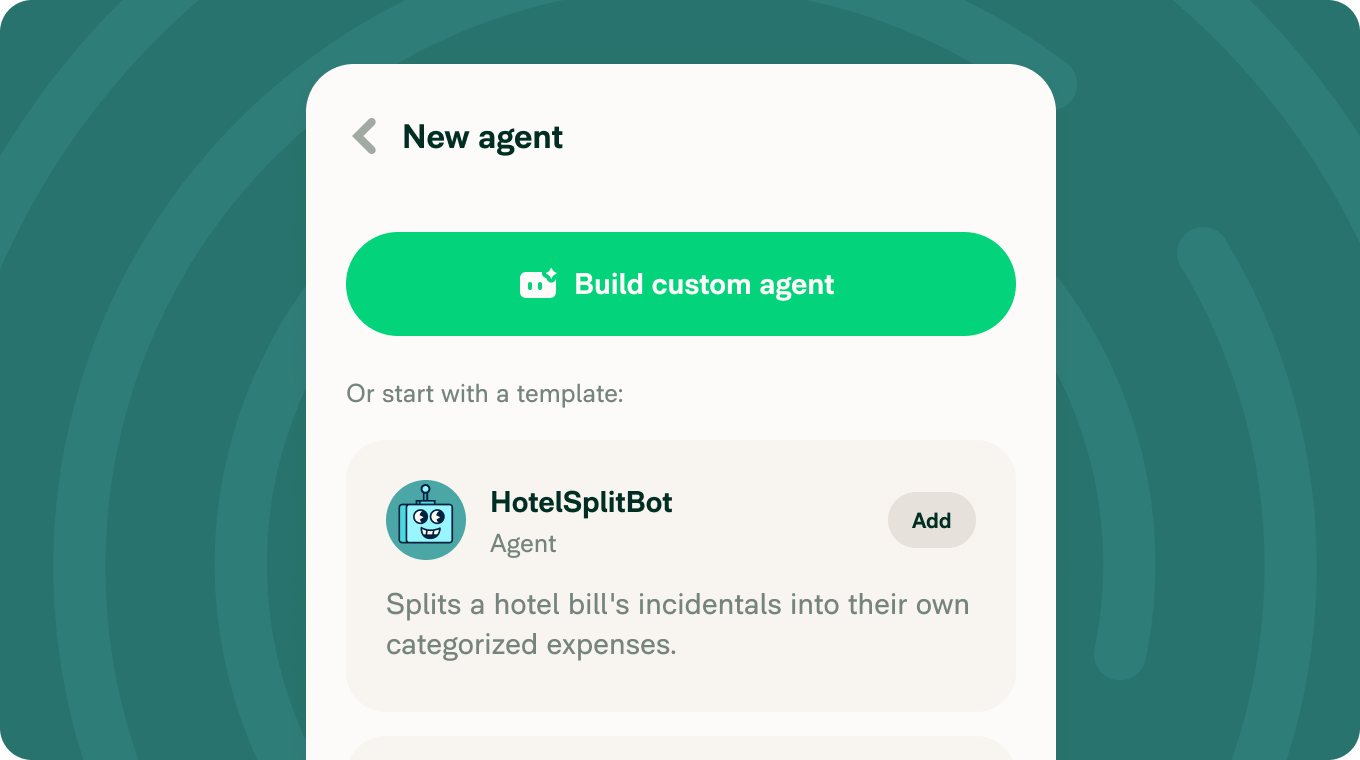
Pre-built AI agent templates
Unsure what prompts to give your AI agents? Choose from ready-made templates instead and let RuleBot start enforcing policy in minutes. Learn how to create agent rules or set up a custom agent.
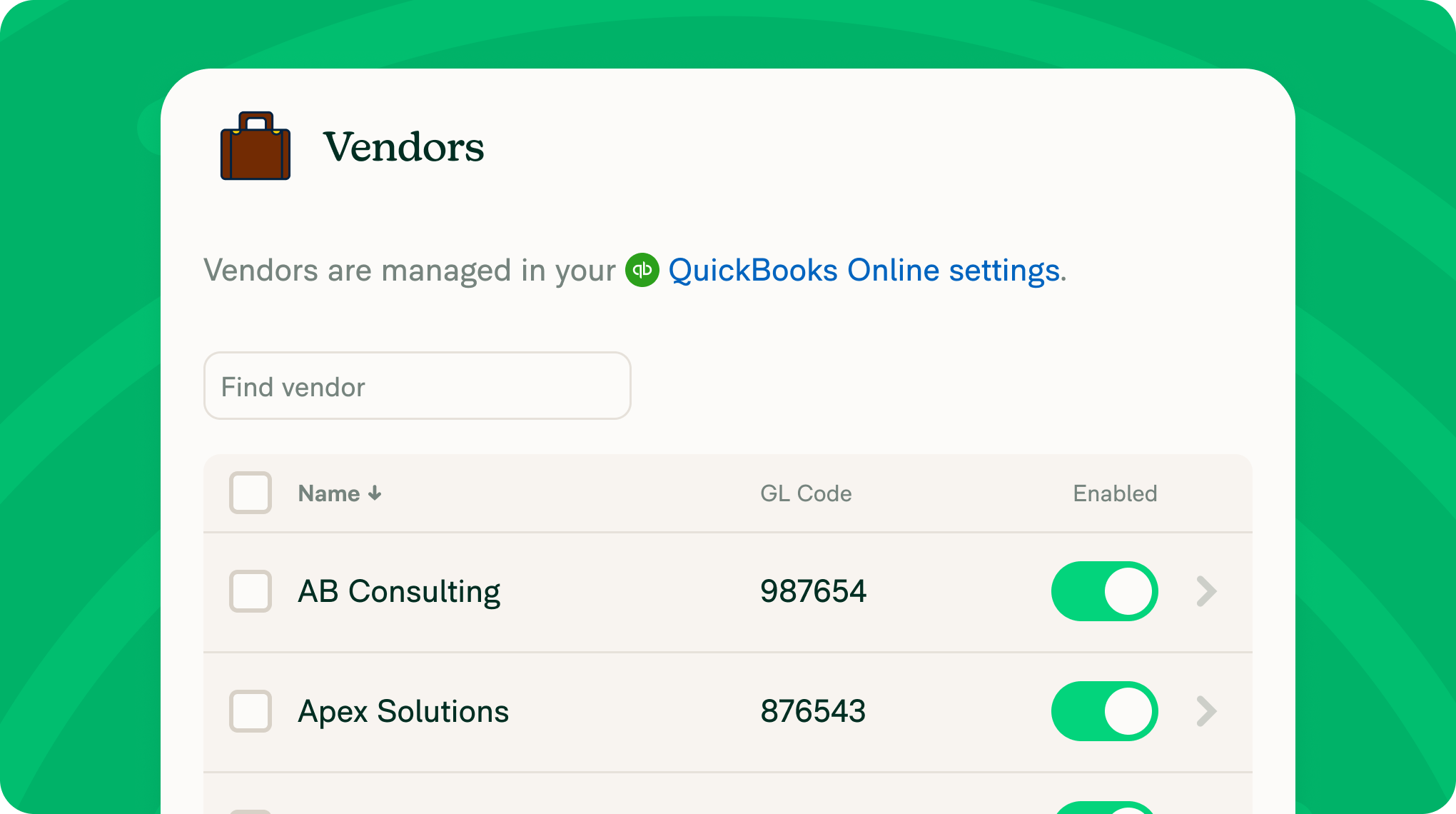
[Beta] Vendor matching across QuickBooks Online, Sage Intacct, and Xero
Expensify now imports your QuickBooks Online, Sage Intacct, or Xero vendor list and automatically matches vendors to non-reimbursable company card expenses, so they export with the right vendor instead of landing in a generic catch-all. Admins can review or override any match, and set a fallback vendor for anything that doesn't match automatically. Learn more about vendor matching.
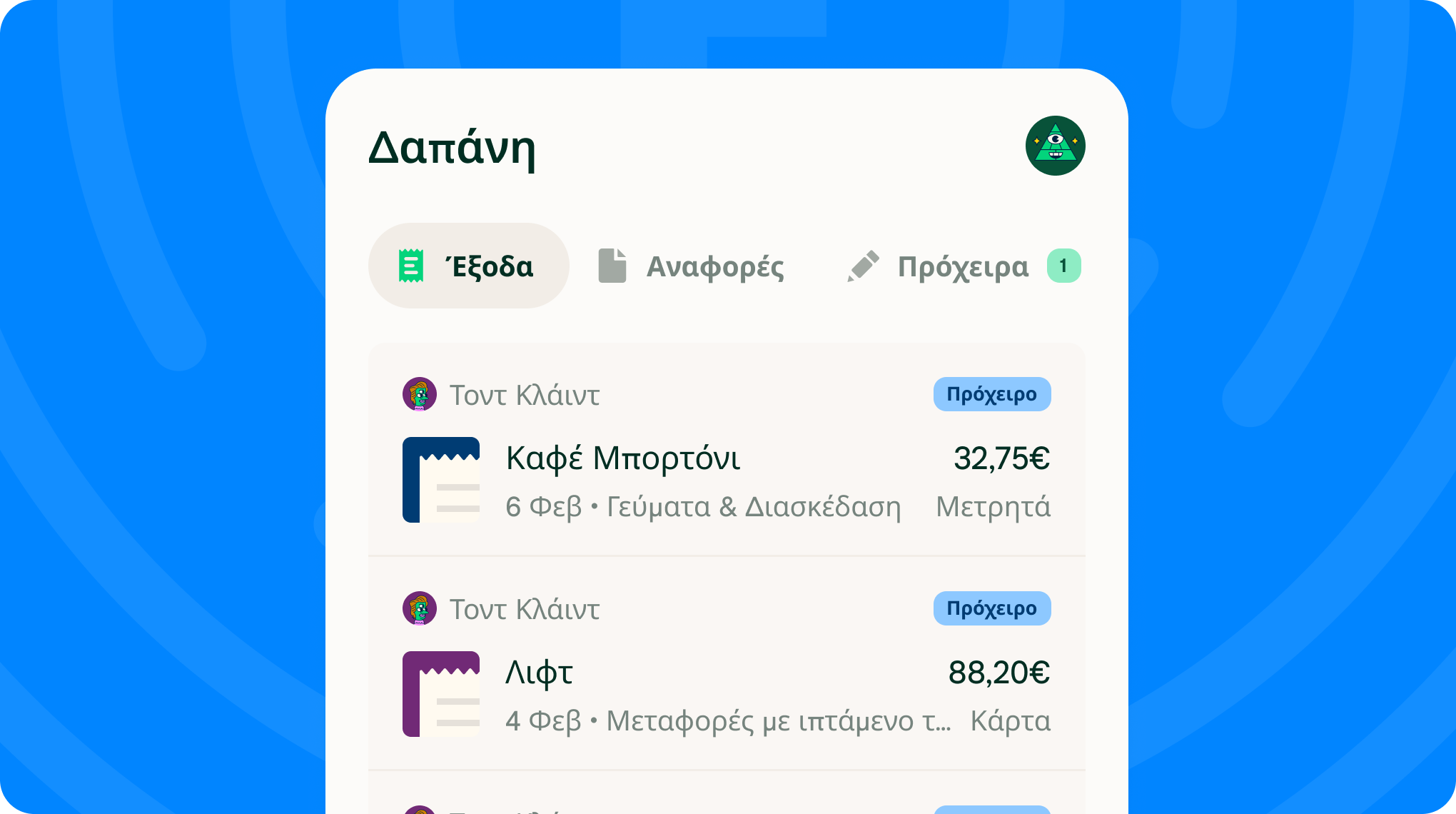
Now available in Greek
Expensify's interface is now fully translated into Greek (Ελληνικά). Go to Settings > Preferences > Language to switch.
Tighter controls, less manual work
Block international currency spend: Admins can now set a spend rule that blocks Expensify Visa® Commercial Card transactions in non-domestic currencies. This is a new option we built based on YOUR feedback. Learn about Expensify Card Spend Rules.
Bulk actions for company cards: Select multiple company cards at once to unassign them, jump to their transactions on the Spend page, or export the card table to CSV.
Copy settings across multiple workspaces: Pick one workspace as the source, choose which settings to copy, and apply them to multiple other workspaces at once.
Filter negation: Need every workspace except a couple? Filter negation lets you exclude specific workspaces instead of selecting everything else one by one.
Whether you're an admin, an approver, or just trying to keep the books clean, there's something in this release for you. As always, we'll be back next month with even more improvements.
– Concierge