September 2026 Expensify product update: Expensify joins Claude for Small Business, plus new ERP integrations and simpler rules
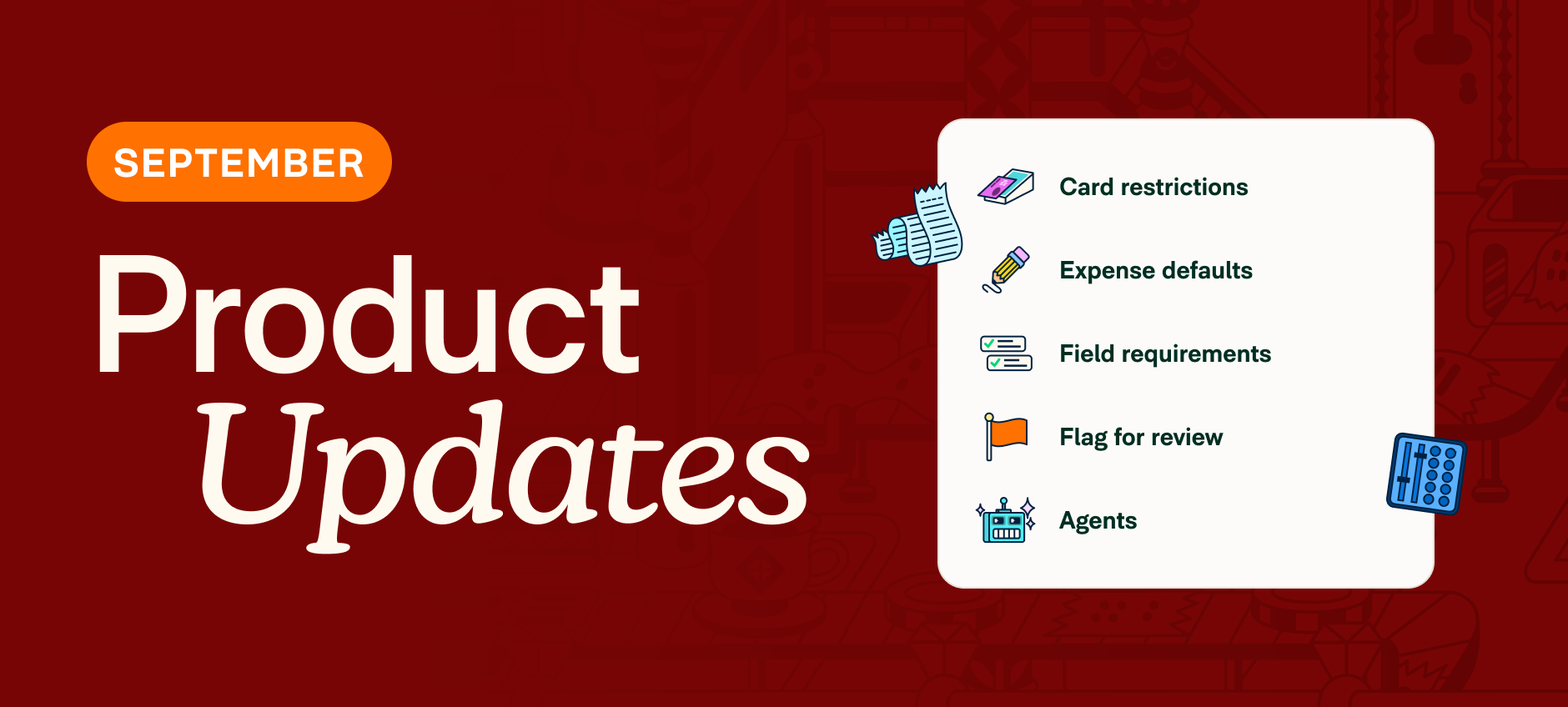
This month's updates put Expensify inside more of the tools you already use, from Claude to your general ledger, and make it easier to set up the rules that keep spend in line. Here's what's new.
TL;DR – What’s new in Expensify (September 2026)
- Expensify becomes one of the first expense management tools available in Claude for Small Business
- Connect to Rillet for an automatic two-way sync between Expensify and your GL
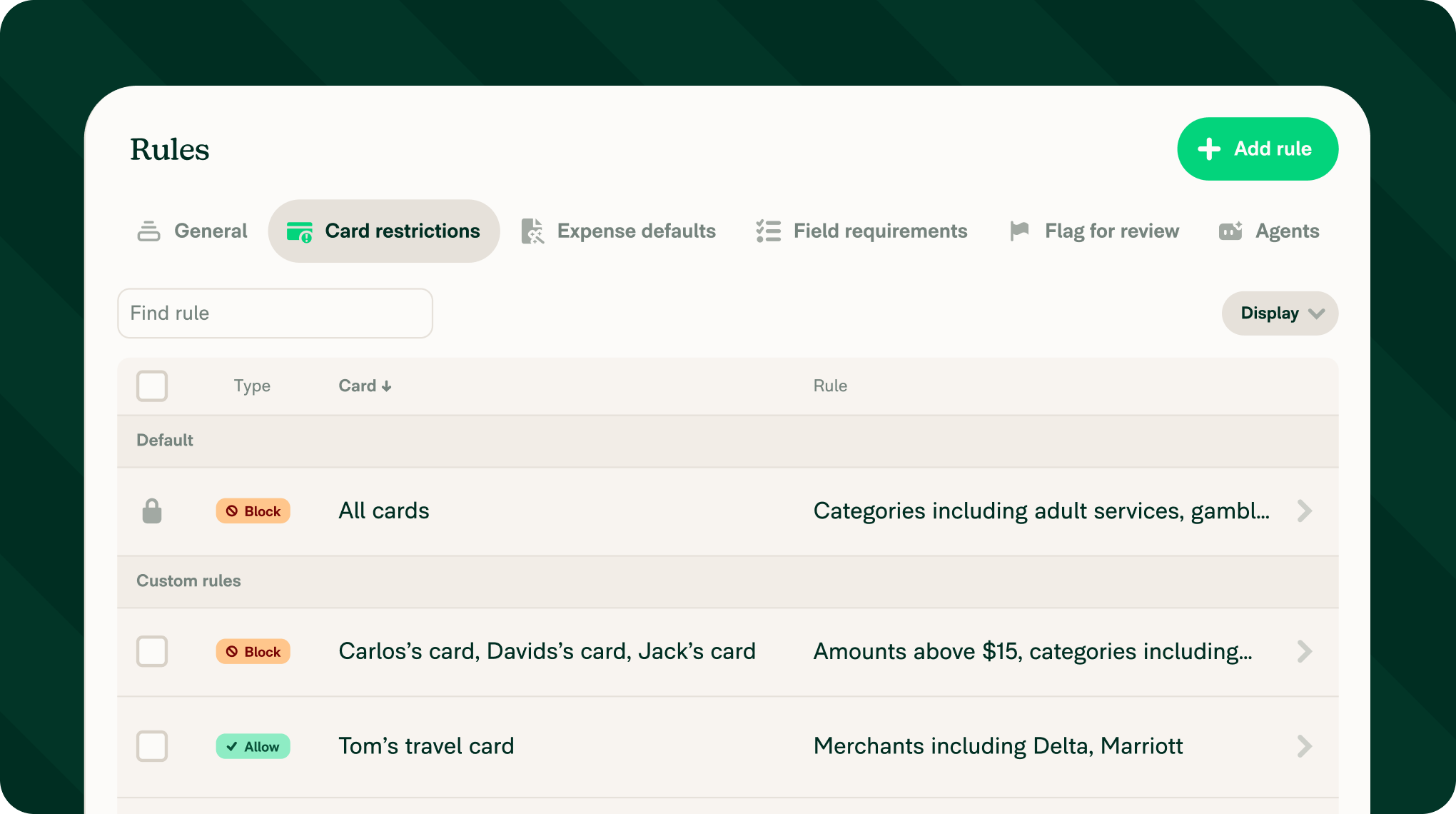
- Set up rules faster with a redesigned tab layout for easier accessibility
- Connect to 21 new HR platforms, including Paychex, Insperity, and UKG
- Sync Expensify with Intuit Enterprise Suite
- Edit the stop location on a GPS-tracked mileage expense after you've saved it
- Restrict distance expenses to map and GPS methods only
Connect more, manage less
Expensify joins Claude for Small Business
Switching between apps to get your books straight gets old. Now, Expensify shows up right inside Claude for Small Business. Ask for a month-end close, and Claude can pull your Expensify reports, check them against your books, and flag what's missing, before you've opened a single dashboard. Connect Expensify to Claude.

Two-way sync with Rillet
Expensify now connects natively to one of the fastest-growing AI-native ERPs: Rillet. Connect Rillet and your chart of accounts, dimensions, and tax rates sync into Expensify automatically, so every expense is coded correctly the moment it's created.
Out-of-pocket expenses post as vendor bills, and card transactions land in the Rillet credit card accounts you choose for each card or card program. Learn how to connect to Rillet.
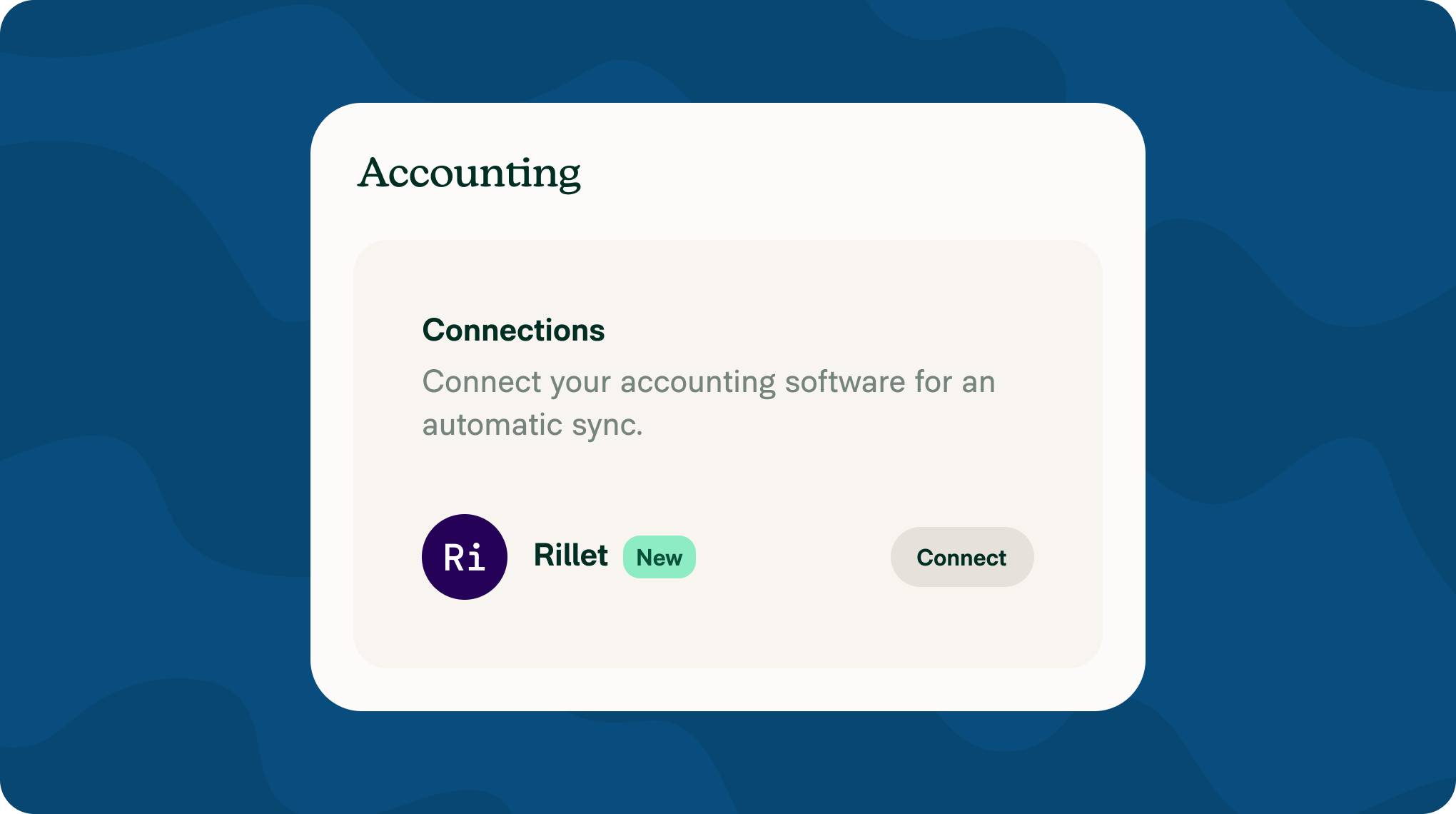
A redesigned rules setup
No more hunting across categories, tags, and workflow settings. Every expense rule now lives in one place under clear tabs. Fewer clicks to set your own policy, or let RuleBot enforce it for you. Learn how to set up rules.
More updates this month
21 new HR integrations: Expensify now connects to Breathe, Dayforce, Freshteam, HR Cloud, Humaans, Insperity Premier, IntelliHR, JumpCloud, Justworks, Kallidus, Keka, Lucca, Namely, Paychex, Paycor, Paylocity, PeopleHR, Simployer, UKG Pro, UKG Pro WFM, and UKG Ready. Connect any of them and new hires, updates, and offboarding sync automatically, so account access always matches who's actually on your team. Learn how to connect an HR integration.
Intuit Enterprise Suite support: If you've upgraded from QuickBooks Online to Intuit Enterprise Suite, Expensify already has you covered. The same QuickBooks connection recognizes IES accounts automatically, importing custom dimensions as tags and letting you pick the right entity for multi-entity books. Learn how to connect to the Intuit Enterprise Suite.
Edit GPS mileage stop locations: Made a wrong turn or logged the wrong endpoint? Edit the stop location on a GPS-tracked mileage expense after you've saved it without the need to redo the trip. Learn how to edit a Distance expense.
Restrict mileage to map and GPS: Workspaces can now require distance expenses to be created with map or GPS tracking only, ruling out manual entry and odometer photos as a way to log mileage. Learn how to set up distance rates.
That’s it for this month! We'll be back with more updates very soon.
— Concierge