October 2026 Expensify product update: Smarter mileage limits, two new AI-native ERP integrations, and Expensify Travel upgrades
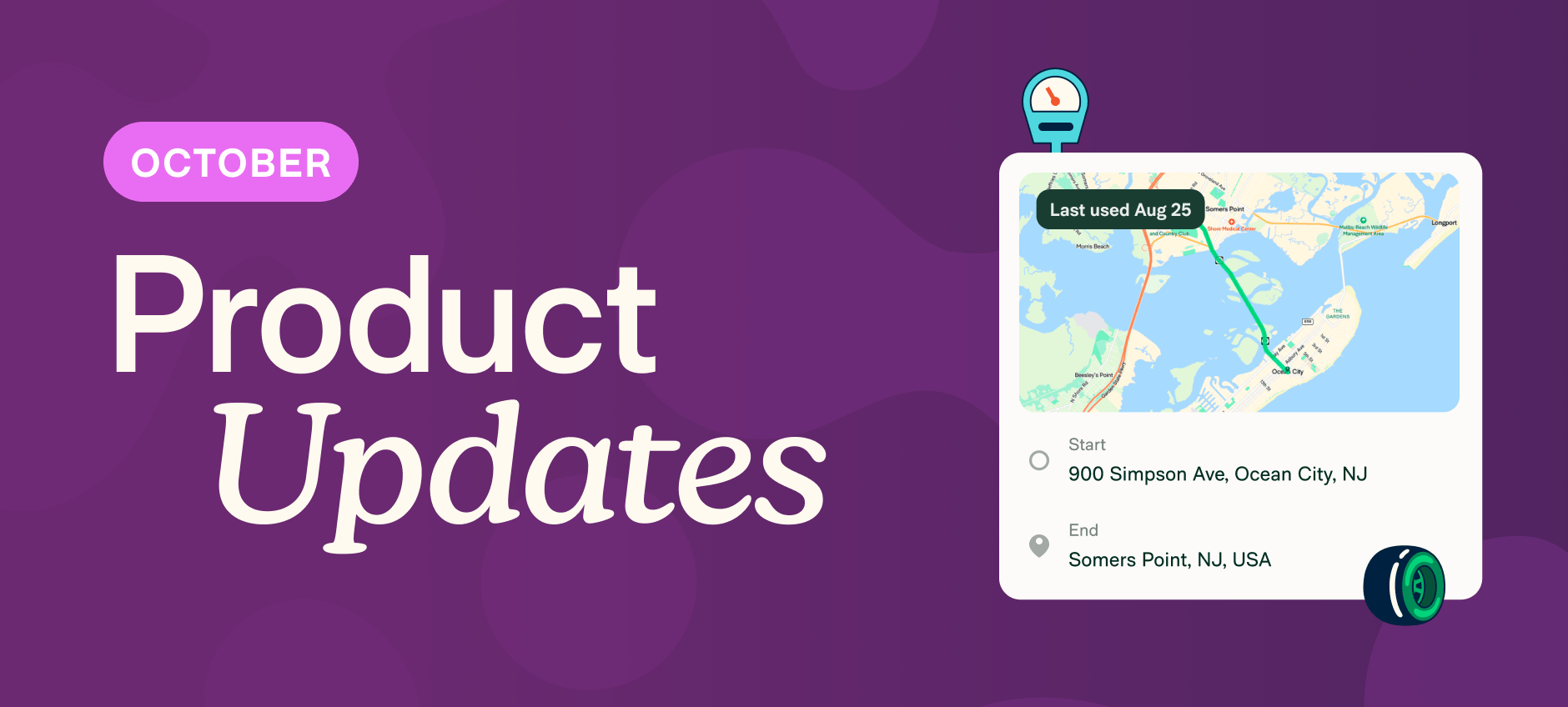
This month, mileage takes more off your plate. Plus new AI-native ERP integrations, Expensify Travel upgrades, and a few fixes you'll notice the next time you file an expense.
TL;DR — What's new in Expensify (October 2026)
- Mileage gets easier to manage with automatic enforcement of GPS or map-only tracking, one-tap frequent trips, and government rates that update on their own.
- Admins get five new ways to manage expenses without waiting on members.
- Approvers can route reports differently depending on who submitted them.
- Sync expenses to DualEntry or Campfire for accounting.
- Connect Greenhouse and skip the manual hiring-data handoff.
- Smarter duplicate receipt alerts keep real expenses moving.
- Download a batch of receipts into one clean zip file instead of grabbing them individually.
- Expanded fares, corporate rates, and loyalty perks on Marriott and Singapore Airlines bookings in Expensify Travel.
Mileage, on cruise control
Most tools still treat mileage like an afterthought. We don't.
Expensify gives you four ways to track it: GPS, odometer, map, and manual, plus government rates that update themselves. Mileage takes care of itself, and it's not slowing down.
Edit a trip's stop location after you've saved it. No need to delete and start over for a small correction.
Quick access to frequent trips. Your regular routes show up where you need them, not buried three clicks deep.
Restrict distance expenses to map and GPS methods only. Keep mileage entries consistent instead of letting manual entry slip through.
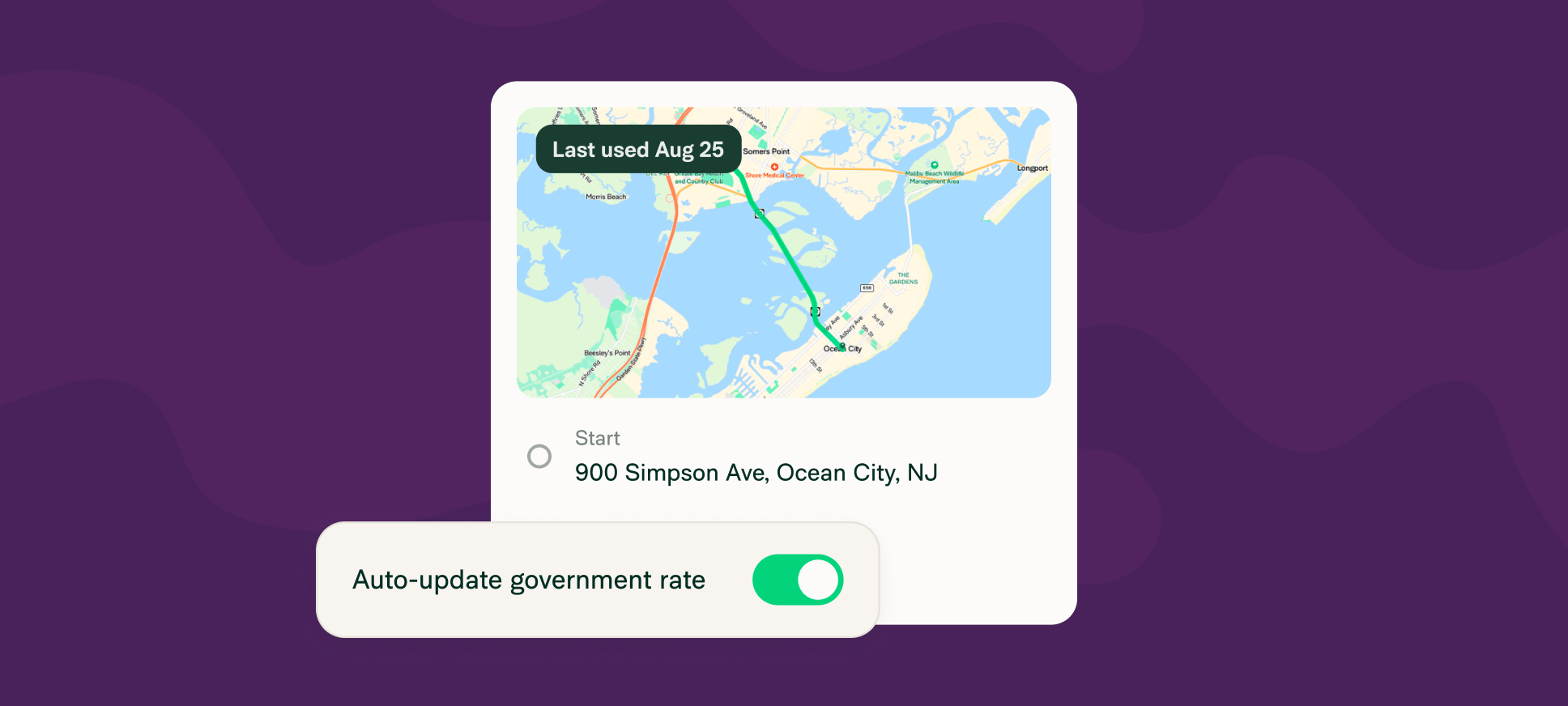
Auto-updating government rates, now covering the US, Canada, the UK, Austria, Belgium, Finland, Germany, the Netherlands, Portugal, Spain, Norway, Sweden, and South Africa. When a government changes its rate, yours changes with it.
Learn more about tracking mileage in Expensify.
More updates this month
Admins can take more actions without waiting on members. Reject a report or expense without taking control first, delete duplicate card transactions, attach receipts to expenses that are already approved, and clear out draft reports. Learn more about admin permissions.
Connect to DualEntry or Campfire and skip the CSV exports. Expenses, reports, and card transactions sync straight into your books, with your chart of accounts, tax rates, and dimensions or classifications imported automatically. Learn how to connect to DualEntry or connect to Campfire.
Greenhouse ATS integration now available. New candidates flow from Greenhouse into Expensify automatically, with their recruiter or coordinator set as the approver, so reimbursement is ready to go before they've even started. Learn how to connect Greenhouse.
One approver, multiple routes. A shared approver, like an audit team or office manager, can now send expense reports to different next approvers depending on who submitted them, instead of every report taking the same path. Learn how to add approvals.
Smarter duplicate flags based on more data. Duplicate detection now compares more line-item level receipt info, such as timestamps and order details, to make sure only true redundancies are flagged. Learn more about duplicate detection.
Grab a receipt without opening the full report. Download receipts for any set of expenses as a zip file of images, grouped by report, and named by merchant and date. Learn how to download receipts.
Book Marriott and Singapore Airlines without leaving Expensify Travel. Access to 10,000+ Marriott properties with linked Bonvoy loyalty status, plus expanded fares, corporate rates, and self-service changes on Singapore Airlines. Learn more about getting started with Expensify Travel.
That’s it for this month! We'll be back with more updates very soon.
— Concierge