


Expensify + Campfire© integration
Sync expenses smarter with Campfire + Expensify
Expensify’s direct integration with Campfire© ERP brings faster expense reconciliation, automated receipt sync, and cleaner books. Say goodbye to manual data entry across tools.

Key features

Automated reconciliation
Receipts captured in Expensify flow into Campfire automatically, so your finance team can skip the spreadsheet shuffle and close the books faster.

Seamless sync between tools
Connect once and let the systems handle the rest. Categories, tags, and expense policies stay aligned to ensure accurate reporting across both platforms.

Built-in compliance
Expensify’s policy engine and SmartScan technology enforce rules at the point of spend, reducing errors before they reach your general ledger.

ERP-friendly expense workflows
From project-based approvals to cross-department tracking, this integration supports the complexity of growing businesses.
How it works
-
Connect your accounts
Log into your Campfire admin portal and connect your Expensify account through the integrations tab.
-
Map your categories
Choose which categories, tags, or departments to sync between platforms for consistent reporting and coding.
-
Reconcile expenses faster
Once connected, receipts and expense reports flow directly from Expensify into Campfire for seamless ERP reconciliation.
-
Category
Accounting
-
Plan to use
Any plan
-
Website
FAQs
-
This integration links Expensify with Campfire ERP to simplify expense management, reduce manual entry, and improve reconciliation across both platforms.
-
Companies can automate receipt syncing, enforce expense policies, and eliminate double-entry by syncing expenses directly into Campfire’s accounting and reporting tools.
-
An authorized admin can connect Expensify from the Campfire integrations tab. Once connected, setup takes just a few minutes. All future reports and receipts will sync automatically.
-
The Campfire accounting integration with Expensify allows businesses to automatically sync expense data into their ERP system for streamlined reporting, cleaner books, and fewer manual errors.
-
Yes, Expensify’s integration with Campfire is designed specifically for ERP expense management. It ensures that receipts, reports, and policy rules transfer smoothly between platforms with minimal manual input.
-
Yes. Expensify was designed to integrate with ERP systems like Campfire to streamline expense management, reduce reconciliation time, and eliminate manual entry across accounting workflows.
Campfire© is a trademark of Campfire Software, Inc. or its affiliates. This information was prepared by Expensify and is solely the responsibility of Expensify. Campfire Software, Inc. does not control or guarantee the accuracy of any content provided by Expensify.
Try Expensify today
See how much time you can save by integrating Expensify with Campfire. From onboarding to expense reporting to reimbursement, everything just works faster, smarter, and easier.
Start your free trial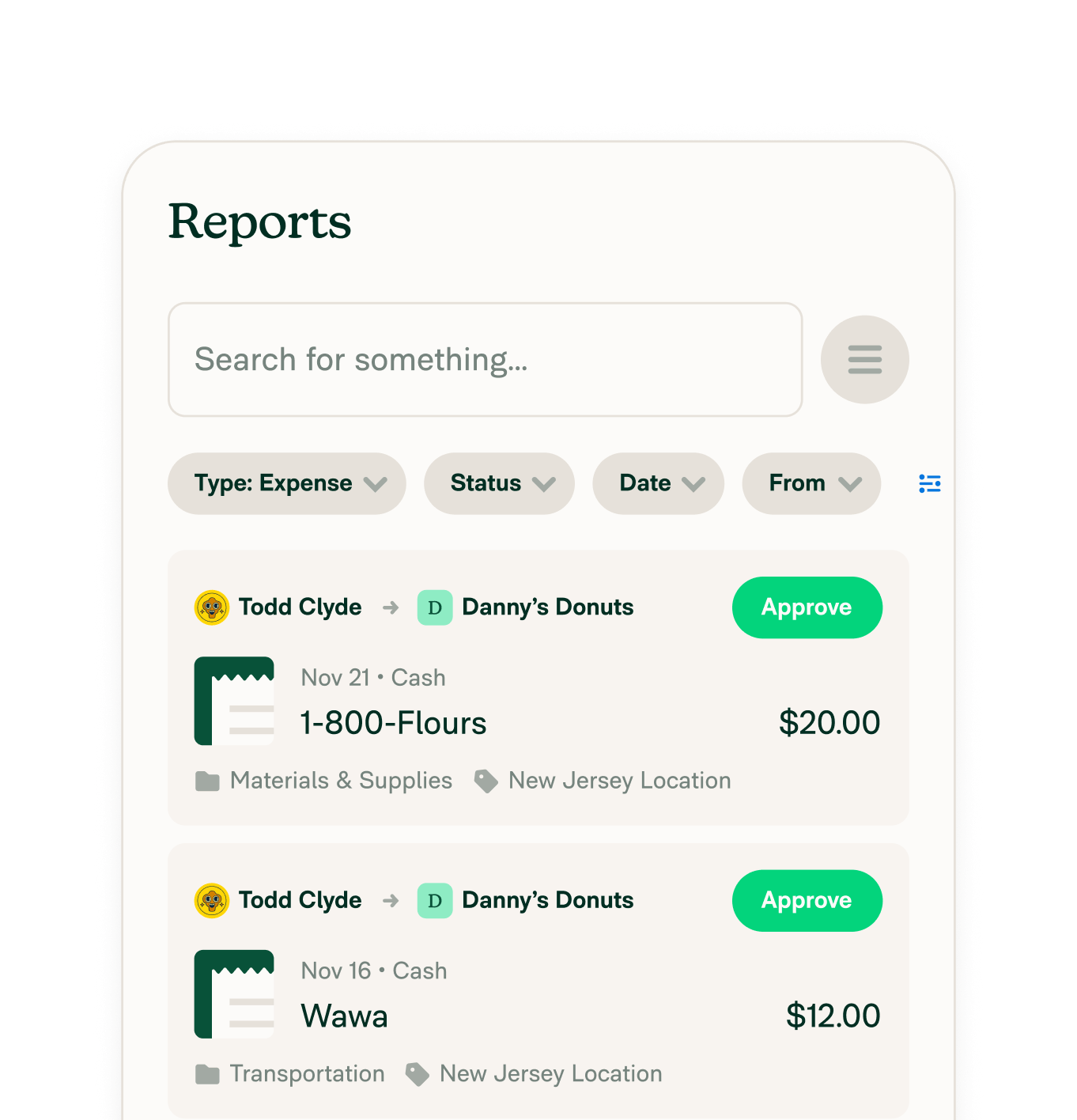
Other integrations



Features
Resources

Get Started


