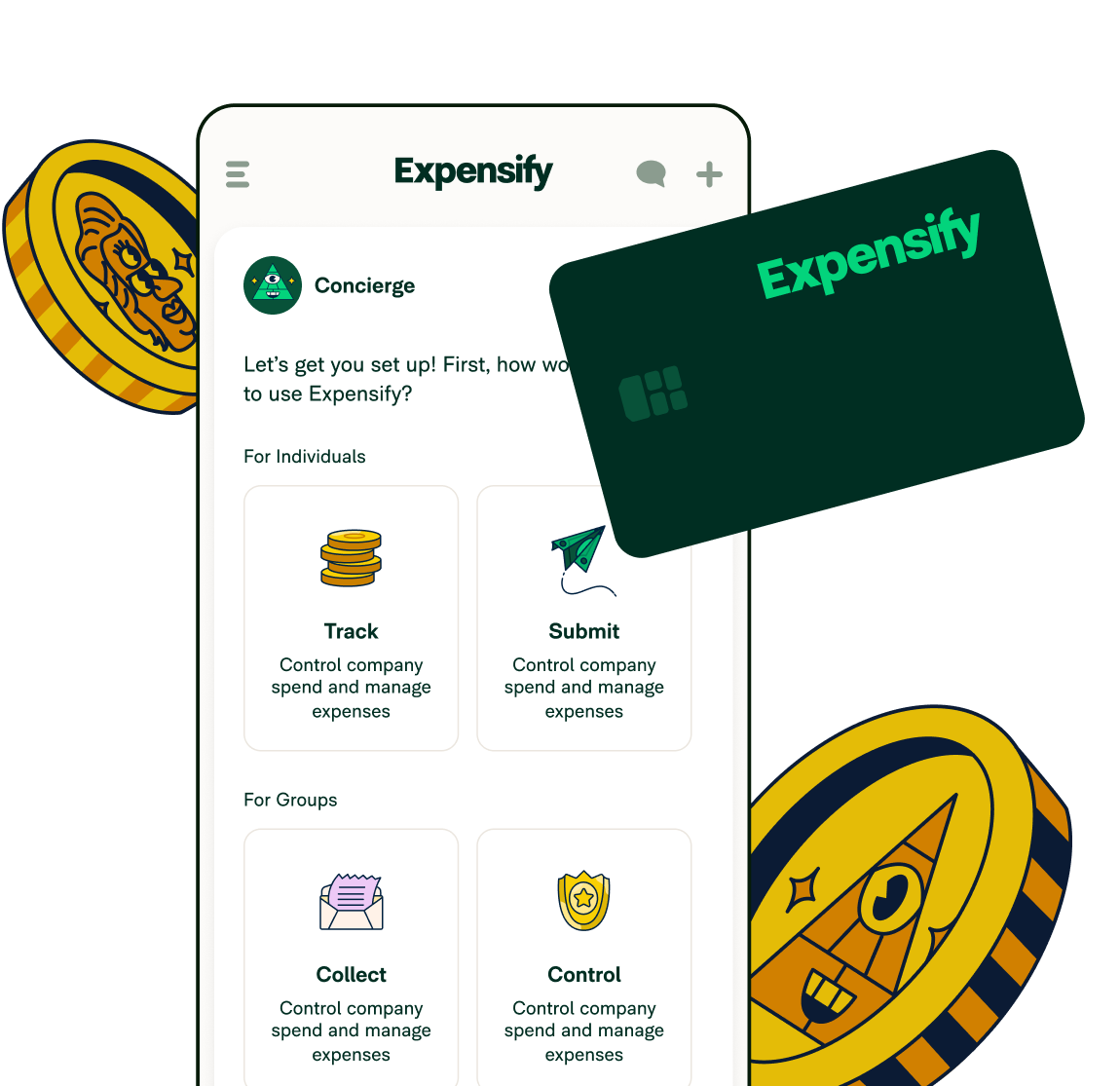
March 2026 product update: More power, right where you need it

Speed and flexibility are the themes this month. Whether you’re an accountant setting up client workspaces, an employee cropping receipt images on your phone, or an admin customizing how your team manages reports, there’s something here for you.
TL;DR – What’s new in Expensify (March 2026)
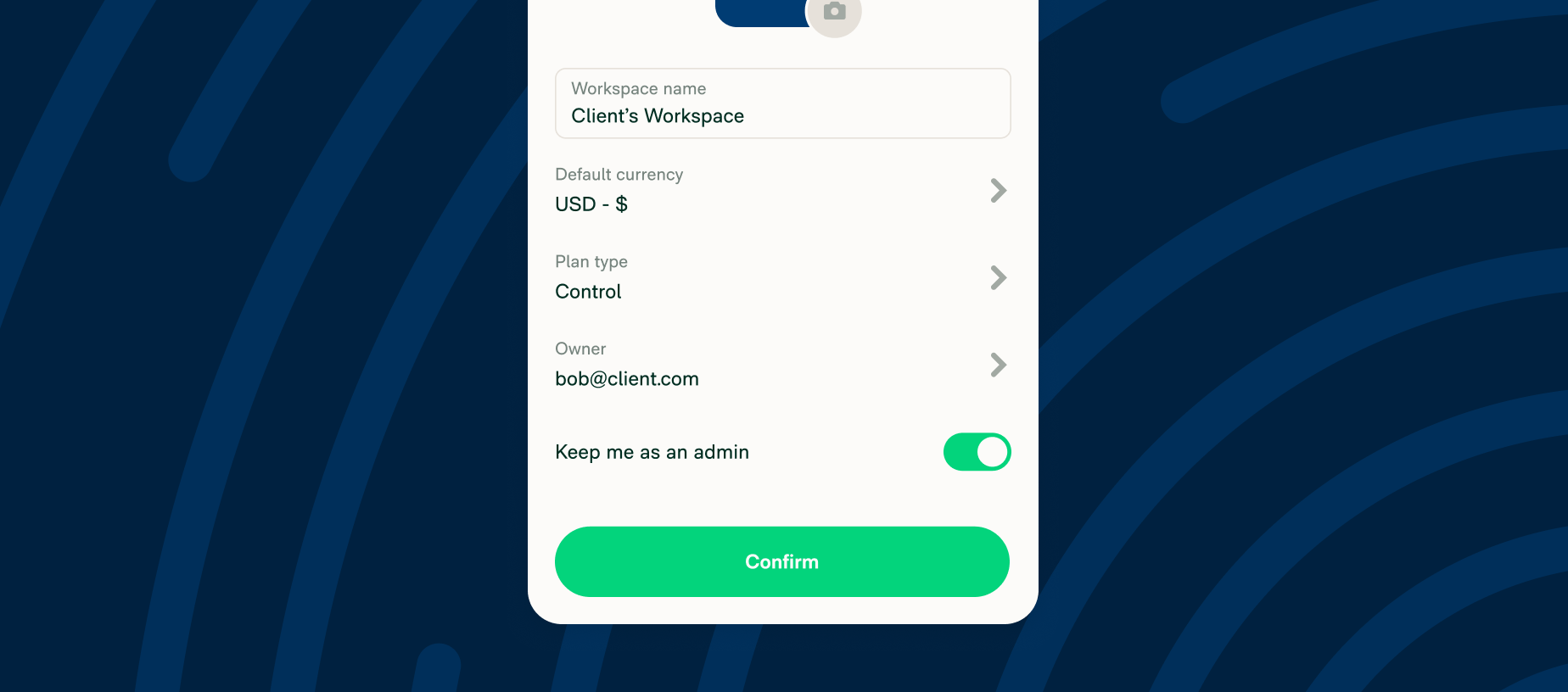
- Accountants can create and configure client workspaces while clients retain ownership
- GPS mileage tracking automatically logs routes and converts trips into expenses
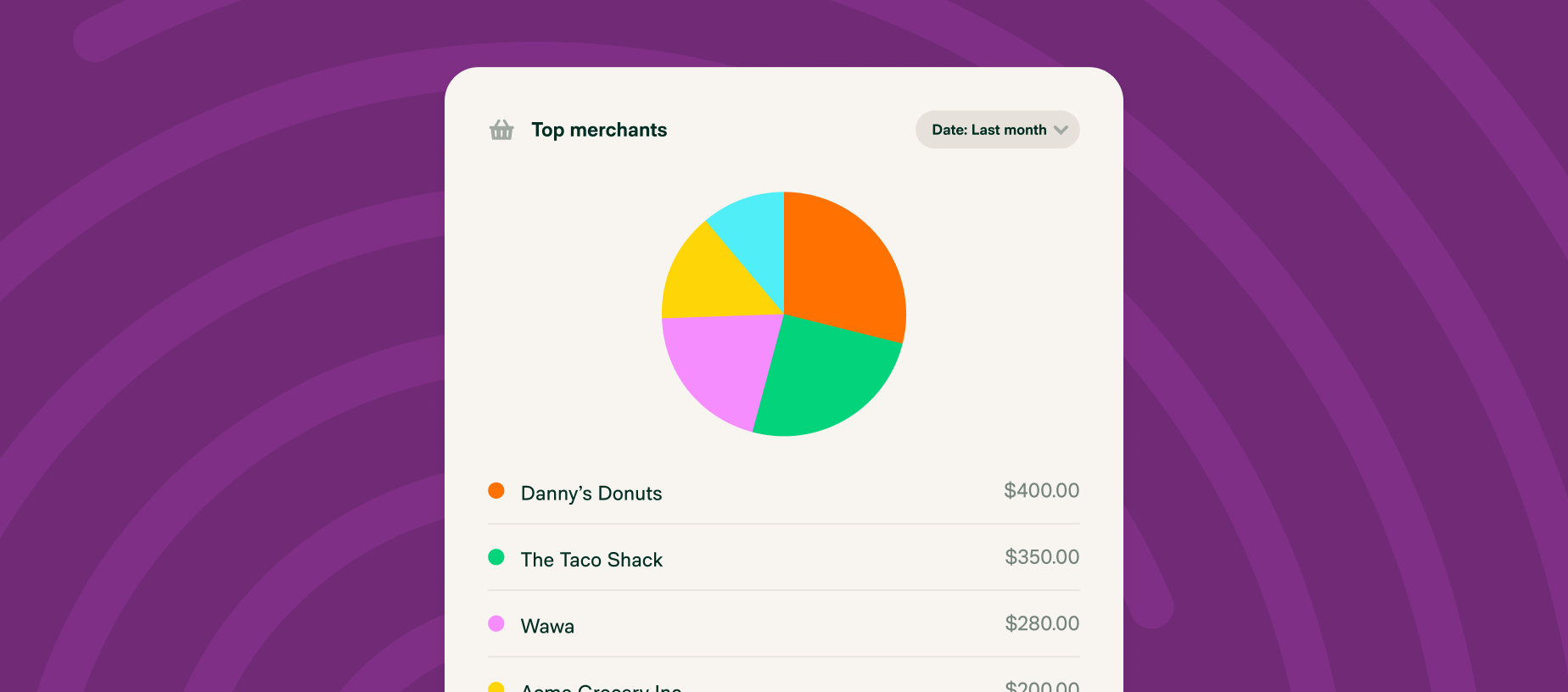
- Expanded Insights charts provide clearer spend analysis
- New virtual card controls allow one-time or date-bound cards
- Crop receipt images directly inside the mobile app
- Faster report creation, bulk expense selection, and inline editing tools
- More flexible CSV member imports and smarter Home tab alerts
More power, right where you need it
These updates help teams move faster, reduce manual work, and gain clearer visibility into company spend.
Easier client setup
Accountants can now create and configure workspaces on behalf of clients, while clients retain ownership and billing control. If you haven’t already, be sure to check out our ExpensifyApproved! Accountants Program.
GPS mileage tracking
Automatically track and log your driving route on iOS or Android with our Distance Tracking feature, then convert it into a distance expense with a single tap.

Expanded insights
Insights from custom financial reporting now include line, pie, and bar charts to make it easier to analyze trends and understand expense data at a glance.
More virtual card controls
Create one-time-use virtual cards for single transactions or set date-bound cards that automatically expire.

Crop tool for receipt images
Snap a receipt and crop it to size without leaving the Expensify mobile app.

Efficiency, one click at a time
We’ve also introduced a set of smaller improvements that reduce friction across everyday workflows:
Create reports instantly: Launch a new report faster with the updated “Create” button
Expense statuses at a glance: View the status of each expense directly from the expenses page
A smarter Home tab: Time-sensitive alerts now appear on Home to help you stay on track
Quick editing: Rename reports without opening them
Flexible report views: Customize columns, edit expenses inline, and use multi-line wrapping
Bulk select expenses: Select all expenses at once to add to reports or export
Expanded member imports: CSV imports now support custom fields and approval limits
March is all about the details, and these updates show how small improvements can add up to a faster, smoother expense management experience.
We’ll be back next month with more enhancements.
– Concierge