Manage your spend on the road with Expensify

Ah, the life of a business traveler!
Hustling between connecting flights, bouncing between conferences, getting lost in rental car parking lots, booking an Uber (or Lyft!) just in time to make that client dinner downtown. It’s a beautiful dance to some, and controlled chaos to others.
But whether you’re a road warrior or an airline loyalist, a points hound or a “convenience-at-all-costs” type, the last thing you probably want to think about on a business trip is how to get paid back for all the money you’re spending.
So, why not make it easy on yourself and find a tool that works automatically in the background, catching all those expenses that might otherwise fall through the cracks? That’s where Expensify’s receipt scanning app comes in.
How to use Expensify’s receipt scanner
With Expensify, you can replace sloppy spreadsheets, ripped receipts, and missing money on work trips in a couple easy ways:
Connect your favorite travel apps — from Uber and Lyft to Delta and Grab — directly to Expensify for seamless expense management on the go.
Forward your travel receipts to receipts@expensify.com, take a picture of them with our receipt scanning app, or text them directly to 47777 (US numbers only) for easy organization in one place.
Oh, and don’t forget to check out the full list of business travel tips and Expensify integrations to make sure you’re saving as much time as possible with our world-class automation.
You’ll find partners like Kayak, HotelTonight, SpotHero, Trainline, and many more that connect to Expensify in a click to ensure every receipt gets scanned and coded immediately, wherever you go.
Streamline your travel experience
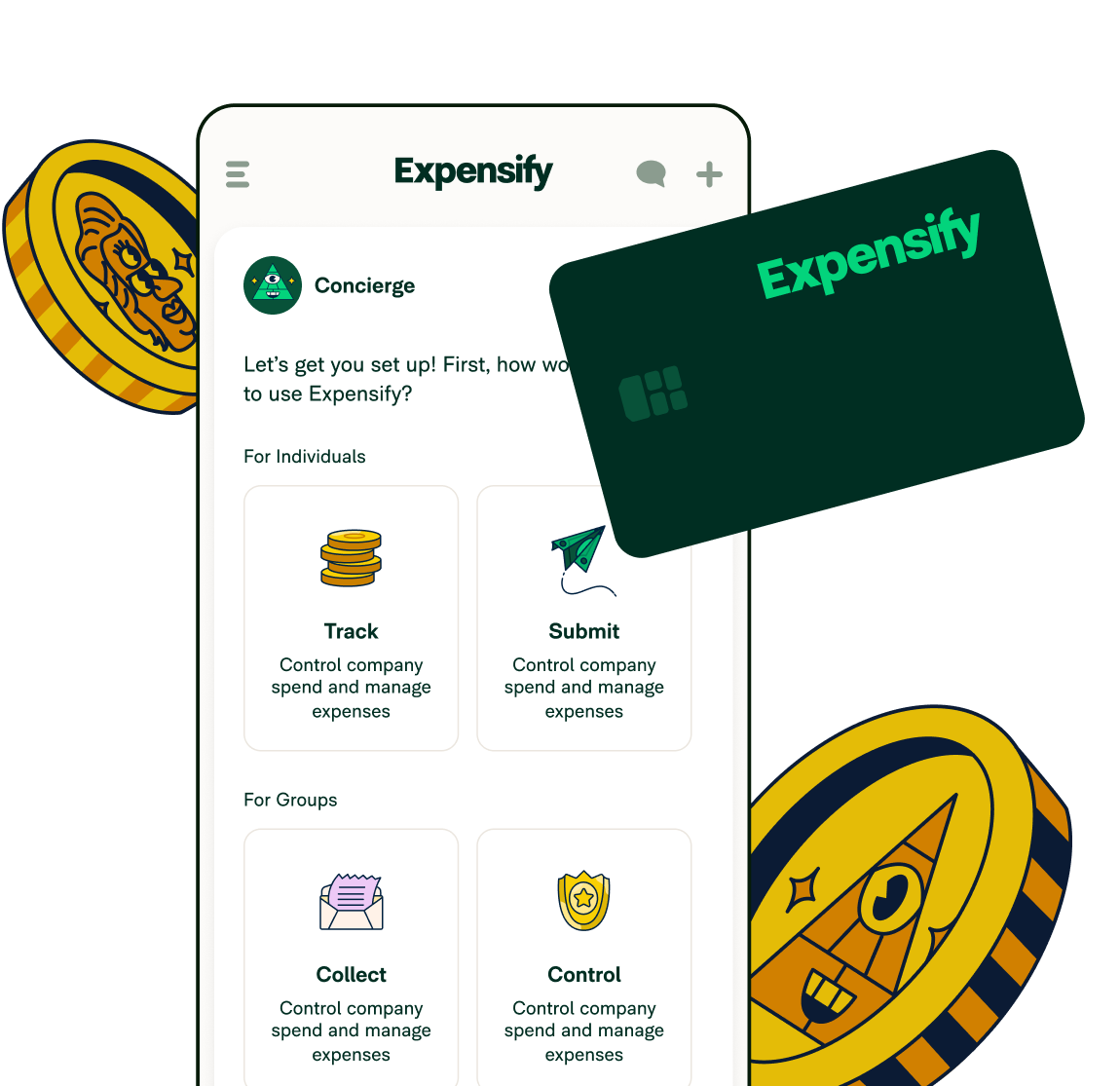
Speaking of, if you really want to streamline your end-to-end travel experience, get the Expensify Card (or another company credit card) to track your expenses in a swipe.
Many transactions won’t require anything more, because Expensify has you covered with digital e-receipts! So you just swipe or tap your way from plane to train to automobile, and we take care of everything behind the scenes, only prompting you to add a receipt when absolutely necessary.
Ready to make spending on the road even easier? Just click on the button below to get started with Expensify. Safe travels!
FAQs about receipt scanners for business travel
-
Expensify's receipt scanning feature lets you photograph receipts directly, forward them to receipts@expensify.com, or text them to 47777 (US numbers only) for automatic organization and expense tracking.
-
Yes, scanning receipts with Expensify tracks your business expenses so you get reimbursed for work-related purchases, and the Expensify Card automatically creates digital e-receipts for most transactions.
-
Connect travel apps like Uber and Lyft directly to Expensify, use the mobile receipt scanning app to photograph receipts, or forward email receipts to receipts@expensify.com for automatic digitization and expense coding.
-
Expensify's receipt scanner uses OCR technology to extract data from receipts automatically, eliminating manual entry and reducing errors while integrating with partners like Kayak, HotelTonight, and Trainline for seamless expense tracking.