


Expensify + NetSuite
Syncs expenses and accounting automatically with the Expensify NetSuite integration
Connect Expensify to NetSuite and expense data flows both ways, automatically. Transactions sync in realtime, categories and departments stay consistent across both platforms, and reconciliation stops being a monthly ordeal.

Key features

Realtime expense sync
Every expense submitted in Expensify posts directly to NetSuite without manual exports or CSV uploads. Categories, custom fields, and coding stay consistent across both platforms from the moment you connect.

Multi-layer approval workflows
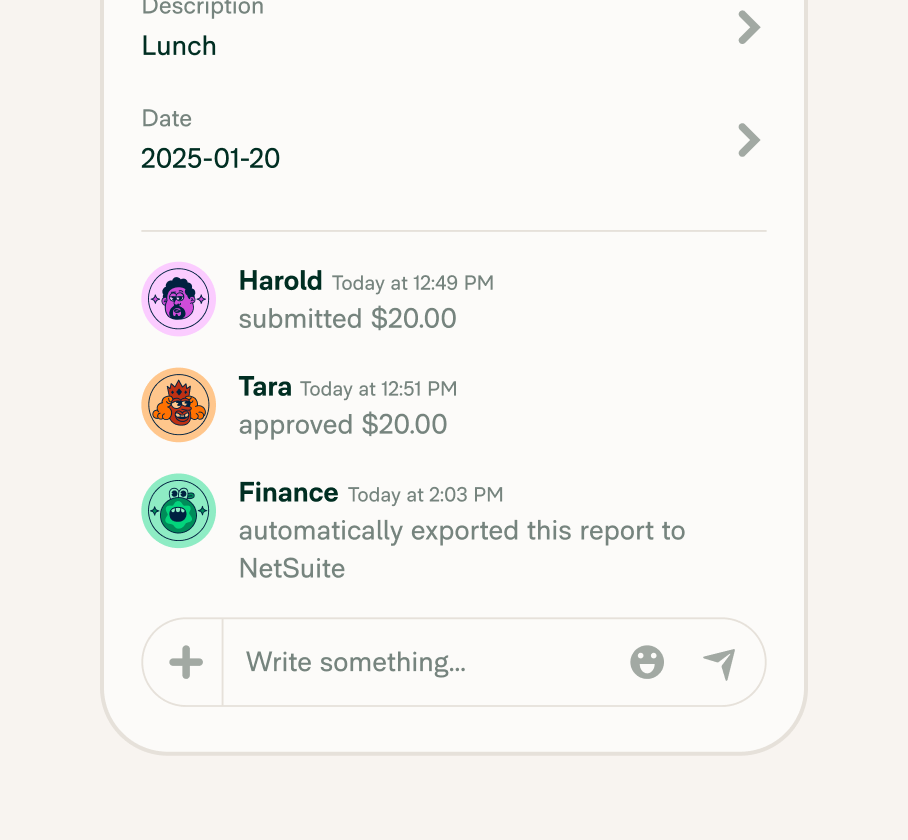
Route expense reports through sequential approval chains before they ever reach NetSuite. Set rules by department, amount threshold, or manager, and the right people review the right reports, every time.

SmartScan receipt capture
Snap a photo and SmartScan reads the merchant, date, and total automatically. The receipt attaches to the expense, codes to the right category, and syncs to NetSuite, without anyone typing a thing.

Company card reconciliation
Whether employees use the Expensify Visa® Commercial Card or their own card through Bring Your Own Cards (BYOC), card transactions match to receipts automatically and export to the correct GL accounts in NetSuite.
How it works
Connecting NetSuite to Expensify only takes a few guided steps. Once it's live, expense data flows directly into your NetSuite account for seamless GL coding, reporting, and reconciliation.
-
Install the Expensify Connect bundle
In NetSuite, install the Expensify Connect bundle, enable token-based authentication, and assign the Expensify Integration role to a dedicated user.
-
Configure your NetSuite settings
Update your Journal Entry, Expense Report, and Vendor Bill transaction forms to support expense data. Map expense categories, tax groups, and any custom fields to match your existing accounting structure.
-
Connect and start syncing
Enter your NetSuite credentials in your Expensify Workspace settings. Once connected, expenses sync in realtime and are ready for GL coding, reporting, and reconciliation in NetSuite.
-
Category
Accounting
-
Plan to use
Control
-
Resources
-
Website
Benefits
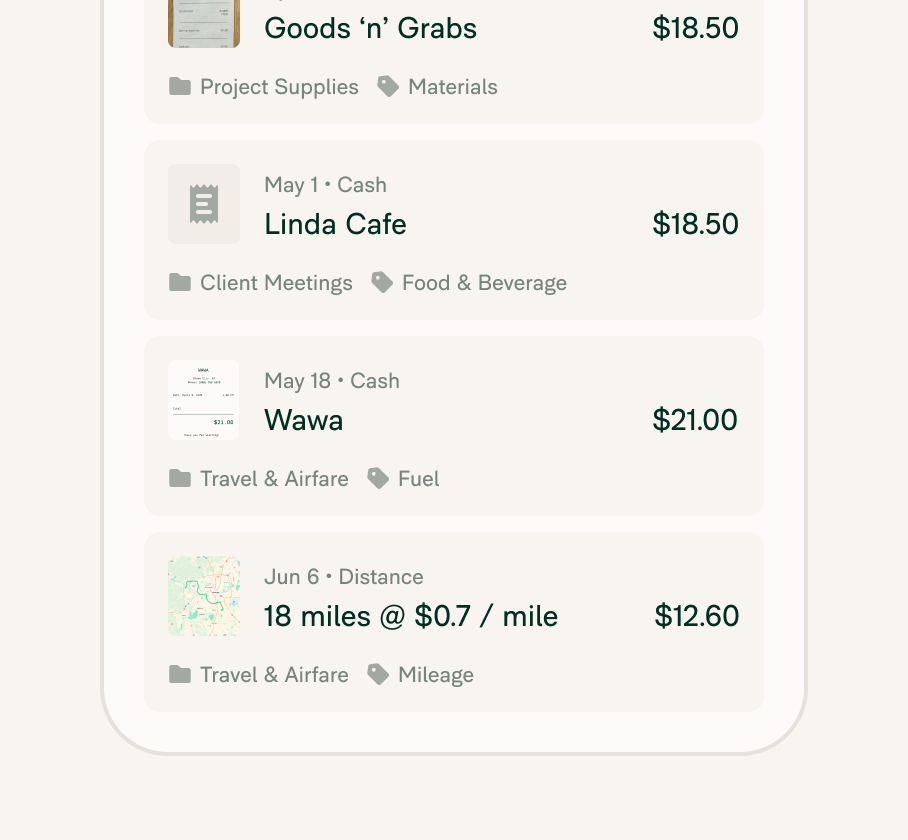
Fully automated expense sync
Expenses flow directly from Expensify to NetSuite the moment they're submitted. No manual exports, no spreadsheet uploads, no chasing down missing transactions at month end.
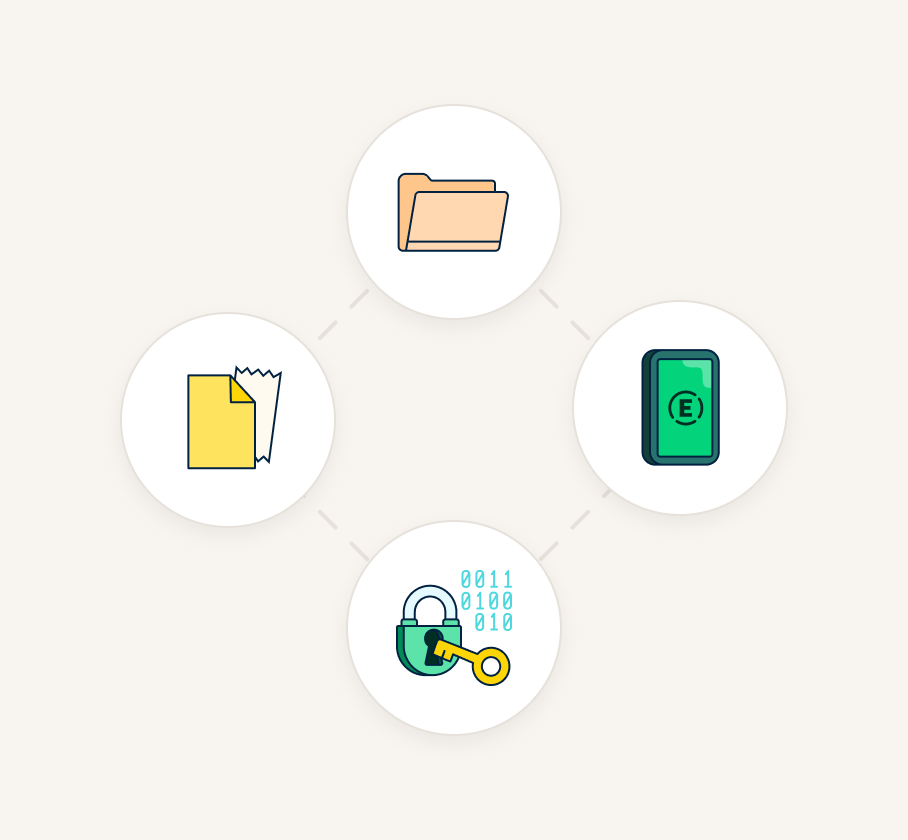
Two-way data integration
Categories, customers, departments, and more sync automatically from NetSuite into Expensify to keep your coding accurate and up to date.
Smarter finance operations
With realtime syncing and built-in policy controls, the Expensify NetSuite integration cuts busywork from both ends of the finance workflow so the books close faster.
FAQs
-
Yes. Expensify has a native SuiteApp for NetSuite that enables near-realtime, bidirectional sync. Expense data flows from Expensify into NetSuite automatically, and NetSuite fields like categories, departments, classes, and locations sync back into Expensify to keep coding consistent.
-
Expensify imports a broad set of fields from NetSuite to ensure accurate expense coding, including:
Expense categories
Tags (customers, projects, departments, classes, and locations)
Report fields
Employee defaults
Tax groups
Custom segments, records, and lists
-
The NetSuite integration is available on the Control plan ($9 per user per month). The Collect plan ($5 per user per month) does not include accounting integrations.
-
In Expensify, configure your export settings to route non-reimbursable expenses, such as corporate card transactions, to export as credit card charges, vendor bills, or journal entries in NetSuite. GL accounts and transaction forms need to be mapped in NetSuite to support each export type.
-
Yes. The Expensify NetSuite integration supports multi-subsidiary configurations. Each Expensify workspace maps to a specific NetSuite subsidiary, so companies with multiple entities can sync expense data to the correct subsidiary accounts.
-
No. Expensify is an expense and travel management platform, not an ERP. NetSuite handles business operations, accounting, and financial management. Expensify connects to NetSuite as the expense layer, so employee spend data flows automatically into your existing financial system without duplication or manual entry.
NetSuite is a trademark of Oracle or its affiliates. This information was prepared by Expensify and is solely the responsibility of Expensify. Oracle does not control or guarantee the accuracy of any content provided by Expensify.
Try Expensify today
See how much time you can save by integrating Expensify with NetSuite. From onboarding to expense reporting to reimbursement, everything just works faster, smarter, and easier.
Start your free trial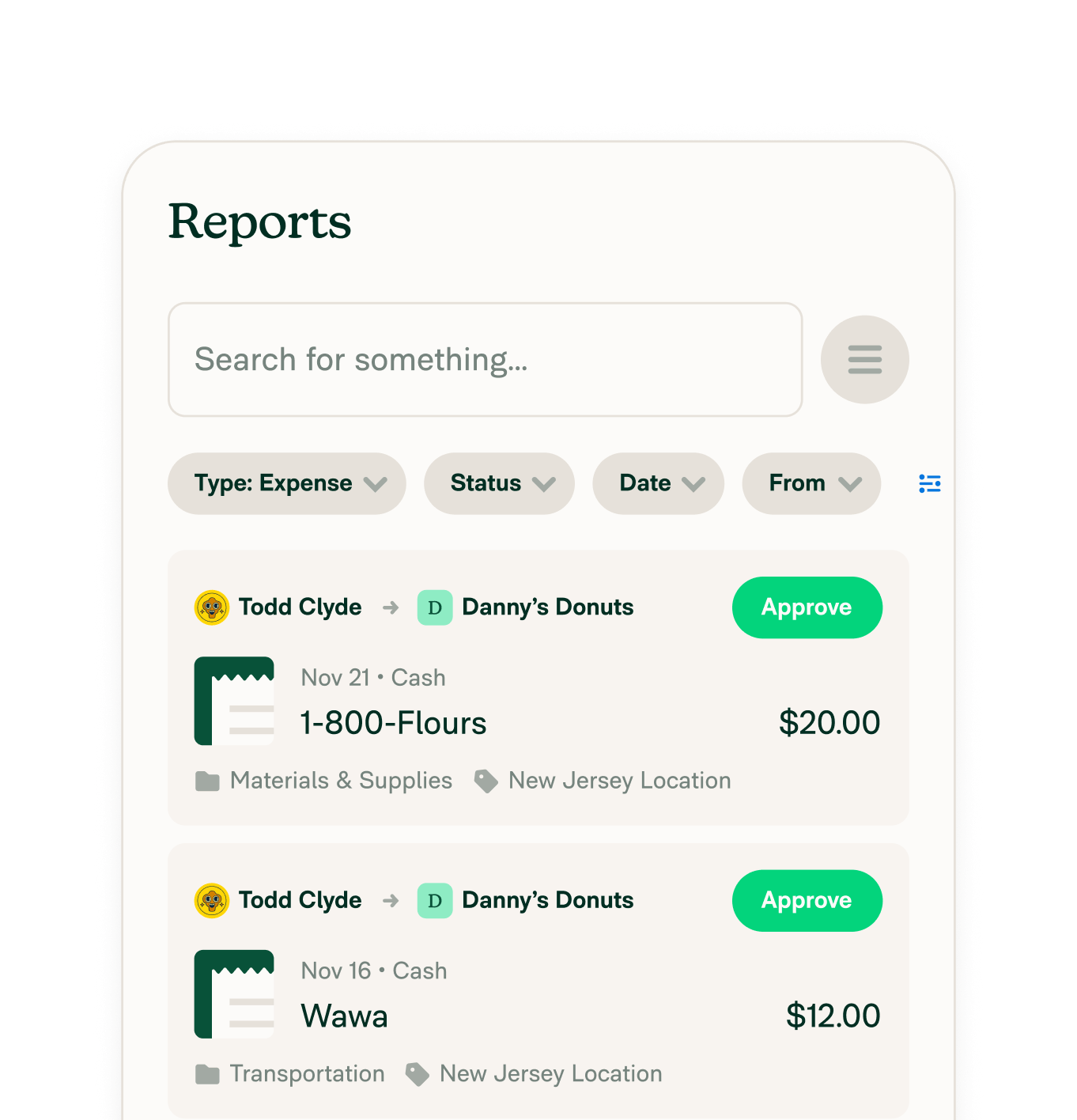
Other integrations




Features
Resources

Get Started


