April 2026 Expensify product update: Smarter cards, easier mileage, and faster approvals
This month’s updates are all about giving you more control. From managing personal cards to tracking mileage to streamlining approvals, Expensify’s latest features help you spend less time on expense admin and more time on everything else.
TL;DR – What’s new in Expensify (April 2026)
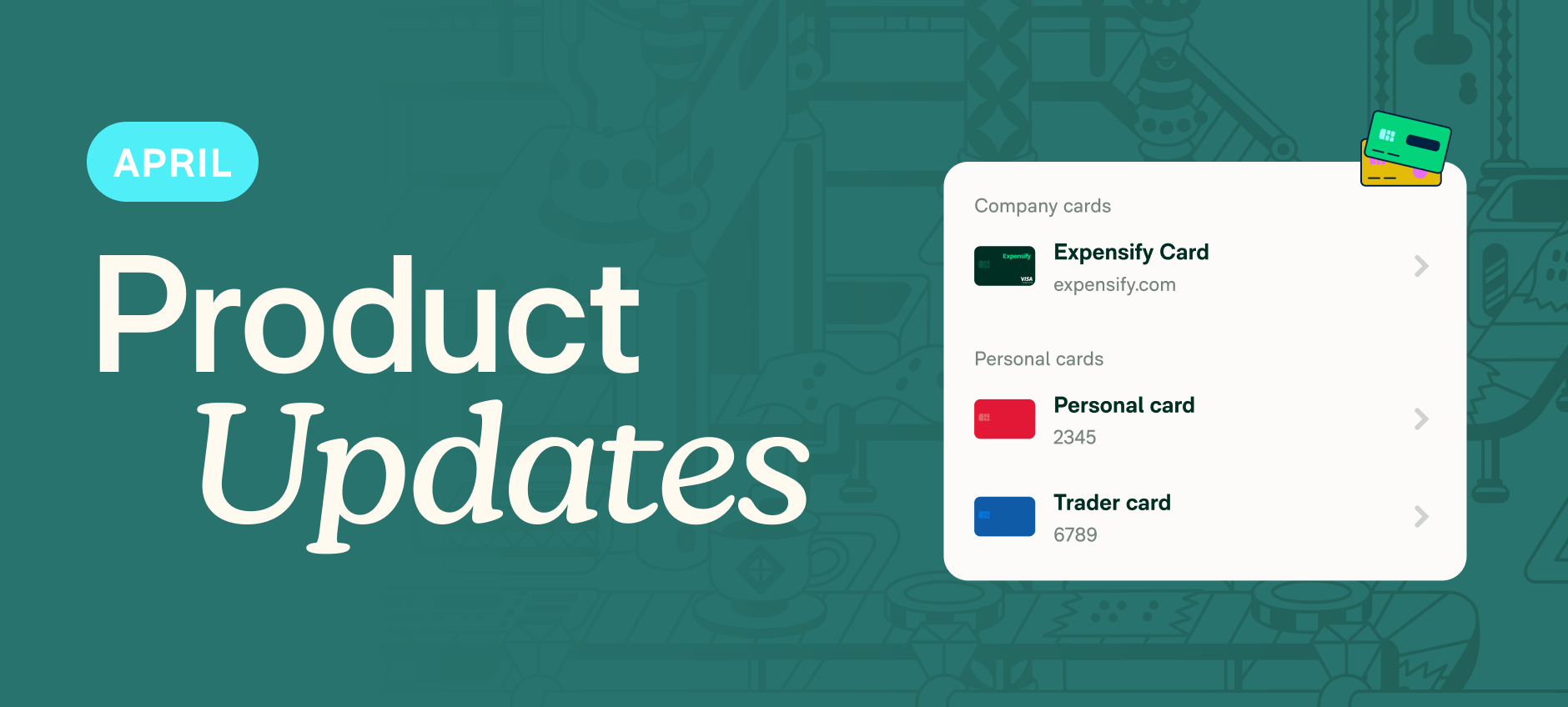
- Add and manage personal cards directly in Wallet
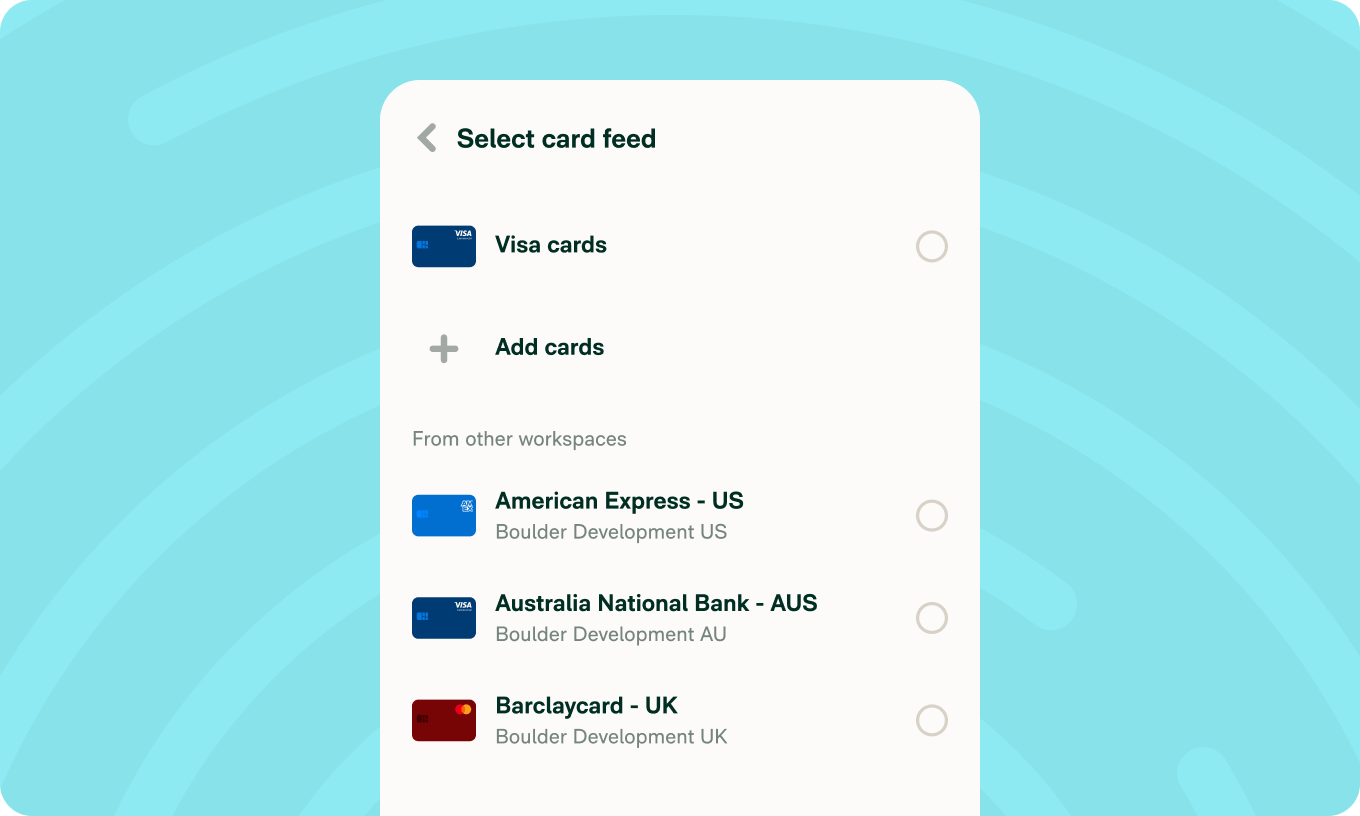
- Share company card feeds across multiple workspaces
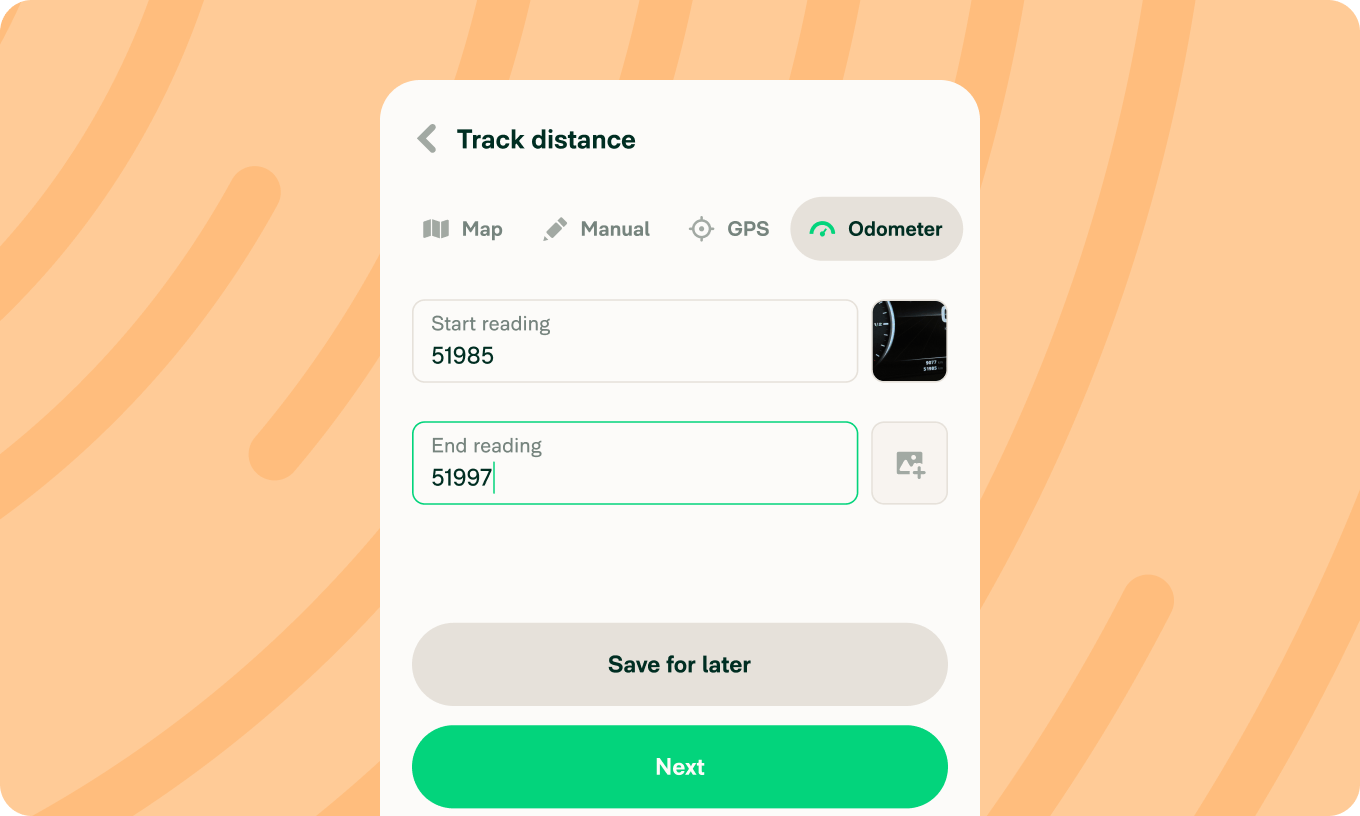
- Track mileage with odometer start and end readings
- Reject individual expenses without stopping the full report
- Import expenses in bulk with CSV upload
- Duplicate expenses or entire reports in one tap
From cards to mileage, covered
Personal card import
Add and manage personal cards directly in your Expensify Wallet. With over 10,000 banks supported, connecting your cards is easy. Learn how to manage personal cards in Wallet.

Shared card feeds
Workspace admins can now share a single card feed across multiple workspaces, making it easy to assign company credit cards to members who belong to more than one workspace. Learn how to share company card connections across workspaces.
Track distance by odometer
Enter your start and end odometer readings, and the total distance is calculated automatically with distance tracking. You can also attach photos of your odometer as supporting documentation. See how to create a distance expense using odometer readings.
Faster expense management
Reject individual expenses
Approvers can now reject individual expenses from an expense report while the rest of the report keeps moving. Learn how to reject an expense from a report.
CSV import
Upload a spreadsheet to create expenses in bulk – a quick way to get transactions into Expensify without manual entry. Teams are now able to import personal card transactions from a spreadsheet.
Duplicate expenses and reports
Copy any expense in one tap, or duplicate an entire report to save time on recurring workflows. Learn how to duplicate an expense or duplicate a report.
Whether you’re an admin, an approver, or just trying to get reimbursed faster, there’s something in this release for you. As always, we’ll be back next month with even more improvements.
Enjoy!
– Concierge