


Expensify + Zoho Books integration
Sync expenses smarter with the Expensify + Zoho Books integration
Expensify's native integration with Zoho Books brings expense export, card coding and reconciliation into one connected workflow. Connect once and let receipts, categories and tags flow straight into your books, with no CSVs and no manual entry.

Key features

Automated export to Zoho Books
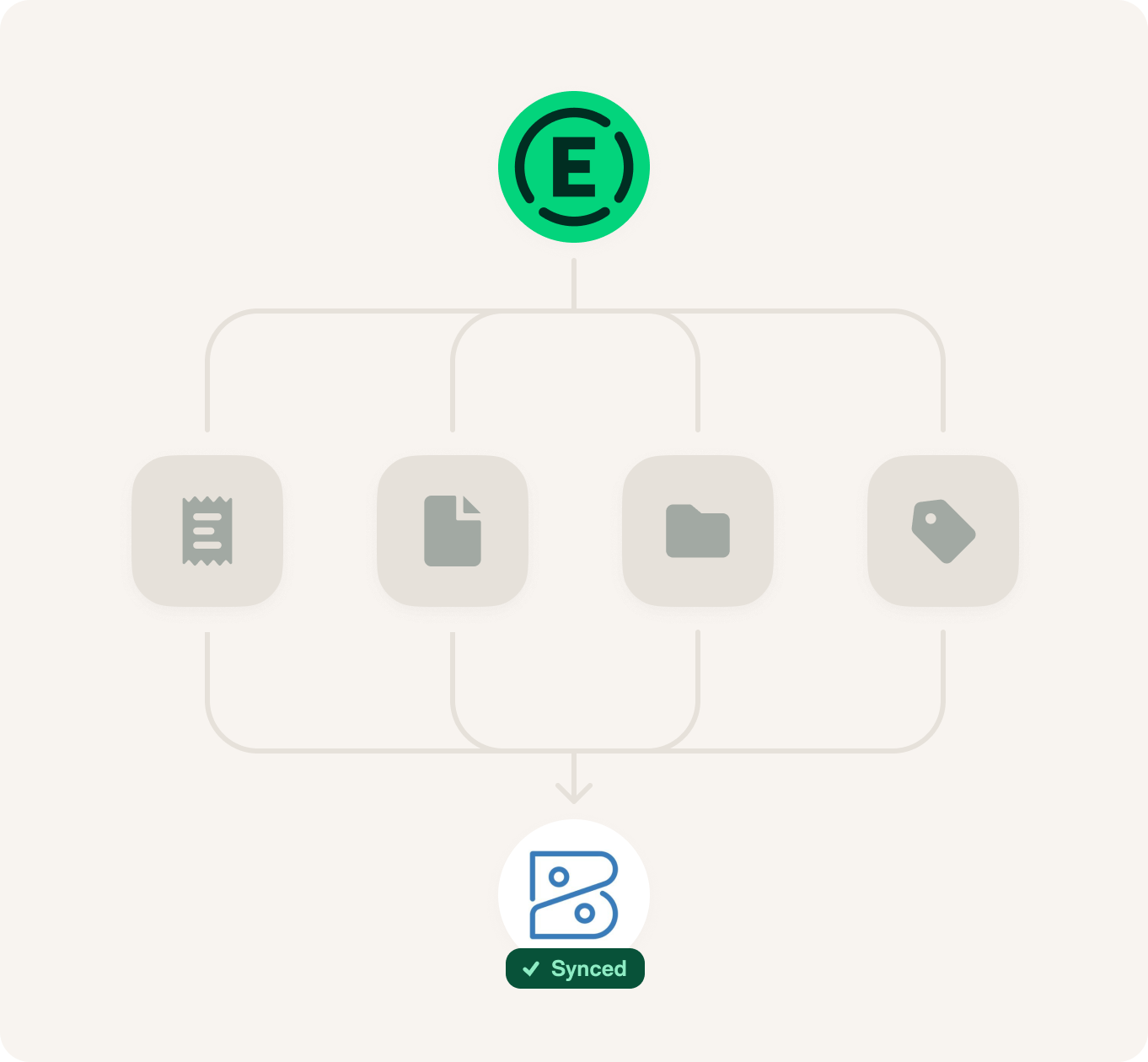
Approved reports export to Zoho Books as Bills, with the employee as the vendor. Company card spend exports as Expenses. Turn on auto export and reports post as soon as they're approved.

Secure one-click connection
Sign in to Zoho Books and approve access. Expensify connects to your Zoho Books organization and runs the first sync automatically, so setup takes minutes.

Chart of accounts, tags and tax sync
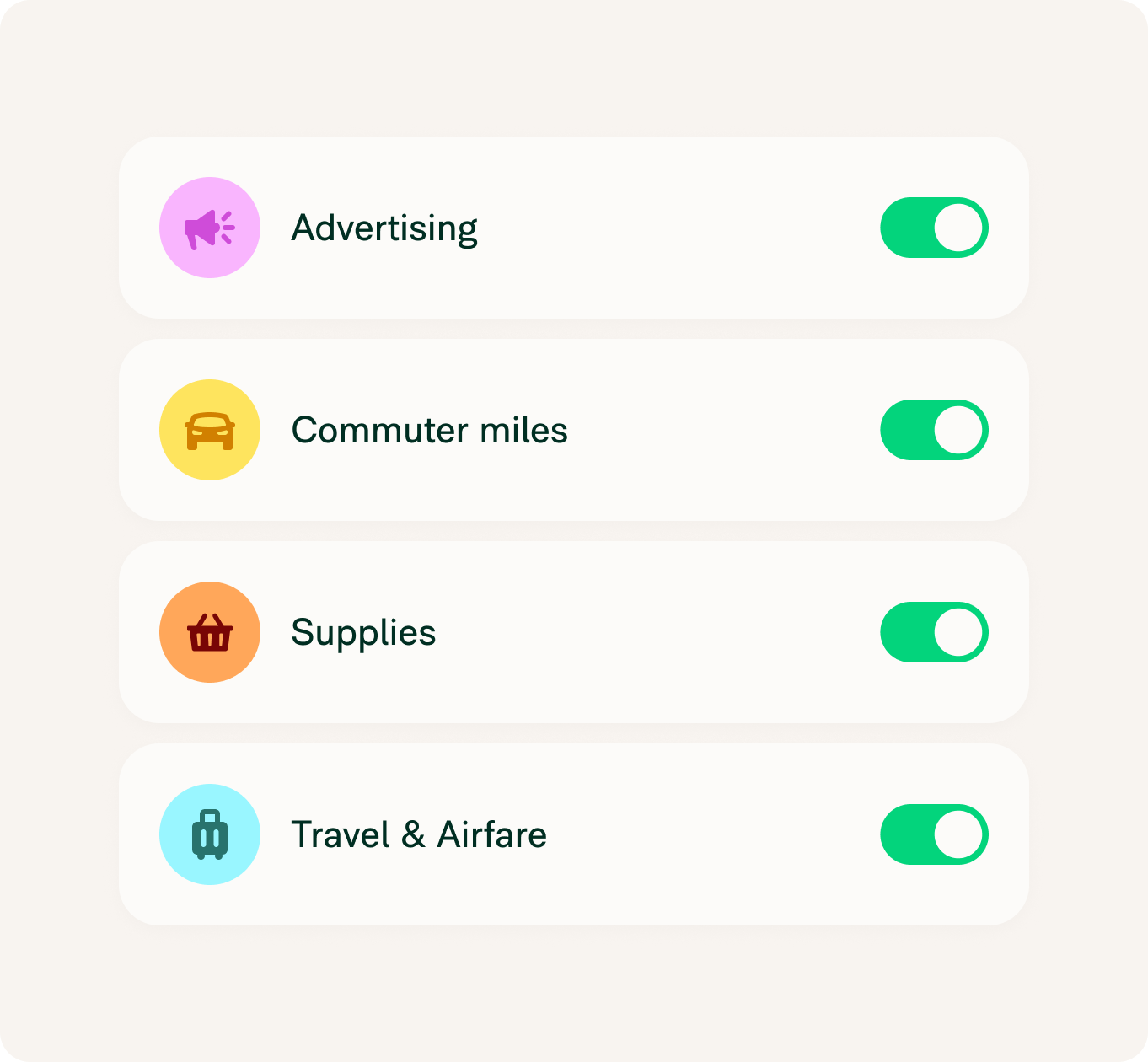
Your Zoho Books chart of accounts imports into Expensify as categories. Reporting tags, vendors and tax rates can import too, so coding stays consistent across both platforms.

Reimbursement and card settlement sync
Reimbursements paid in Expensify are recorded in Zoho Books, and reports paid in Zoho Books are marked reimbursed in Expensify. Expensify Card and travel settlements stay in sync, so nothing falls out of balance after export.
How it works
Setting up the Zoho Books integration is easy. Once connected, everything practically runs itself.
-
Connect your accounts
In Expensify, go to Workspaces, then Accounting, and next to Zoho Books select Connect. Sign in to Zoho Books and choose your organization.
-
Map your categories and tags
Choose which accounts, reporting tags and tax rates to import, and set how reports and card spend export.
-
Export and reconcile automatically
Expenses, card transactions and receipts captured with SmartScan flow from Expensify into Zoho Books, ready to reconcile.
-
Category
Accounting
-
Plan to use
Collect
-
Website
Benefits
Close the books faster
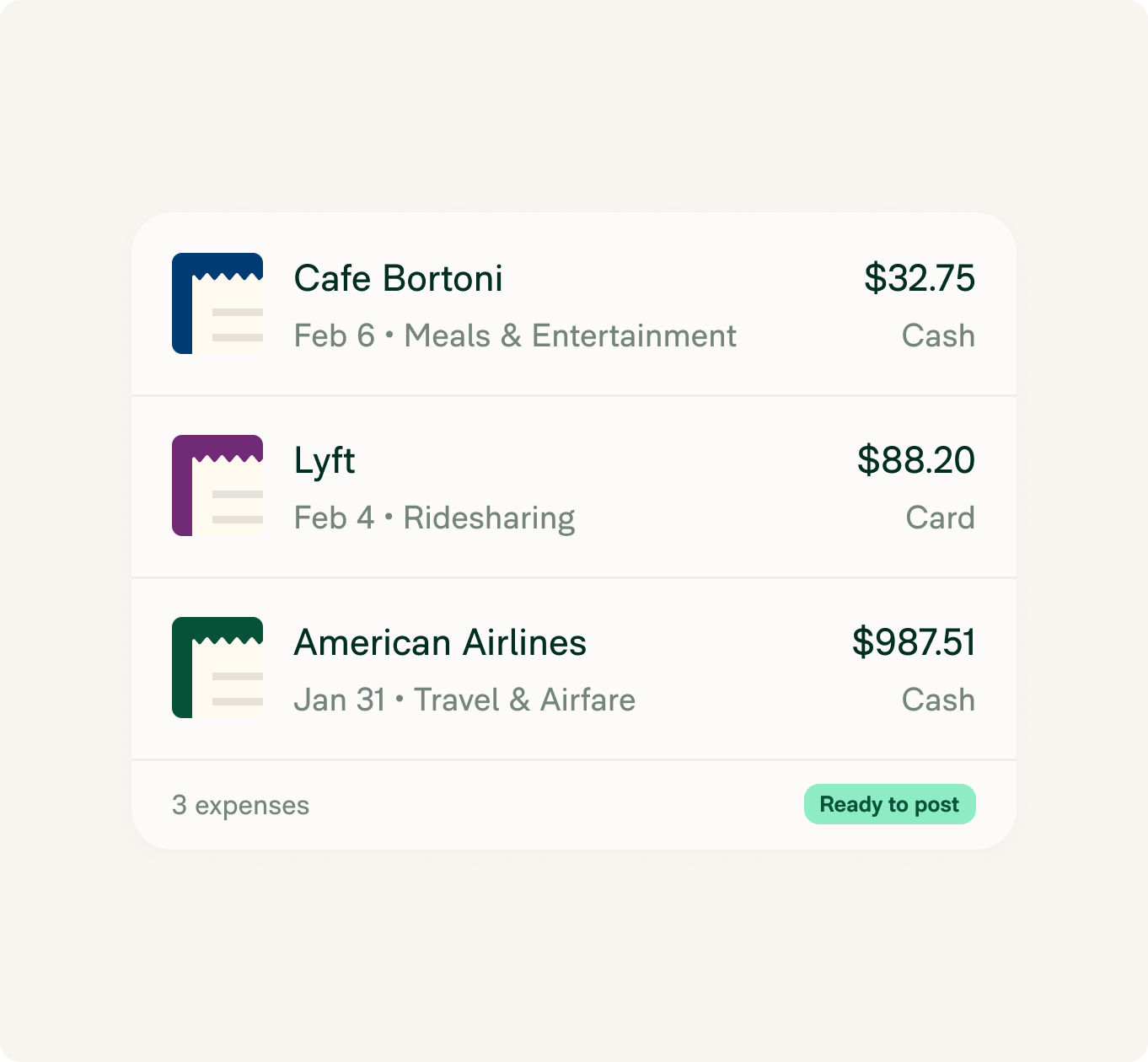
Coded expenses and card spend land in Zoho Books ready to post, so month-end stops being a scramble.
Less manual work
No CSV exports and no double entry. Receipts and coding done in Expensify flow straight into your ledger.
Books you can trust
Categories, tags and vendors stay consistent across both platforms, so your reporting and audit trail stay clean.
FAQs
-
It links Expensify with Zoho Books to automate expense export, card coding and reconciliation, so you don't have to enter expenses by hand
-
In Expensify, go to Workspaces, then Accounting, and select Connect next to Zoho Books. Sign in to Zoho Books, pick your organization, then choose your import and export settings. See the setup guide: Connect to Zoho Books.
-
Reimbursable expenses export as a Bill per report, with the employee as the vendor. Company card spend exports as Expenses. You can export manually or turn on auto export.
-
Exporting reimbursable expenses uses Bills, which require Zoho Books Professional or higher in the US. Single-location organizations are supported at launch.
-
Yes. Reimbursements paid in Expensify are recorded in Zoho Books without a second payout, and reports paid in Zoho Books are marked reimbursed in Expensify. Expensify Card and travel settlements sync too.
Zoho and Zoho Books are trademarks of Zoho Corporation Pvt. Ltd. or its affiliates. This information was prepared by Expensify and is solely the responsibility of Expensify. Zoho Corporation does not control or guarantee the accuracy of any content provided by Expensify.
Try Expensify today
See how much time you can save by integrating Expensify with Zoho Books. From onboarding to expense reporting to reimbursement, everything just works faster, smarter, and easier.
Start your free trial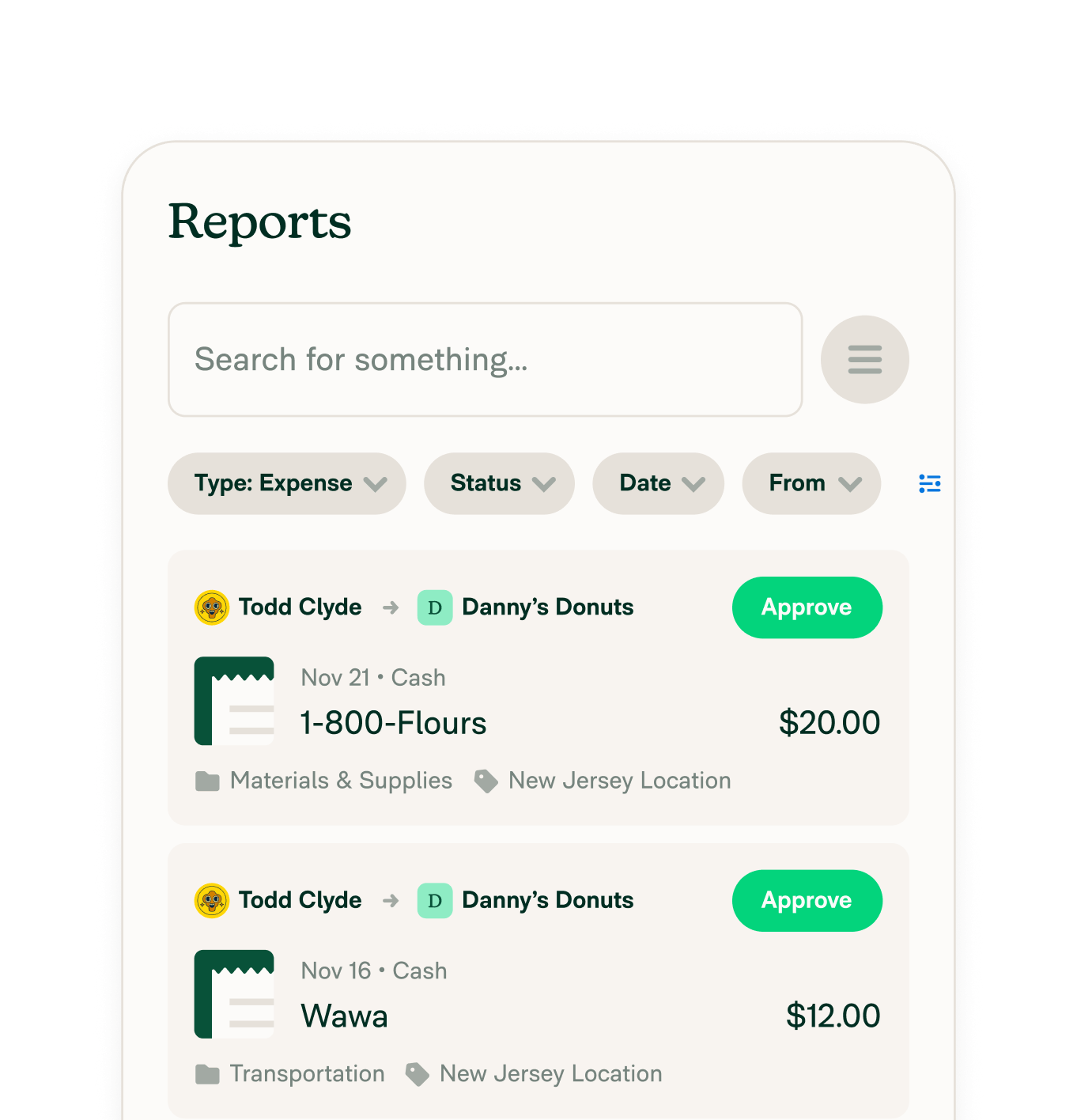
Other integrations


Features
Resources

Get Started


