


Uber for Business + Expensify expense integration
Instantly automate your travel and meal receipts
Enjoy the fully automated way to manage travel and meal expenses, giving admins, accountants, and employees a faster, easier way to stay on top of company spend with the Uber for Business + Expensify expense integration. Save time, reduce errors, and gain instant visibility into accurate, itemized spend data – all without lifting a finger.


Key features

Instant, automated receipts
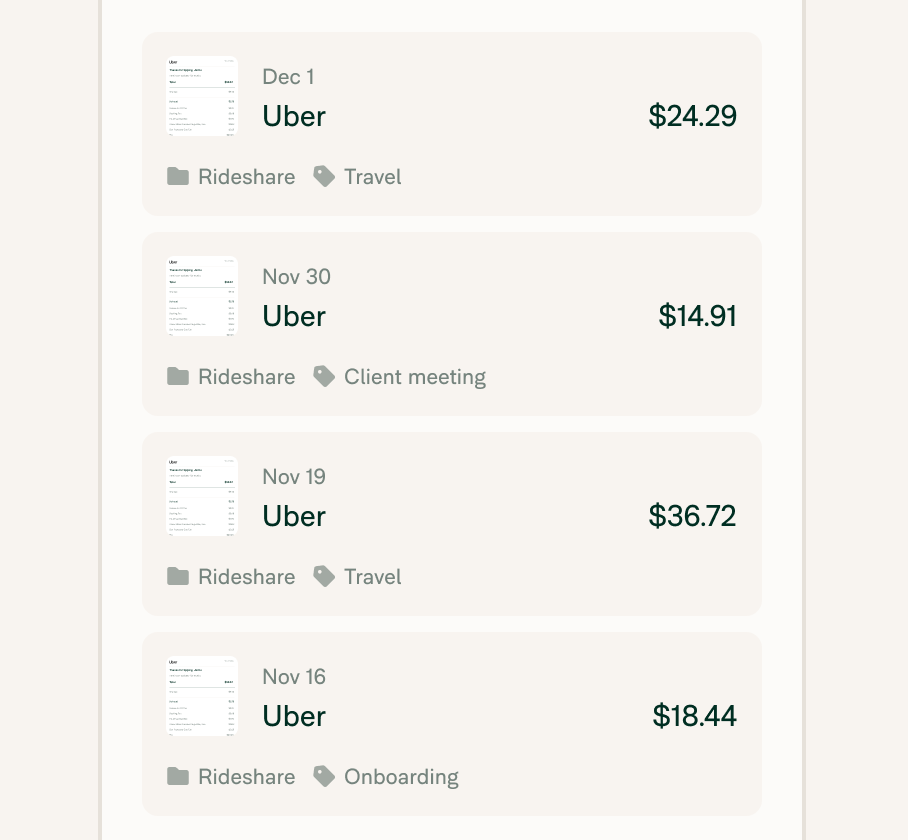
eReceipts from your team’s Uber trips and Uber Eats orders automatically flow into Expensify – no forwarding, snapping, or uploading required.

Smarter policy controls
Apply ride and meal policies company-wide or by department to keep spending compliant and on budget.

Global compatibility
Receipts are automatically formatted to meet international invoicing requirements.

24/7 business-level support
Uber for Business accounts include around-the-clock business-level support and access to expert help.
How it works
Wondering how to connect Expensify with Uber for Business? Setting up the Uber for Business + Expensify expense integration takes just a few clicks. Once connected, everything runs in the background:
-
Create or link to your Uber for Business account
Connect your company’s Uber for Business and Expensify accounts.
-
Sync your people and structure
Have employees use their Uber business profile for rides or meals.
-
Let automation do the rest
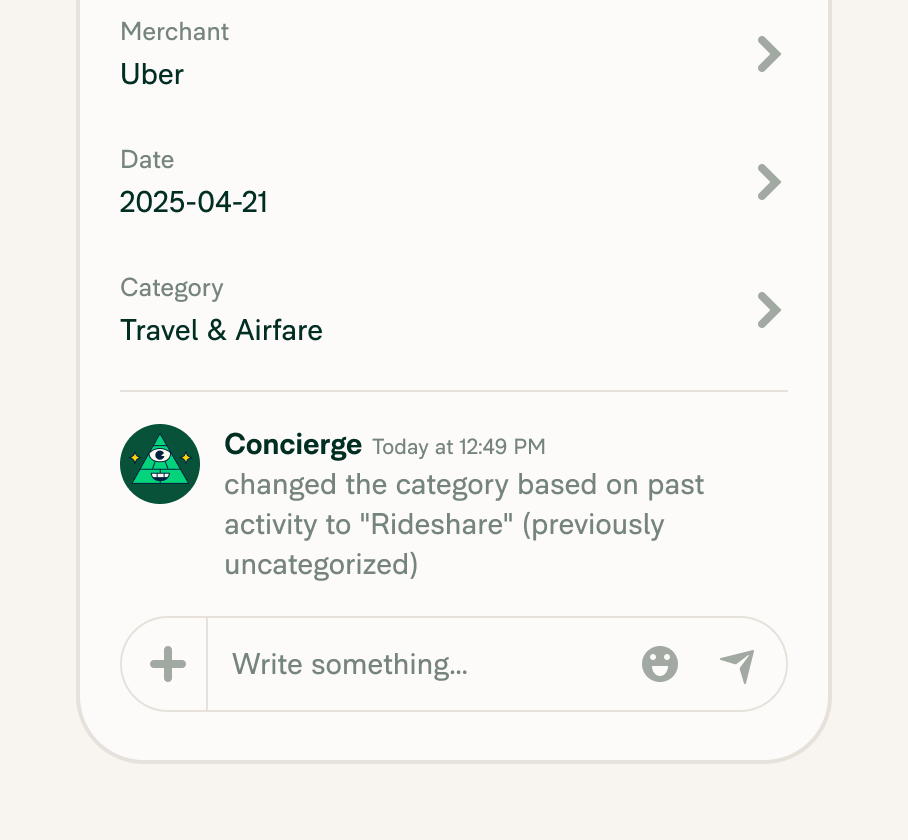
Receipts flow directly into Expensify – categorized, reconciled, and ready to approve.
-
Category
Ridesharing
-
Plan to use
Collect
-
Website
Benefits
Save time on expense admin
Receipts flow in automatically – no chasing, uploading, or matching needed.
Get instant visibility into travel and meal spend
With categorized, realtime data, finance teams can spot trends and control costs faster.
Eliminate employee errors and duplicates
Automated reconciliation means no more double entries, missing receipts, or out-of-policy surprises.
Simplify global compliance in one step
Receipts are formatted to meet international standards, so you can scale confidently across borders

FAQs
-
Uber for Business is a platform that helps companies manage and automate employee travel and meal programs using Uber. With features like usage controls, centralized billing, and reporting, it gives organizations more visibility and control over business transportation and food delivery.
-
Uber is the consumer-facing app anyone can use for personal rides or meals. Uber for Business is designed specifically for work travel and team meals, giving companies access to tools like roster management, spending limits, and expense reporting integrations like Expensify.
-
Yes, Expensify does integrate with Uber for Business. Once your Uber for Business and Expensify accounts are connected, our new and improved integration automatically sends detailed eReceipts from employee’s Uber business profiles straight to their Expensify accounts instantly. Expenses are categorized and reconciled, saving valuable time, eliminating manual data entry, and simplifying the entire reconciliation process.
-
Yes! The integration supports both Uber rides and Uber Eats meals, so travel and meal expenses are handled with the same level of automation and accuracy.
-
The easiest way to track Uber expenses is by connecting Uber for Business to a tool like Expensify. With the integration, ride and meal receipts are automatically captured, categorized, and submitted – no manual uploads or spreadsheets required. Expensify is one of the best expense trackers for Uber, giving businesses realtime visibility and policy control across all employee trips.
-
Yes, Uber rides taken for business purposes are considered reimbursable expenses. When using a business profile in Uber or Uber for Business, those trips can be automatically submitted to your company’s expense system, especially when integrated with Expensify.
-
Yes. Uber automatically generates a receipt after each ride or Uber Eats order. If you’re using Uber for Business, those receipts are formatted for expense reporting and can be routed directly into Expensify, where they’re categorized and matched to the expense report automatically.
-
Yes. Uber for Business provides detailed, itemized receipts that include VAT when applicable. These receipts meet international invoicing standards and are automatically imported into Expensify when the integration is connected.
-
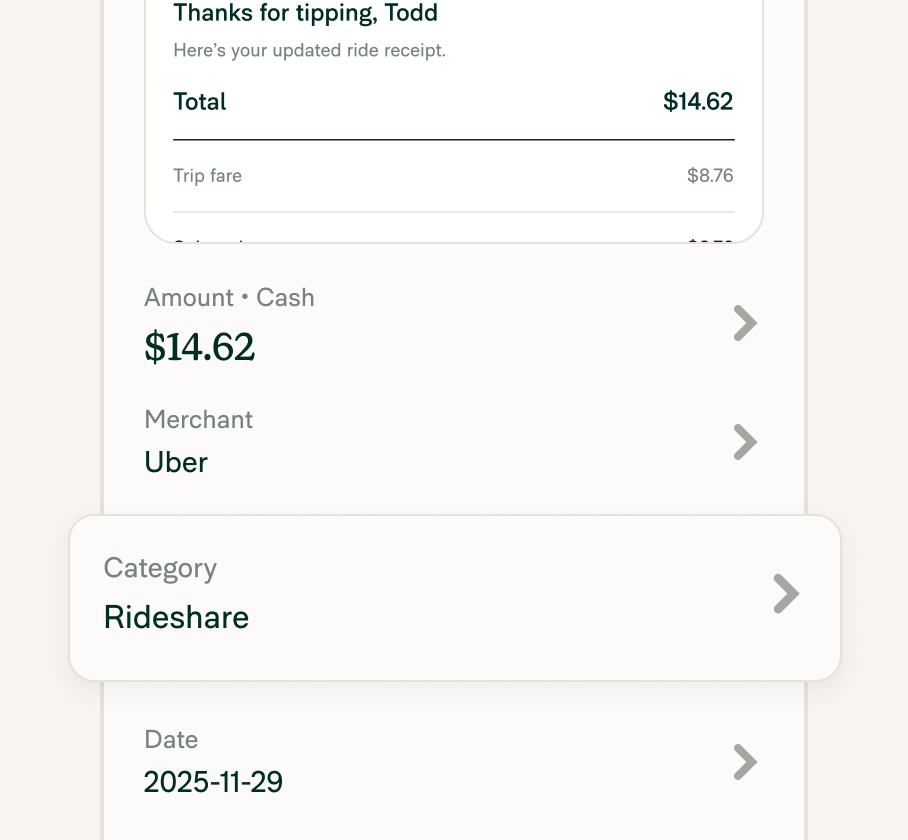
The integration captures any post-trip adjustments, including tips, and updates the expense in Expensify automatically. No duplicates, no manual fixes required.
-
To connect Uber for Business to Expensify, first make sure your company has both accounts set up. Then, follow the steps in Expensify’s integration settings to authorize the connection. Once linked, receipts from employees using Uber for Business will automatically flow into Expensify in realtime, categorized, policy-checked, and ready to approve.
-
Once an employee uses their Uber for Business profile, the eReceipt is automatically sent from Uber to Expensify. No forwarding, scanning, or uploads needed. The expense appears in Expensify, categorized and matched to the trip or order.
-
Expensify members can get an Uber expense report by connecting the two apps. That’s it! Expense reports will be made automatically after every ride.
-
Employees should use their Uber for Business profile to take advantage of the integration. Personal accounts won’t automatically send receipts to Expensify, which means those expenses would need to be manually submitted.
-
Expensify can help simplify your business travel from start to finish. To get started, chat with our team at Expensify Travel before you book for help getting the best deals.
Already on the road? Use our distance tracking feature to log miles in realtime so you can get paid back for what you’re owed. Consider Expensify your ultimate travel companion, assistant, and financial planner.
Uber for Business is a trademark of Uber Technologies Inc. or its affiliates. This information was prepared by Expensify and is solely the responsibility of Expensify. Uber Technologies Inc. does not control or guarantee the accuracy of any content provided by Expensify.
Try Expensify today
See how much time you can save by integrating Expensify with Uber for Business. From onboarding to expense reporting to reimbursement, everything just works faster, smarter, and easier.
Start your free trial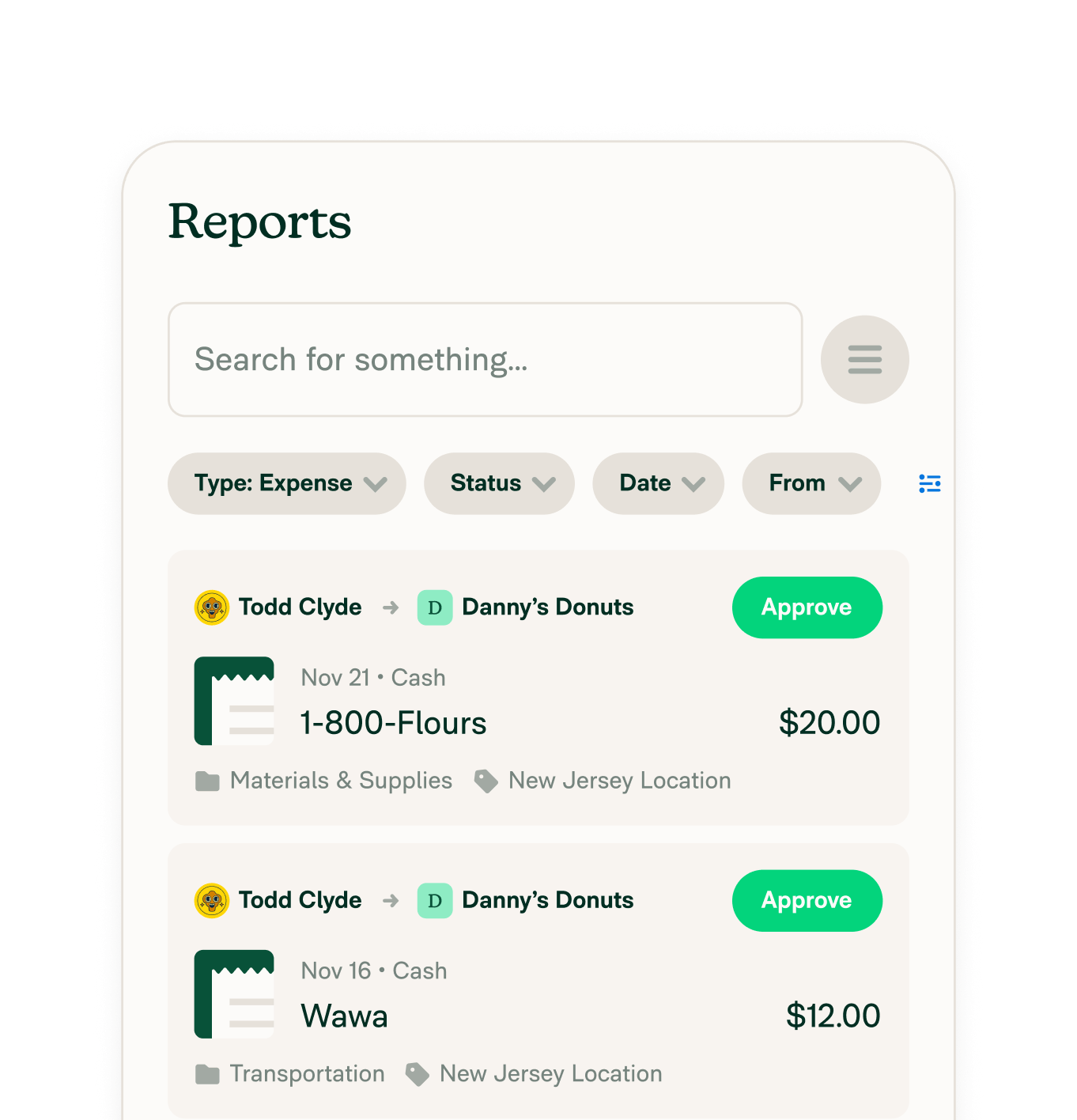
Other integrations



Features
Resources

Get Started


