


Expensify + Rillet integration
Sync expenses smarter with the Expensify + Rillet integration
Expensify's native integration with Rillet, the AI-native accounting platform, brings automated expense export, card coding, and faster reconciliation into one connected workflow. Connect once and let receipts, categories, and dimensions flow straight into your books, with no CSVs and no manual entry.

Key features

Automated export and reconciliation
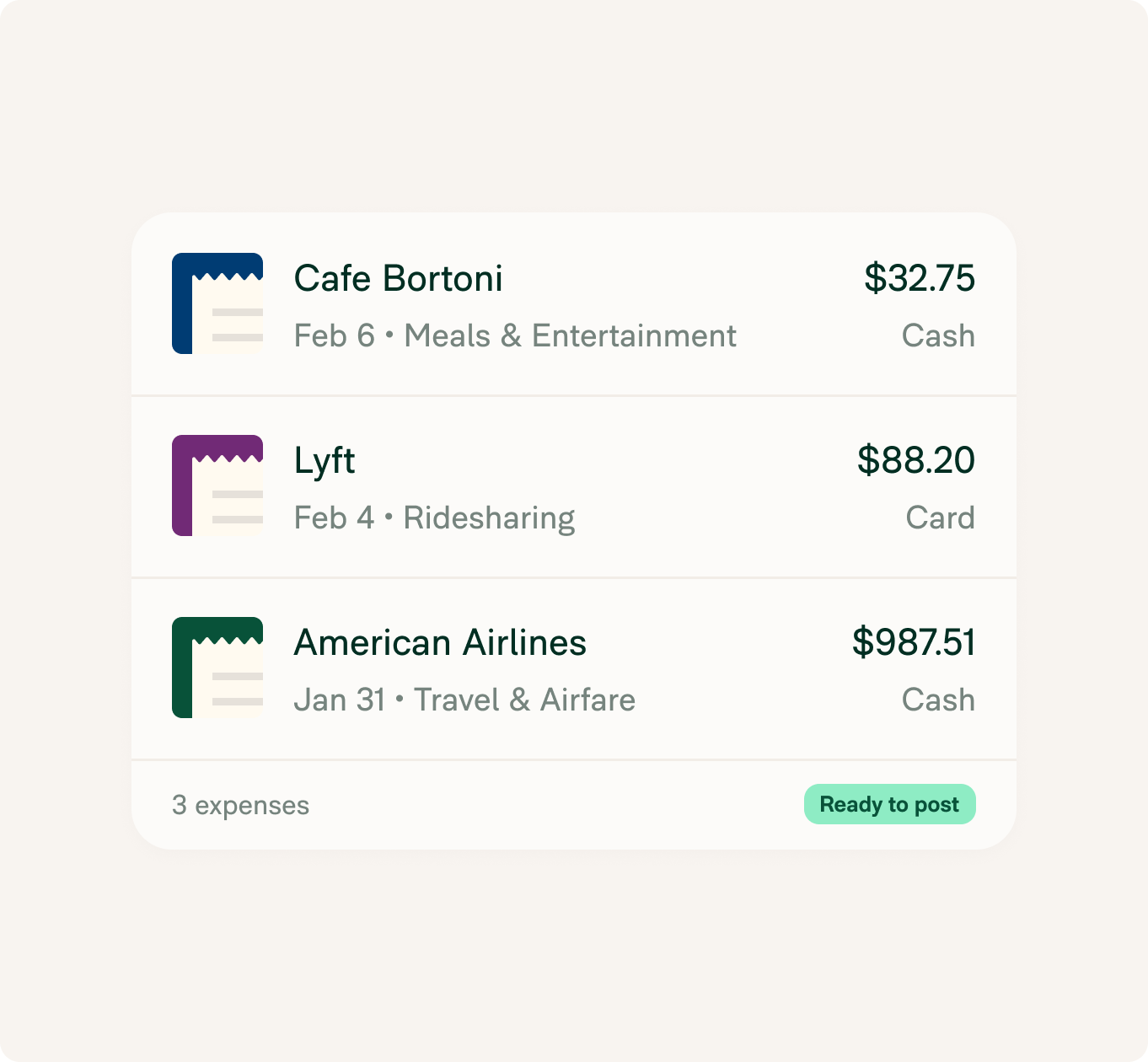
Approved expenses and card spend post to the mapped GL accounts in Rillet, already categorized and coded, so your finance team can skip the spreadsheet shuffle and close the books faster.

One-click connection
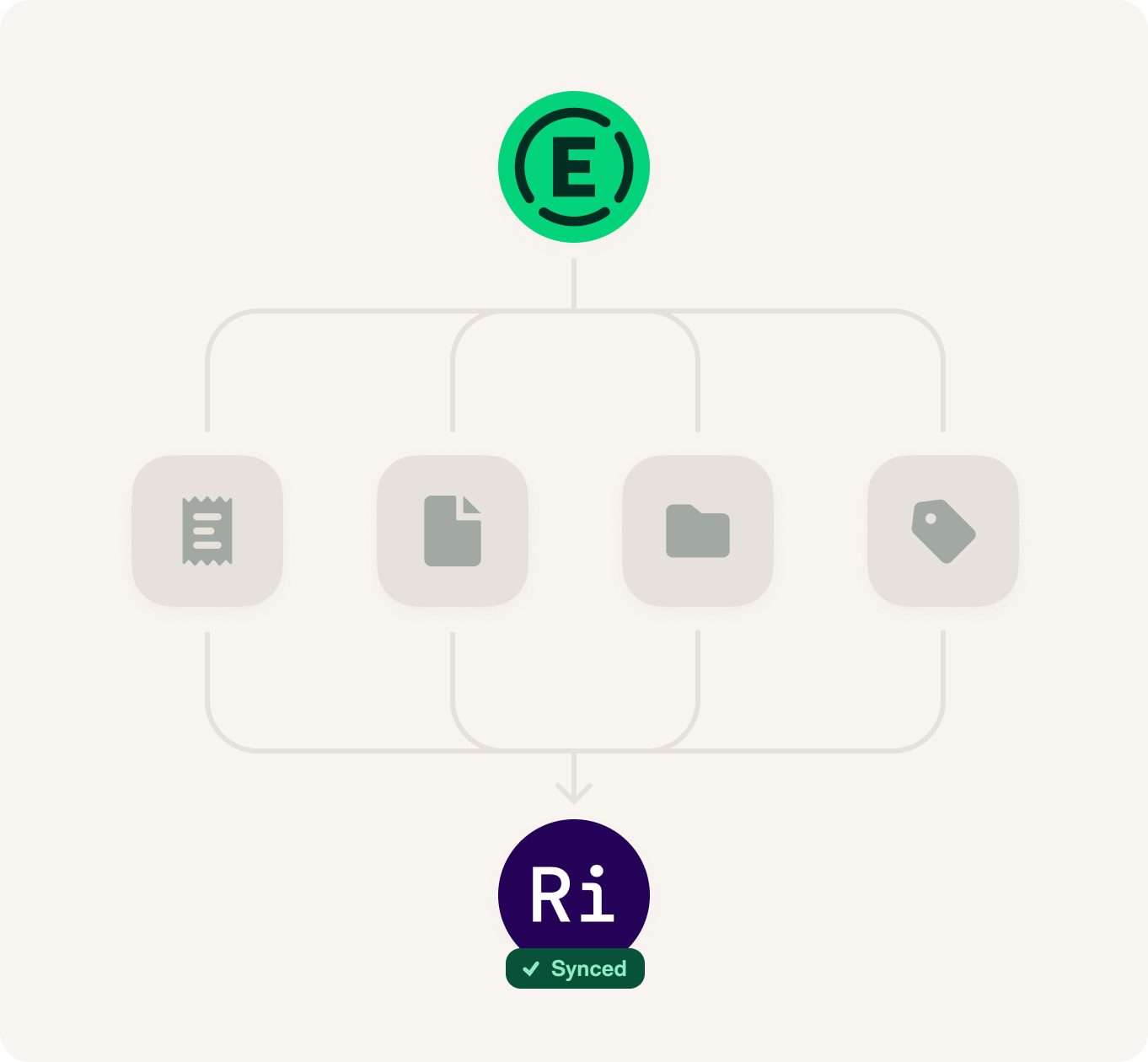
Connect Rillet with a single API key. Expensify encrypts and validates it server-side, then runs the initial sync automatically, so setup takes minutes.

Chart of accounts and dimension mapping
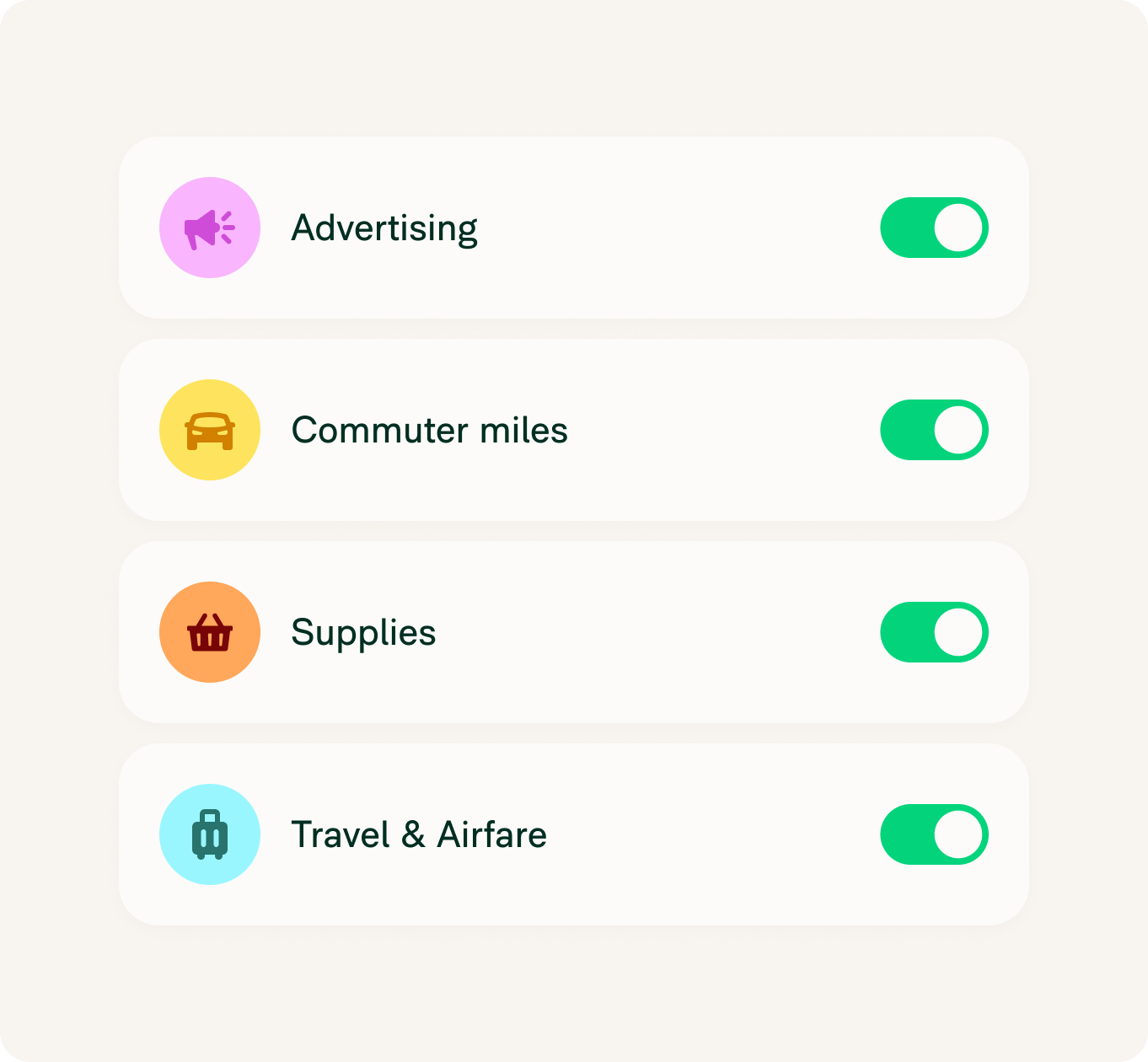
Rillet GL accounts import into Expensify as categories, and Rillet dimensions like Department, Class, and Project import as tags, keeping coding consistent across both platforms.

Reimbursement and card settlement sync
Turn on auto-sync to keep reimbursed reports and Expensify Visa® Commercial Card settlements aligned in Rillet automatically, so nothing falls out of balance after export.
How it works
Setting up the Rillet Expensify integration is easy. Once connected, everything practically runs itself.
-
Connect your accounts
Generate an API key in Rillet, then in Expensify go to Workspaces, Accounting, and next to Rillet select Connect. Paste the key and confirm.
-
Map your categories and dimensions
Choose which chart-of-accounts categories, dimensions, and tax rates to sync between platforms for consistent reporting and coding.
-
Export and reconcile automatically
Once connected, expenses, card transactions, and receipts captured with SmartScan flow directly from Expensify into Rillet for seamless reconciliation.
-
Category
Accounting
-
Plan to use
Any plan
-
Website
Benefits
Close the books faster
Coded expenses and card spend land in Rillet ready to post, so month-end reconciliation stops being a scramble.
Less manual work
No CSV exports and no double entry. Receipts and coding handled in Expensify flow straight into your ledger.
Books you can trust
Categories and dimensions stay consistent across both platforms, so your reporting and audit trail stay clean.
FAQs
-
This integration links Expensify with Rillet, an AI-native accounting platform, to automate expense export, card coding, and reconciliation across both platforms, eliminating manual entry.
-
With this AI-native accounting integration, finance teams can automatically export expenses and card spend, map categories and dimensions, and keep reimbursements and settlements in sync, without CSV exports or double entry.
-
A Workspace Admin connects from Workspaces, Accounting, Connections in Expensify by pasting an API key generated in Rillet. Once validated, setup takes just a few minutes and future reports sync automatically.
-
Once a report is approved, its charges and reimbursements post to Rillet automatically, coded to the mapped GL accounts and dimensions. You can fine-tune export behavior in the accounting settings after connecting.
-
Yes. Expensify integrates with modern accounting systems like Rillet to streamline expense management, reduce reconciliation time, and eliminate manual entry.
-
Yes. With advanced sync enabled, reimbursed reports create the corresponding bill payment in Rillet, and Expensify Card settlements post to your selected settlement account.
Rillet is a trademark of Rillet, Inc. or its affiliates. This information was prepared by Expensify and is solely the responsibility of Expensify. Rillet, Inc. does not control or guarantee the accuracy of any content provided by Expensify.
Try Expensify today
See how much time you can save by integrating Expensify with Rillet. From onboarding to expense reporting to reimbursement, everything just works faster, smarter, and easier.
Start your free trial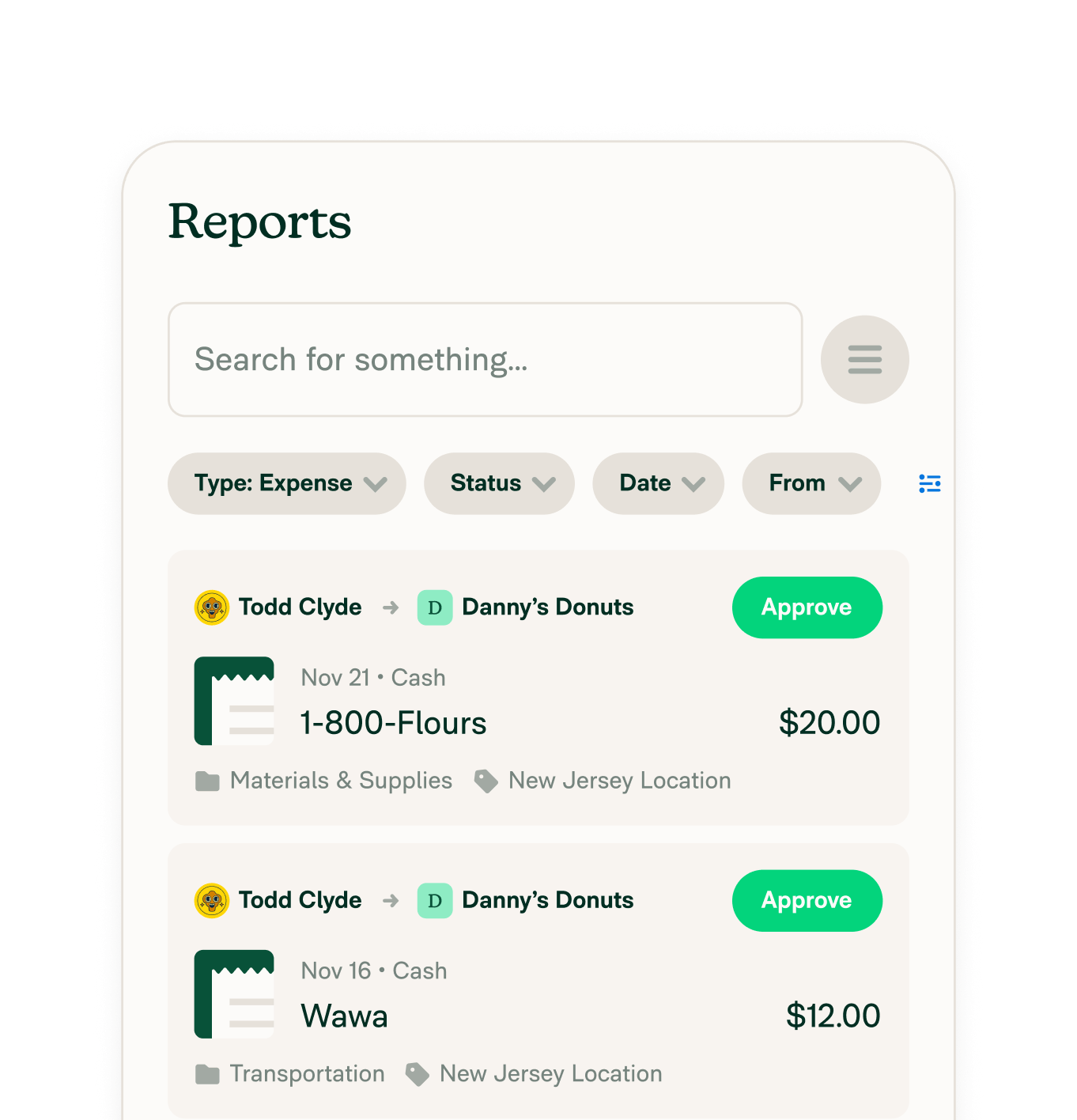
Other integrations




Features
Resources

Get Started


