


Scan receipts
SmartScan reads receipts and fills in the details automatically.
Scan receipts, track mileage, submit expenses, and more. Even if your company doesn’t use Expensify.

Free for employees

AI-powered expenses

Expense on mobile and web

No company approval



 TrustRadius Buyer's Choice 2026 award winner
 4,200+ 5-star reviews
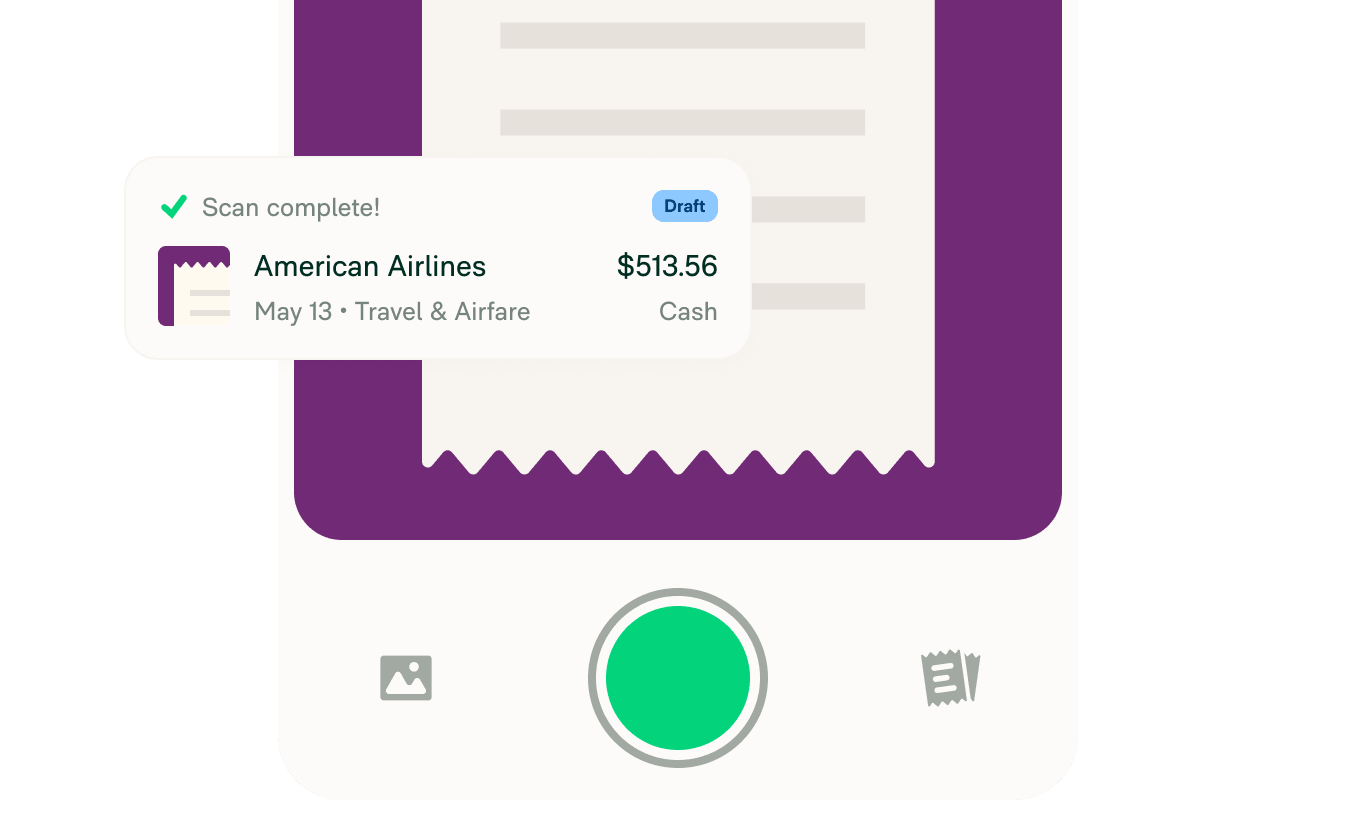
SmartScan reads receipts and fills in the details automatically.
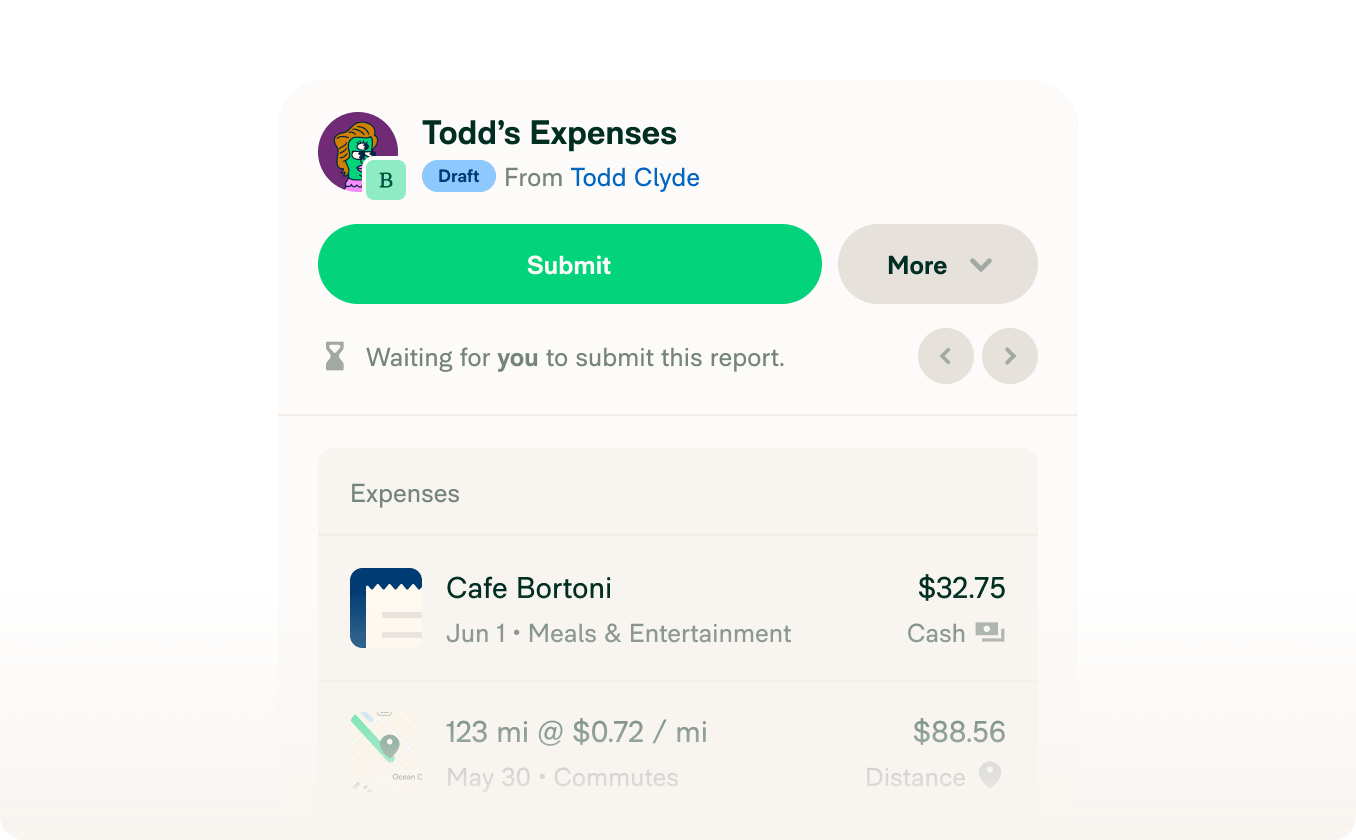
Send a polished expense report to your manager in one tap.
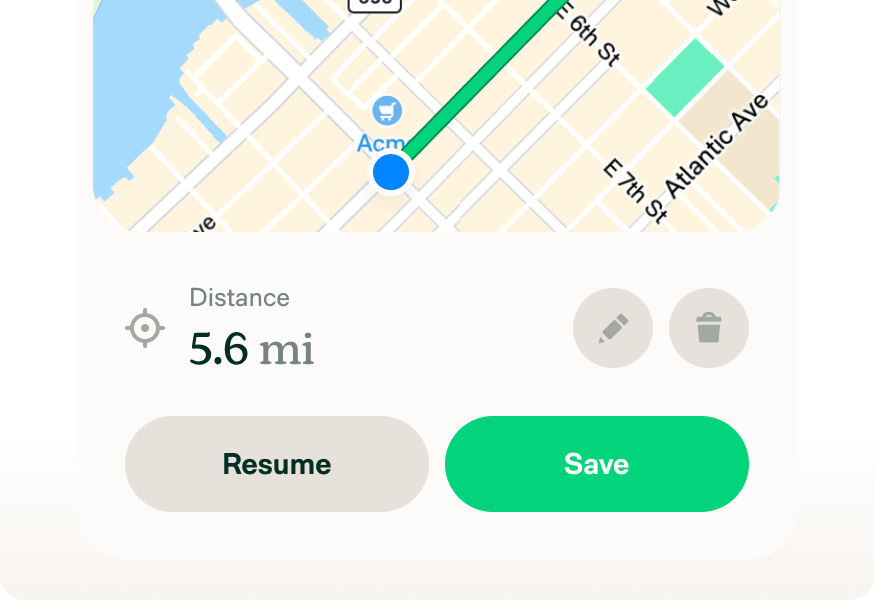
Log every trip by GPS, start/stop location, odometer, or manually.
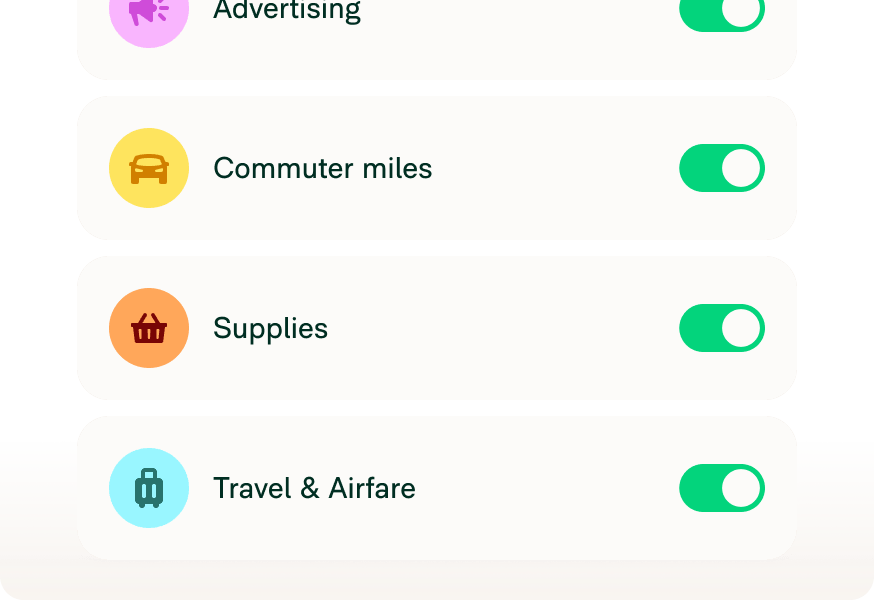
Add the codes your company uses and Concierge AI will auto-apply them.
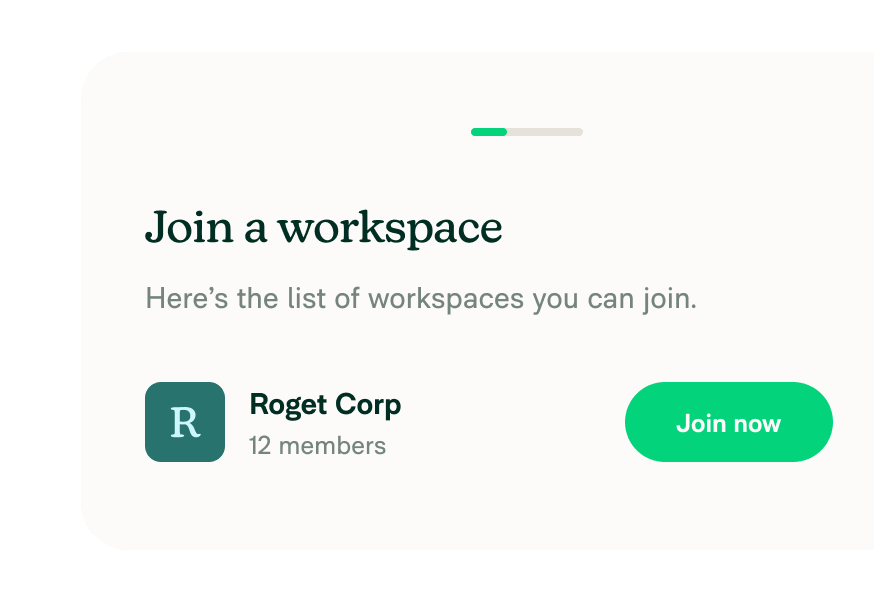
Coworkers can join your workspace without seeing each other's expenses.
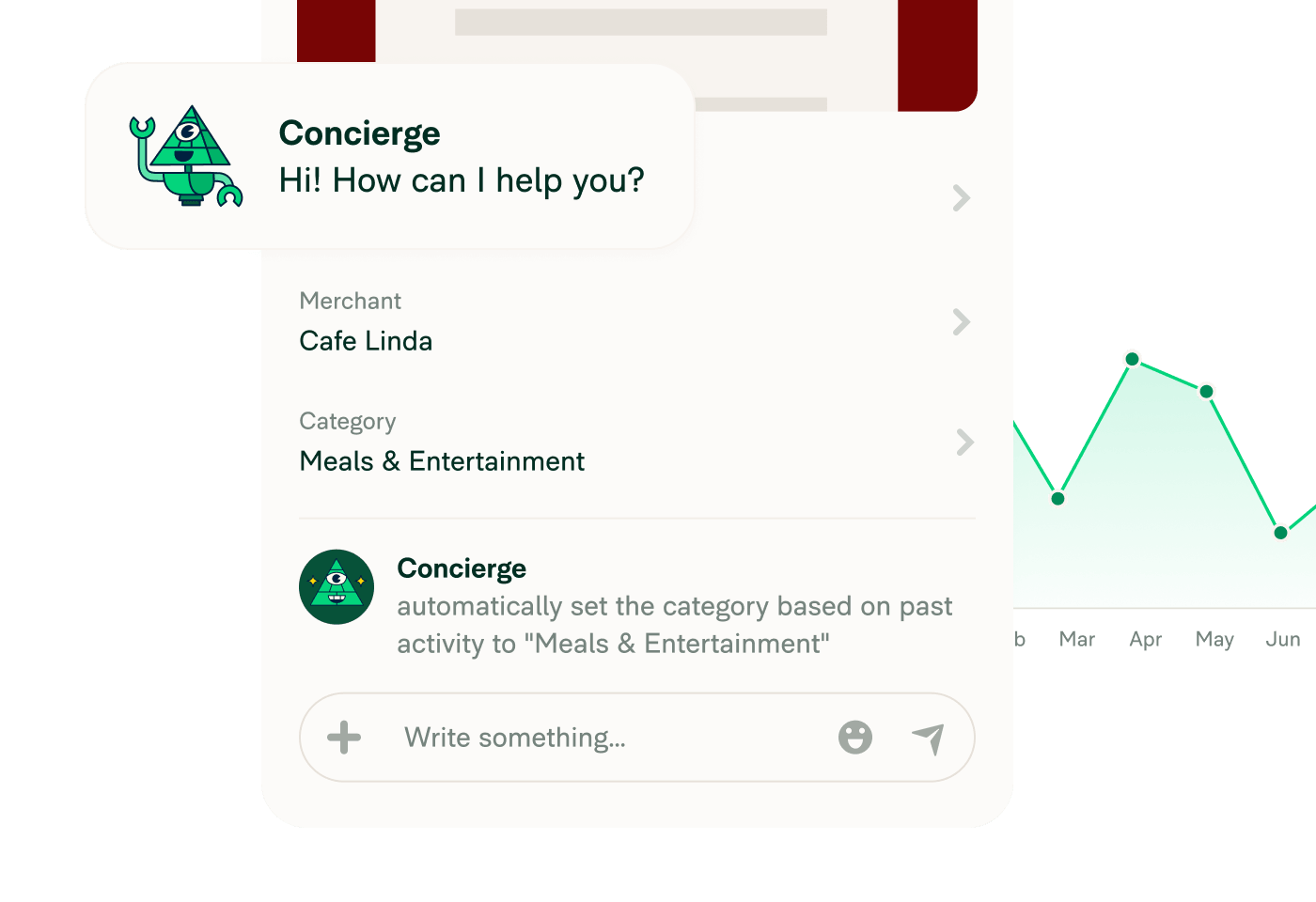
Concierge AI learns how you categorize expenses and handles it automatically moving forward. It also analyzes your spend and answers product questions.

Connect credit cards from 10,000+ banks worldwide for automatic receipt matching.

Snap photos with the app, send to receipts@expensify.com, or text 47777.

Get the exact same experience whether you’re using our mobile or web app.

Tag expenses with the projects, clients, and other details your company needs.
 Scan
Scan
 Code
Code
 Submit
 Approved
Use Expensify for free on the Submit plan. Let your manager upgrade when they’re ready.
Approvals
 Payments
 Accounting
 Cards
Cards
Get expense approvals, payments, accounting sync, and full company card support.
Want to see Expensify in action? Try a 2-min demo

Start free. Invite your team. Let your manager upgrade when they're ready.
The Submit plan is Expensify's free plan built specifically for employees. It gives you everything you need to track expenses, build reports, submit them to your manager, and get paid back — without needing your company to be an Expensify customer. You get SmartScan, mileage tracking, AI-powered expense coding, and the ability to collaborate with teammates on the same domain, all at no cost.
Yes, genuinely free. The Submit plan costs nothing for employees. You can scan receipts, build reports, and submit expenses to your manager without ever entering a credit card. If your manager decides to upgrade the workspace to approve and reimburse you directly, they'll take on the billing, but that's entirely their call.
Nope. The Submit plan is designed for exactly this situation. You can sign up, create a workspace, and start submitting expenses to any manager at any company, even if they've never heard of Expensify. Your manager will receive a PDF of your report with an Approve button right in the email. No account required on their end to review it.
When your manager clicks Approve, they'll be prompted to upgrade the workspace to Expensify's Collect plan, which unlocks direct reimbursement, approvals, accounting sync, and more. They get a free 30-day trial, so there's no commitment upfront. If they're not ready to upgrade, you can still mark a report as paid yourself to keep your records tidy.
Yes. Anyone with the same email domain can find and join your Submit workspace when they sign up for Expensify. Once they're in, you can all collaborate on workspace setup, adding categories, tags, and expense codes, without anyone seeing each other's reports or expenses. It's shared infrastructure, private data.
No. Your manager only receives a notification when you explicitly hit Submit and enter their email. Until then, your report is completely private. You're in control of when and to whom your expenses are sent.

 Built into every page
 Auto-categorizes expenses
 Fast support
 Analyzes expense data
 Automate flows with agents


