New and improved integration: Uber for Business + Expensify automates ride and meal receipts

Exciting news: the new and improved Uber for Business + Expensify integration is here! 🎉
This upgraded version offers a fully automated way to manage travel and meal expenses, giving admins, accountants, and employees a faster, easier way to stay on top of company spend.
TL;DR – Uber for Business + Expensify integration
- Automatically imports receipts from Uber rides and Uber Eats orders
- Enforces company-wide or department-level travel and meal policies
- Supports global invoice formatting requirements
- Offers 24/7 business-level support
- No uploads or manual entry required; just link your accounts and go
👉 Check out a quick demo below…
…or just connect your accounts to get started:
What’s new
Here’s what to expect in the new Uber for Business + Expensify integration:
Instant, automated receipts
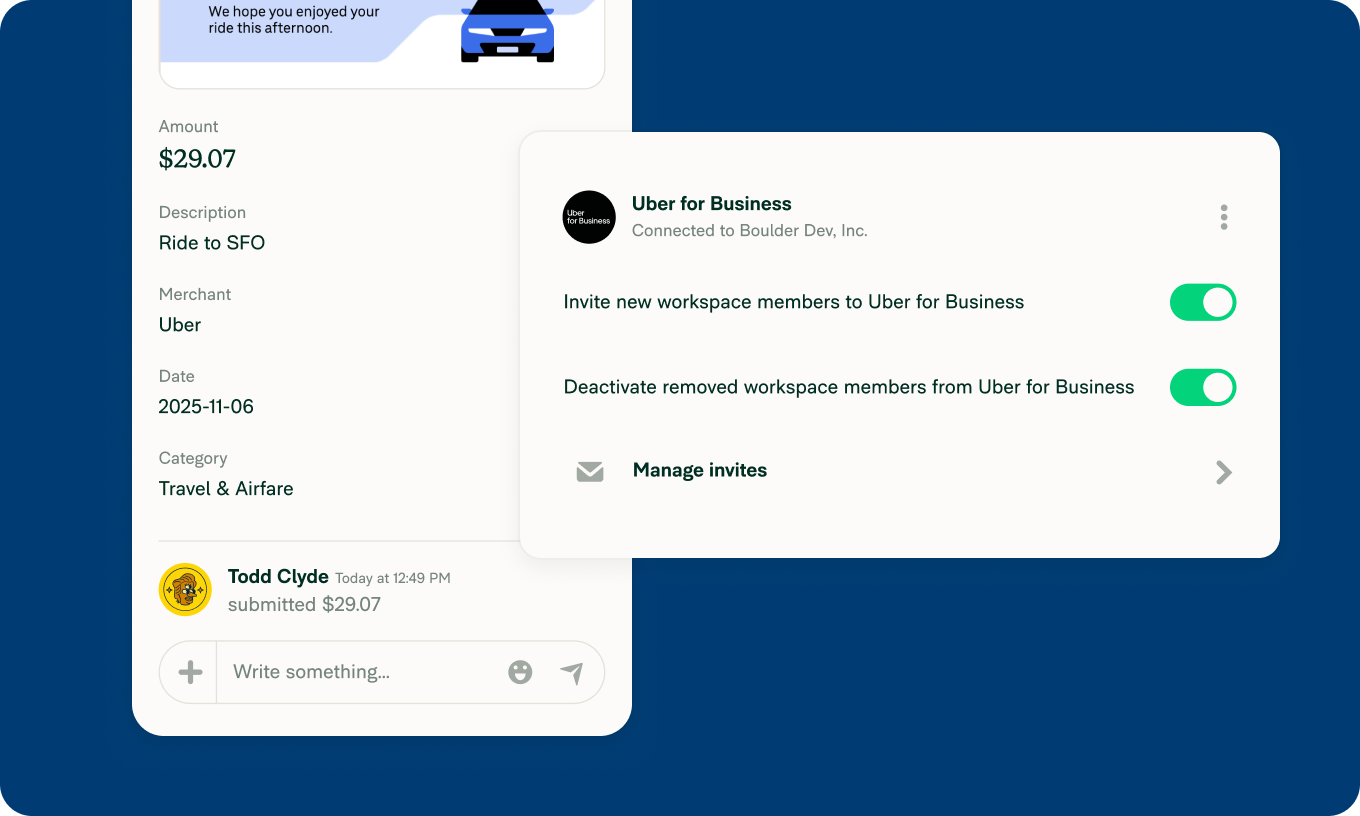
Receipts from your team’s Uber trips and Uber Eats orders flow into Expensify automatically. No forwarding, snapping, or uploading required.
Smarter policy controls
Apply ride and meal policies company-wide or by department to keep spending compliant and on budget.
Global compatibility
Receipts are automatically formatted to meet international invoicing requirements.
24/7 support
Uber for Business accounts include around-the-clock business-level support and access to expert help.
Now you can save time, reduce errors, and gain instant visibility into accurate, itemized spend data, all without lifting a finger.
How it works
Create or link your company’s Uber for Business and Expensify accounts
Have employees use their Uber business profile for rides or meals
Receipts flow directly into Expensify – categorized, reconciled, and ready to approve
Available now, globally. Start automating your travel and meal expenses today.
Enjoy!
Team Expensify