February 2026 Expensify product update: More visibility, smarter controls, and deeper insights
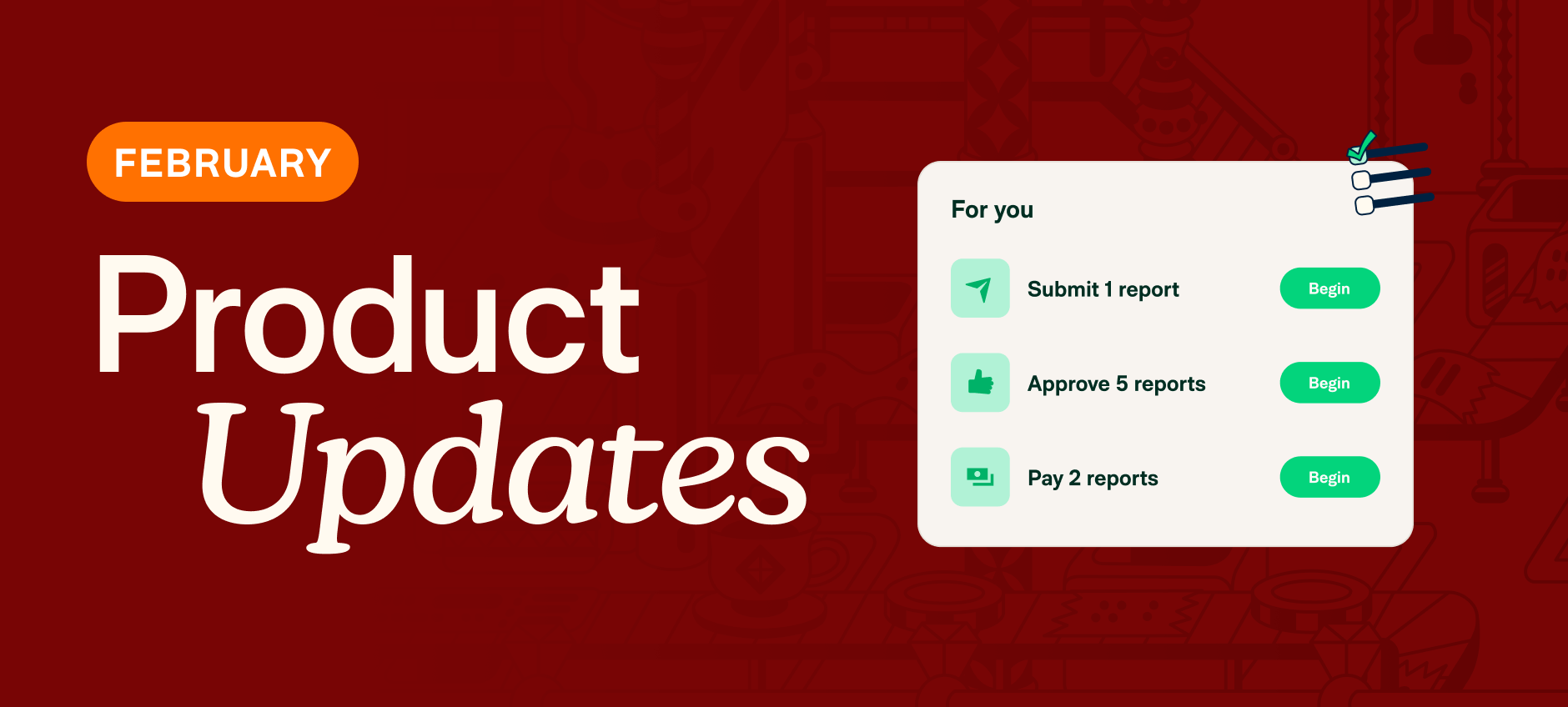
February’s updates are all about clarity and control. We’ve introduced new ways to automate expense policies, improve visibility into company spend, and give teams more flexibility when managing reports and cards.
TL;DR – What’s new in Expensify (February 2026)
- New Home tab for centralized task management and reminders
- Upgraded Insights for visual spend analysis and custom reporting
- Concierge anywhere for faster help and smarter analytics
- Merchant rules to automate expense coding
- Itemized receipt rules for better visibility
- Move expenses to new reports on behalf of submitters
- Personal cards now visible in the New Expensify Wallet
Greater insight, greater control
These updates make it easier to stay informed, enforce expense policies, and understand company spend at a glance.
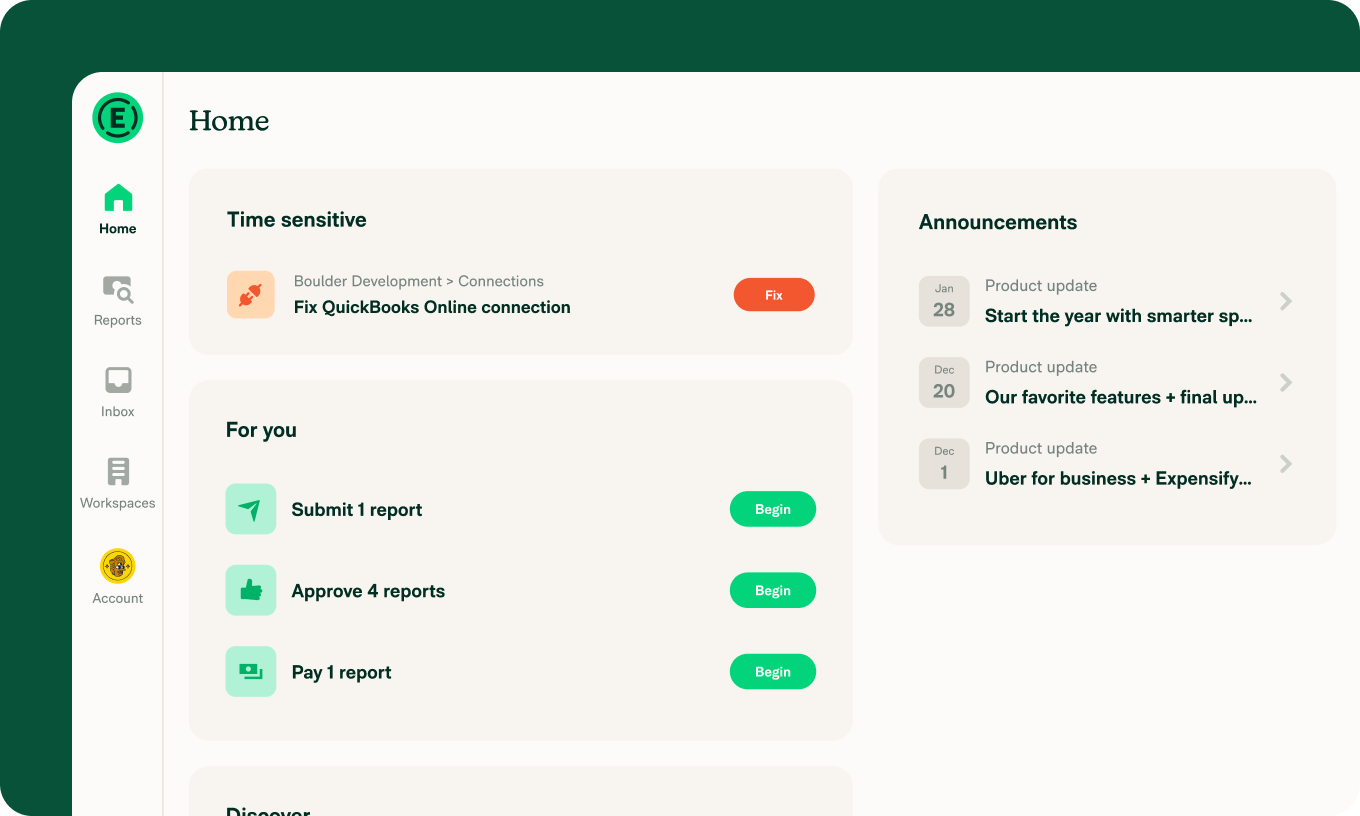
Home tab
The new Home tab gives you a centralized summary of outstanding tasks, helpful reminders, and recent product updates, so you always know what needs attention.
Insights
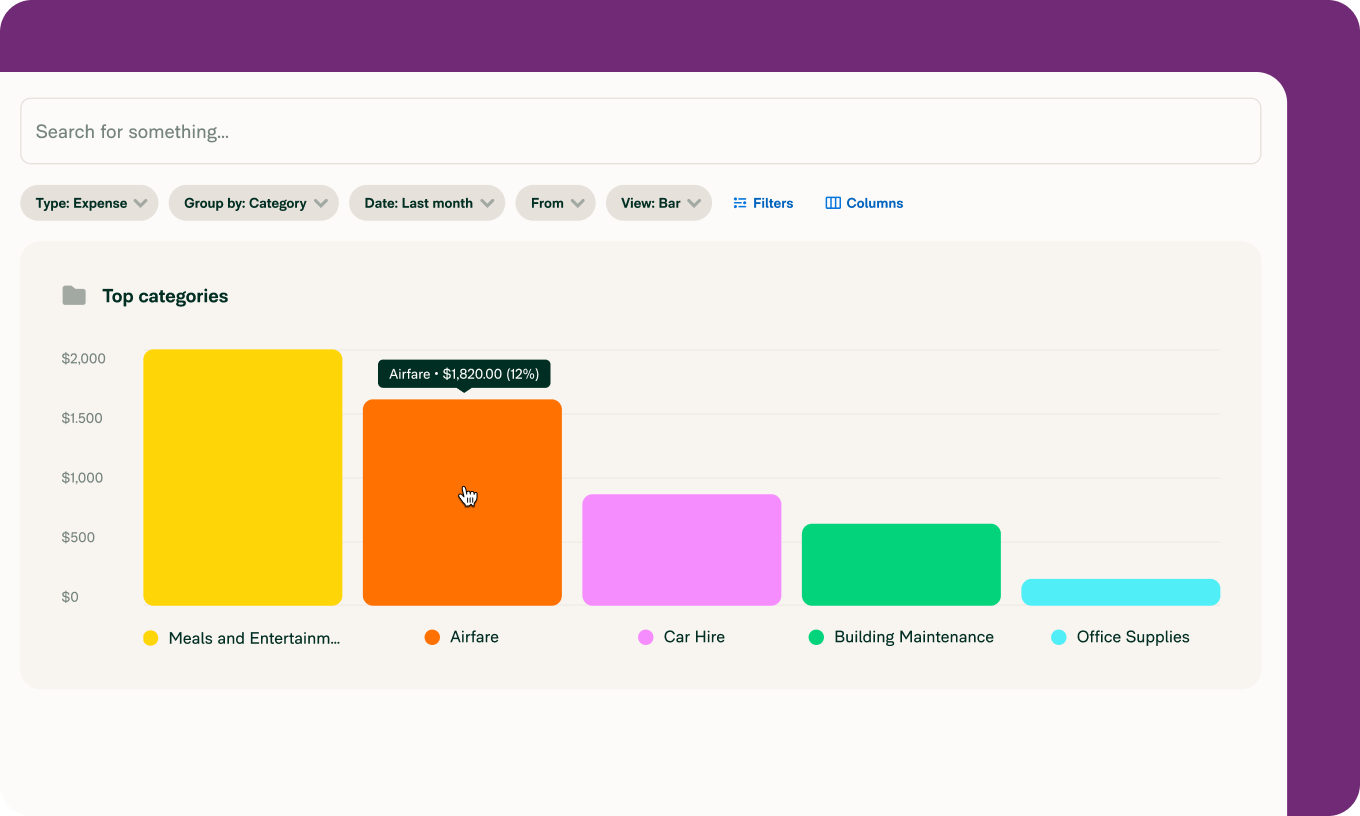
Insights make it easy to understand your spending data at a glance. Quickly identify top spenders and spending categories, or build custom views for deeper analysis.
Concierge anywhere
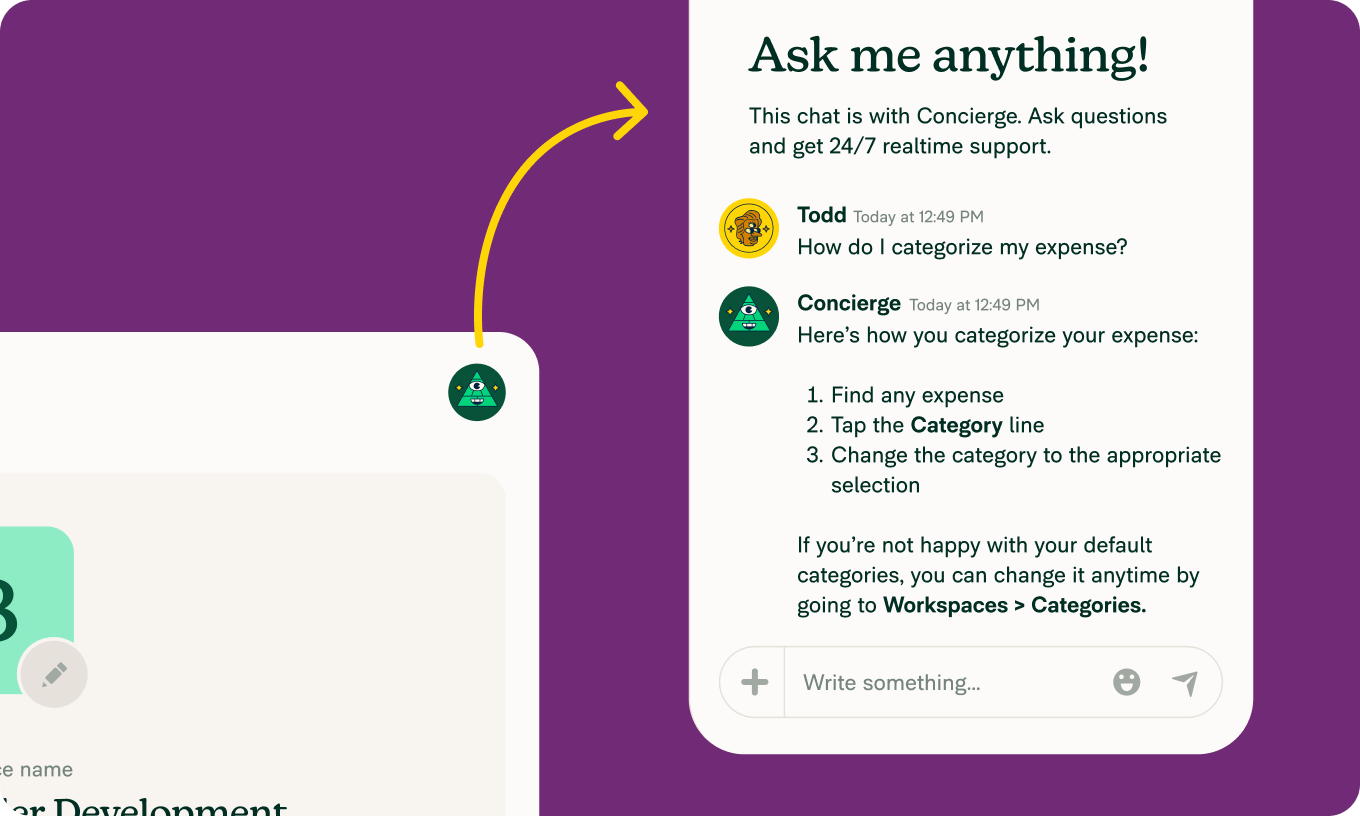
Concierge is now only a tap away in the app with a dedicated button in the top-right corner. Get help, work through setup, or ask analytical questions without breaking your workflow.
More ways to work smarter
We’ve also introduced new features that give admins finer control over policies, streamline cleanup tasks, and bring everything into one unified experience.
Merchant rules
Set rules for specific merchants to automate categories, tags, descriptions, and more. This keeps expense coding consistent while reducing manual work for employees.
Itemized receipt rules
Require itemized receipts for certain expenses to gain more detailed visibility into company spend.
Move expenses to new reports
Admins can now move expenses to new reports on a submitter’s behalf, making it faster to clean up reports and close the books.
Personal cards in the New Expensify Wallet
Existing personal cards from Classic now appear in the Wallet page in New Expensify, so you can manage all your cards in one place.
Faster, smarter, easier expense management
These updates are designed to make expense management more transparent, automated, and flexible, whether you’re submitting expenses, reviewing reports, or managing company spend.
We’ll be back next month with even more improvements.
– Concierge