


Expensify + UKG
The Expensify UKG integration for UKG Pro and UKG Ready, built to keep your expense roster current
Expensify's direct integration with UKG brings automatic invites for new hires, approvals that follow UKG reporting lines, and offboarding without a cleanup list. Stop your expense roster from drifting out of date.

Key features

Automatic new-hire invites
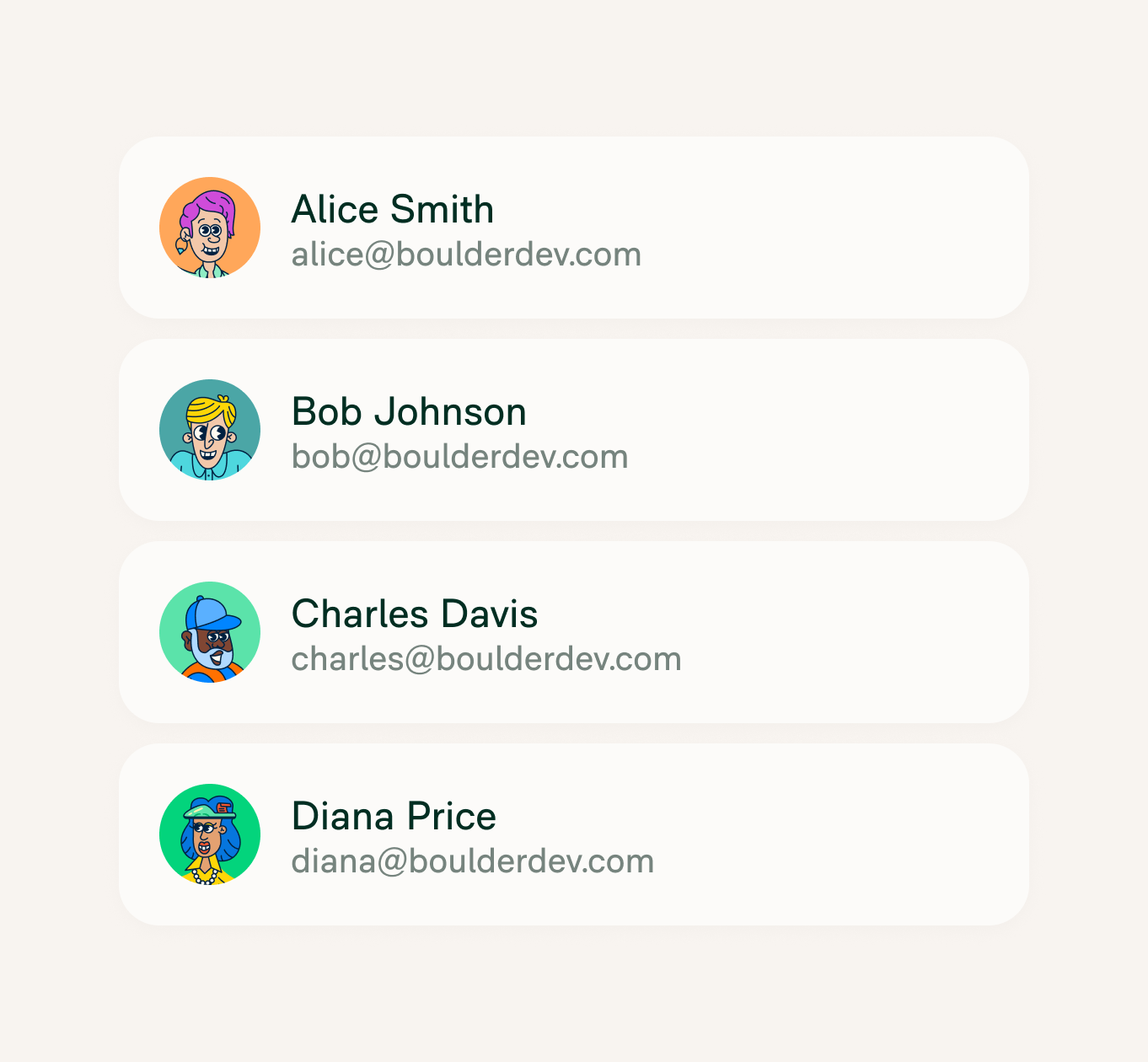
Employees in UKG are added to your Expensify workspace and invited by work email. Nobody has to send a separate invite before a new hire's first expense report.

Reports-to approval routing
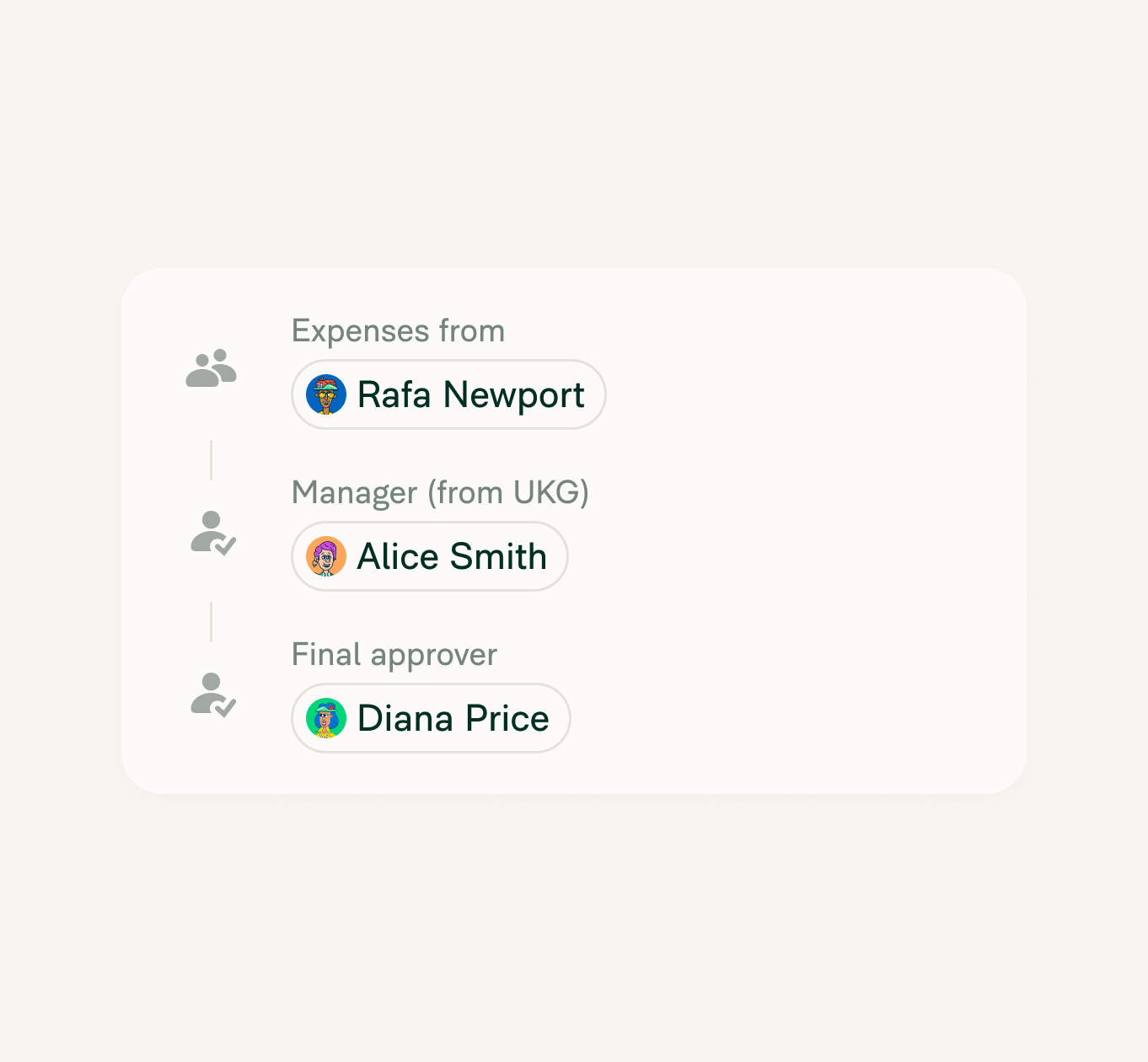
The manager relationships in UKG set who approves whom in Expensify. Choose an approval mode and a final approver, and reports follow your UKG reporting lines from there.

Offboarding without a checklist
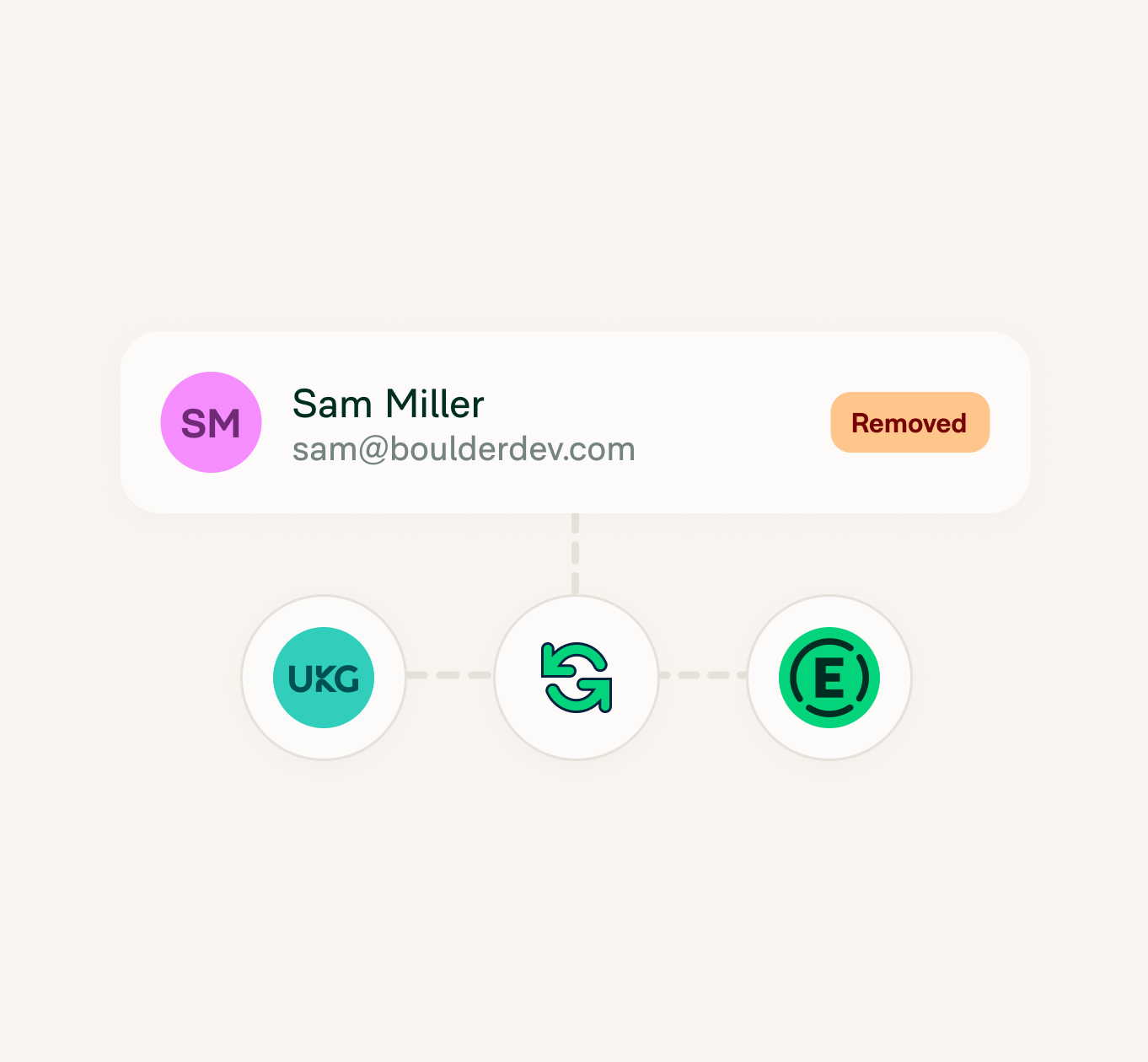
When someone's terminated in UKG, the next sync removes them from your Expensify workspace. Expenses drop off the offboarding checklist.

One setup for Pro or Ready
UKG Pro and UKG Ready both appear on the HR page in Expensify and connect the same way. Pick the one your company runs.
How it works
Connecting UKG takes three steps and an admin on each side. See Connecting an HR integration to Expensify for the full set up instructions.
-
Turn on HR
In your Expensify workspace, turn on HR under More features. You'll need Workspace Admin access on a Control workspace.
-
Connect UKG
Go to HR, search for UKG Pro or UKG Ready, and click Connect. Sign in with your UKG administrator credentials, then choose Complete setup, pick the data to sync, and save.
-
Choose approvers
Once the first sync finishes, set the Approval mode and Final approver on the HR page. Reports then route along the manager relationships in UKG.
-
Category
HR integration
-
Plan to use
Control
-
Resources
-
Website
Benefits
A roster that matches UKG every morning
Expensify syncs with UKG once a day. New hires, departures, and manager changes show up without anyone exporting a spreadsheet.
Reorgs that don't break approvals
Move a team under a new manager in UKG and their reports go to that manager after the next sync. There's no approval chain to rebuild by hand.
Fewer accounts to chase after someone leaves
Finance doesn't need a list of who still has an Expensify login. If they're terminated in UKG, they're off the workspace.
FAQs
-
It connects UKG to your Expensify workspace so employee data flows from HR into expense management. New hires are added and invited, approvals are built from manager relationships, and terminated employees are removed.
-
Yes. Both connect from the HR page in Expensify, follow the same setup steps, and sync the same employee and manager data. Choose the UKG product your company uses when you connect.
-
Yes. UKG Pro Workforce Management is also on the list of HR platforms you can connect from the HR page.
-
Employee details and manager relationships sync from UKG into Expensify. The sync runs one way: UKG stays the source of record, and expense data doesn't flow back.
-
An Expensify Control workspace is needed. The person connecting it needs Workspace Admin access with HR turned on under More features, plus an administrator account in UKG.
-
Once a day, automatically, plus the initial sync when you first connect. Larger companies can wait several minutes for that first sync.
-
Expensify matches and invites people by work email, so anyone without one in UKG is skipped. Add the address in UKG and the next sync brings them in.
-
Not to the same workspace. Each Expensify workspace connects to one HR platform at a time.
UKG, UKG Pro, and UKG Ready are trademarks of UKG Inc. or its affiliates. This information was prepared by Expensify and is solely the responsibility of Expensify. UKG Inc. does not control or guarantee the accuracy of any content provided by Expensify.
Try Expensify today
See how much time you can save by integrating Expensify with UKG. From onboarding to expense reporting to reimbursement, everything just works faster, smarter, and easier.
Start your free trial
Other integrations




Features
Resources

Get Started


