


Expensify + Paychex
The Expensify Paychex integration gives you an approval chain straight from Paychex
Expensify's direct integration with Paychex brings automatic employee provisioning, approval chains drawn from your manager records, and offboarding that takes care of itself. Connect it once, and there's no upkeep required.

Key features

Approvals from your reporting lines
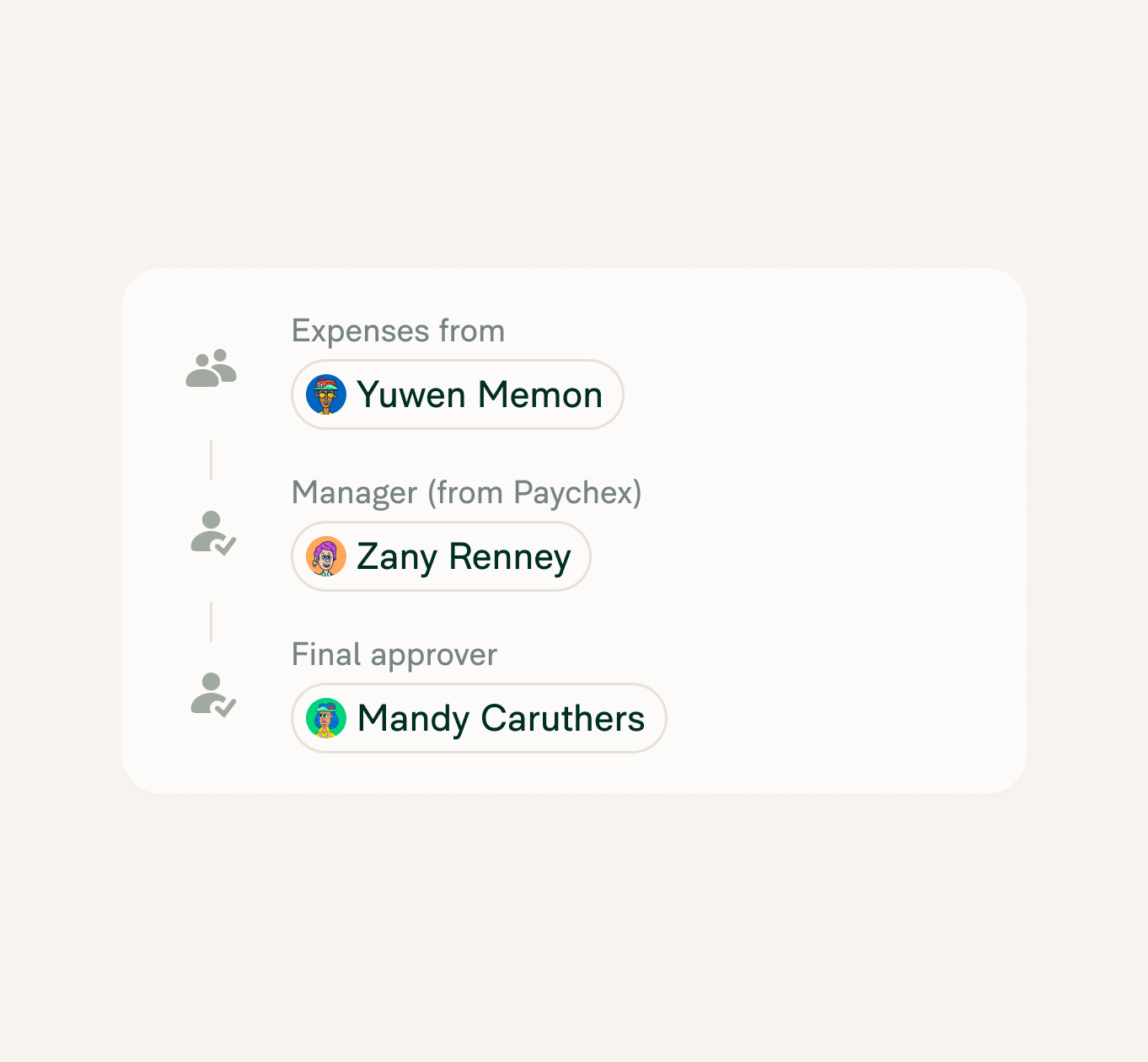
The reporting lines already in Paychex become your approval chain. Set approval mode and final approver once, and every expense report reaches the right person on its own.

Day-one access for new hires
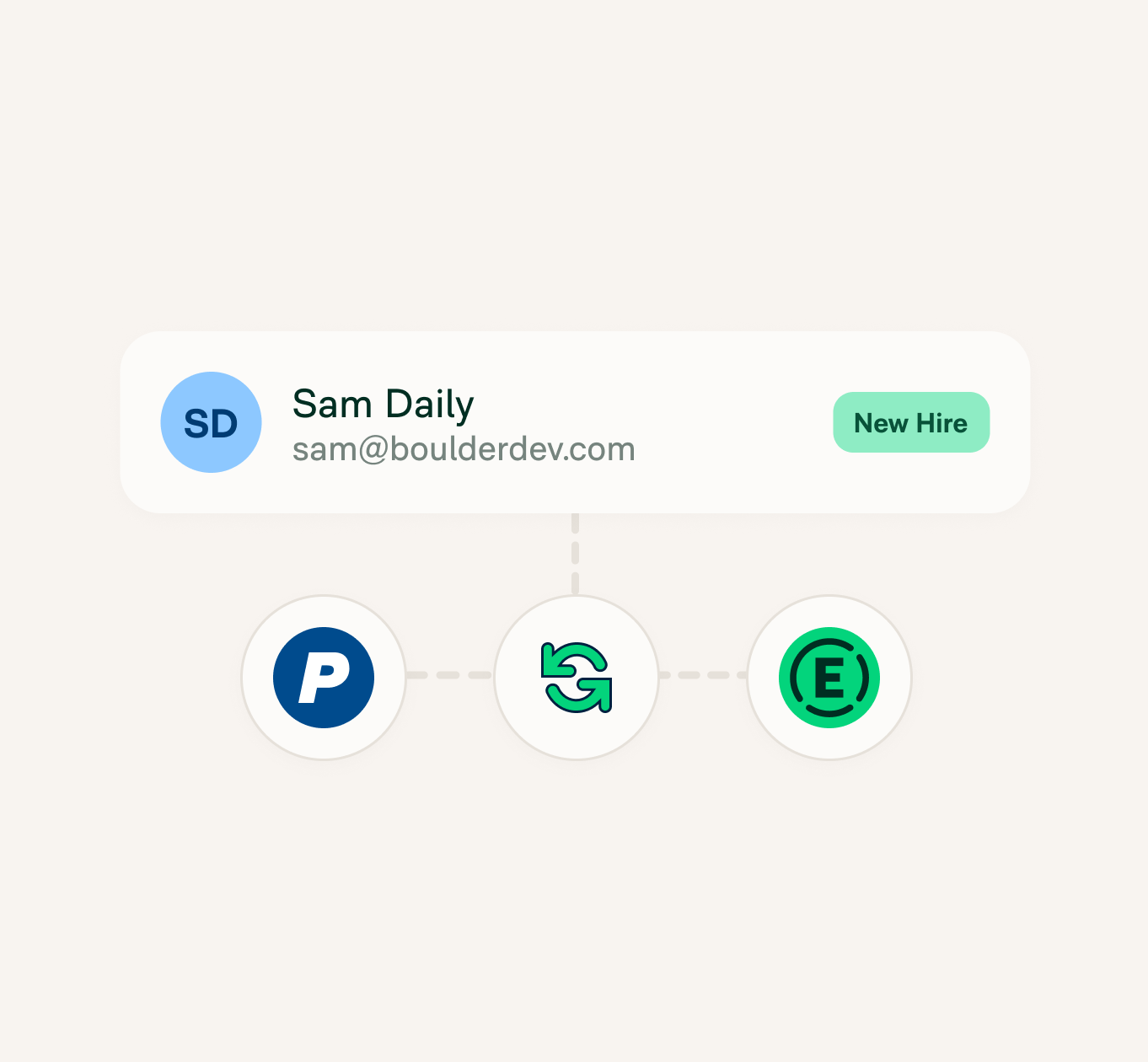
Employees in Paychex get added to your Expensify workspace and invited by email, so somebody who started Monday can file their first expense the very same day. No admin has to set them up first.

Offboarding without the checklist
Mark someone terminated in Paychex and their Expensify access goes with it. There's no leftover checklist item for whoever's handling offboarding.

A sync you never think about
A daily sync keeps employee details and reporting lines accurate as people join, move teams, or change managers. There's nothing to reconcile and nothing to remember.
How it works
Connecting Paychex to Expensify is easy; routing looks after itself from then on.
-
Connect Paychex
In Expensify, open Workspaces, pick the workspace you're connecting, and select HR from the left menu. Use Find integration to search for Paychex, then click Connect. You'll need Workspace Admin on a Control workspace with HR enabled under More features.
-
Authenticate and choose what syncs
Sign in with your Paychex administrator credentials to authorize the connection. Once it shows as connected, select Complete setup, choose what to sync, and save.
-
Set your approval mode
When the first sync finishes, set Approval mode and Final approver from the HR page. Reports route by the manager relationships coming from Paychex after that.
-
Category
HR integration
-
Plan to use
Control
-
Resources
-
Website
Benefits
Payroll in Paychex, expenses in Expensify
Paychex keeps the employee record and runs payroll. Expensify reads that record to route expense approvals. Neither one asks you to maintain a copy of the other.
No HR admin required to keep it right
Many Paychex customers don't have anyone whose job is maintaining an employee list. The approval chain updates itself from Paychex, so it's accurate whether or not somebody had time this week.
One less system to update
Hiring somebody already means updating Paychex. It shouldn't also mean updating Expensify, then explaining to a new starter why their first report won't submit.
FAQs
-
It connects Paychex to your Expensify workspace so your approval chain comes from the employee records Paychex already holds, feeding expense management directly. New hires get added and invited, and terminated employees come off.
-
It works for PEO clients running on Paychex Flex, which is the platform the integration connects to. Paychex Oasis sits on a separate platform without the same setup, so Oasis accounts can't connect.
-
It's an HR integration. The Expensify HR integration set moves employee and manager data rather than processing pay. Paychex is still where payroll runs, and Expensify uses the records it sends to keep your workspace and approval routing accurate.
-
Employee information and manager relationships sync from Paychex into Expensify. It's one way: Paychex is the source of record, and expense data doesn't flow back.
-
You'll need a Control workspace, and whoever connects it needs Workspace Admin access with HR enabled under More features. On the Paychex side, that's an administrator account.
-
Mark them terminated in Paychex and they're removed from the Expensify workspace on the next sync. There's no manual step to revoke access.
-
Expensify syncs once a day on its own, on top of the first sync when you connect. Larger accounts can take a few minutes to get through that first one.
-
Yes. Employees are matched and invited by work email, so anyone without one gets skipped. Add the address, run a sync, and they'll come through.
-
No. One HR platform connects per Expensify workspace. If you run several, connect Paychex to the one holding the employees it manages.
Paychex is a trademark of Paychex Inc. This information was prepared by Expensify and is solely the responsibility of Expensify. Paychex Inc. does not control or guarantee the accuracy of any content provided by Expensify.
Try Expensify today
See how much time you can save by integrating Expensify with Paychex. From onboarding to expense reporting to reimbursement, everything just works faster, smarter, and easier.
Start your free trial
Other integrations




Features
Resources

Get Started


