


Expensify + Dayforce integration
The Expensify Dayforce integration that turns your HR records into expense approvals
Expensify's direct integration with Dayforce brings day-one access for new hires, approvals built from Dayforce manager data, and automatic removal at termination. Nobody keeps a second employee list just for expenses anymore.

Key features

Day-one expense access
Employees in Dayforce are added to your Expensify workspace and invited by work email. A new hire's first expense report doesn't wait on someone remembering to set them up.

Manager-based approval chains
The manager relationships in Dayforce become the approval chain in Expensify. Pick an approval mode and a final approver once, and reports go to each employee's manager from there.

Removal at termination
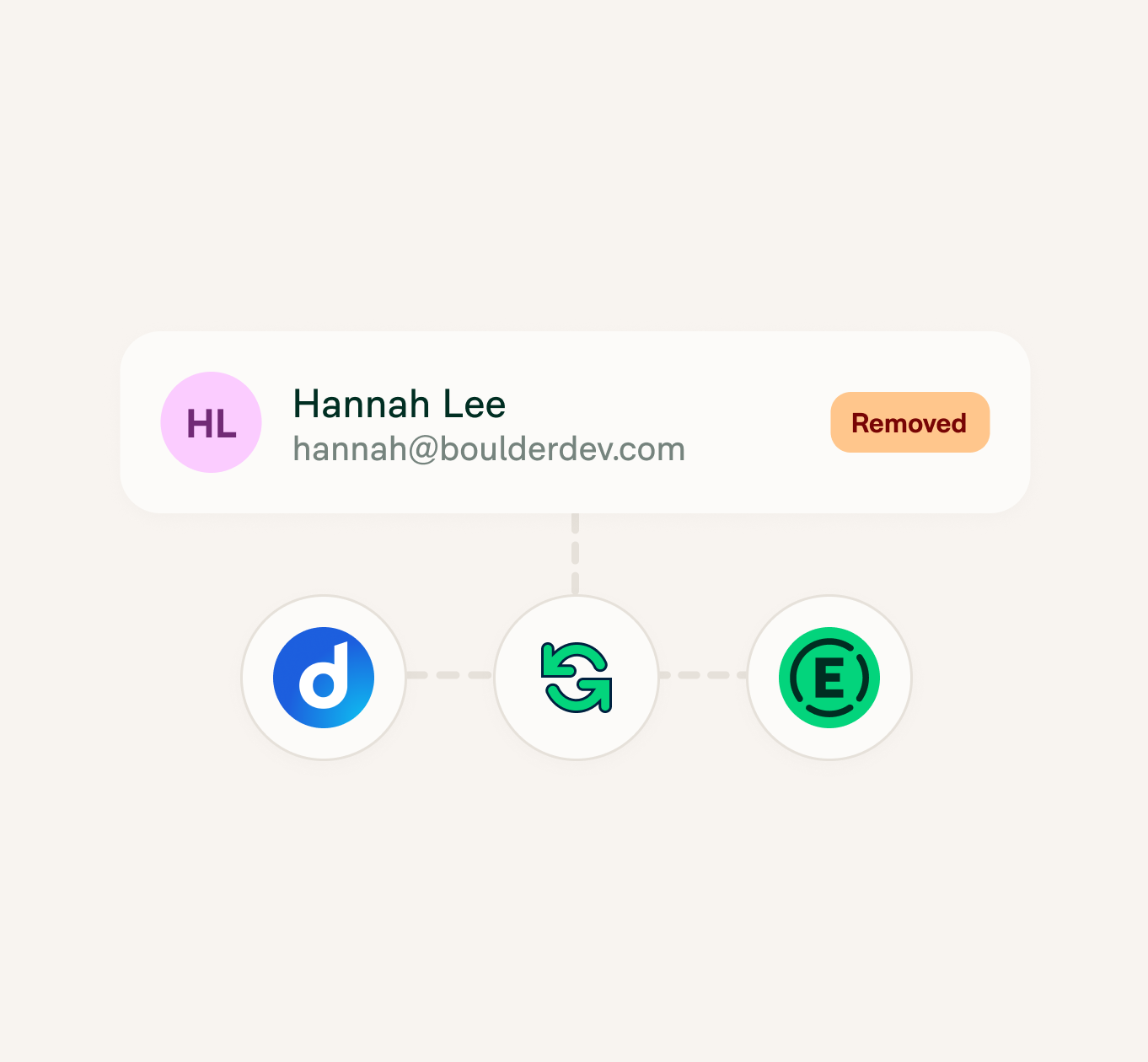
Mark someone terminated in Dayforce and they're removed from your Expensify workspace on the next sync. There's no separate offboarding ticket for expenses.

Daily employee sync
Expensify syncs with Dayforce once a day, so new hires, transfers, and manager changes show up without anyone exporting a file.
How it works
The Dayforce integration connects in three steps, with an admin on each side. Connecting an HR integration to Expensify covers the full process.
-
Find Dayforce
In Expensify, open the workspace, go to HR, search for Dayforce, and click Connect. You'll need Workspace Admin on a Control workspace with HR turned on under More features.
-
Sign in and pick what syncs
Authorize the connection with your Dayforce administrator credentials. Once it shows as connected, choose Complete setup, pick the data to sync, and save.
-
Set approvals
After the first sync finishes, set the Approval mode and Final approver on the HR page. Reports then follow the manager relationships from Dayforce.
-
Category
Payroll
-
Plan to use
Control
-
Website
Benefits
The same people in HR and expenses
Dayforce decides who works here, and Expensify follows. Nobody discovers at month-end that a new hire was never added, or that someone who left is still on the list.
Approvals that keep up with promotions
When someone moves into a manager role in Dayforce, reports start routing to them on the next daily sync. Nobody edits an approval chain by hand.
No leftover access after a departure
Former employees don't keep a login to submit expenses. Termination in Dayforce removes them from the workspace automatically.
FAQs
-
It connects Dayforce to your Expensify workspace so employee data flows from your HR system into expense management. New hires are added and invited, approvals are built from manager relationships, and terminated employees are removed.
-
Just one, which is an HR integration that syncs employee and manager data. It doesn't send expense or reimbursement data to Dayforce payroll.
-
Employee details and manager relationships sync from Dayforce into Expensify. The sync is one way: Dayforce stays the source of record, and expense data doesn't flow back.
-
You’ll need a Control workspace. The person connecting it needs Workspace Admin access with HR turned on under More features, plus an administrator account in Dayforce.
-
Once they're marked terminated in Dayforce, they're removed from the Expensify workspace on the next sync. There's no manual step to revoke access.
-
Once a day, automatically, plus the initial sync when you first connect. Larger accounts can take several minutes for that first sync.
-
Yes. Expensify matches and invites people by work email, so anyone without one in Dayforce is skipped. Add the address and the next sync brings them in.
-
Not to the same workspace. Each Expensify workspace connects to one HR platform at a time.
Dayforce is a trademark of Dayforce, Inc. or its affiliates. This information was prepared by Expensify and is solely the responsibility of Expensify. Dayforce, Inc. does not control or guarantee the accuracy of any content provided by Expensify.
Try Expensify today
See how much time you can save by integrating Expensify with Dayforce. From onboarding to expense reporting to reimbursement, everything just works faster, smarter, and easier.
Start your free trial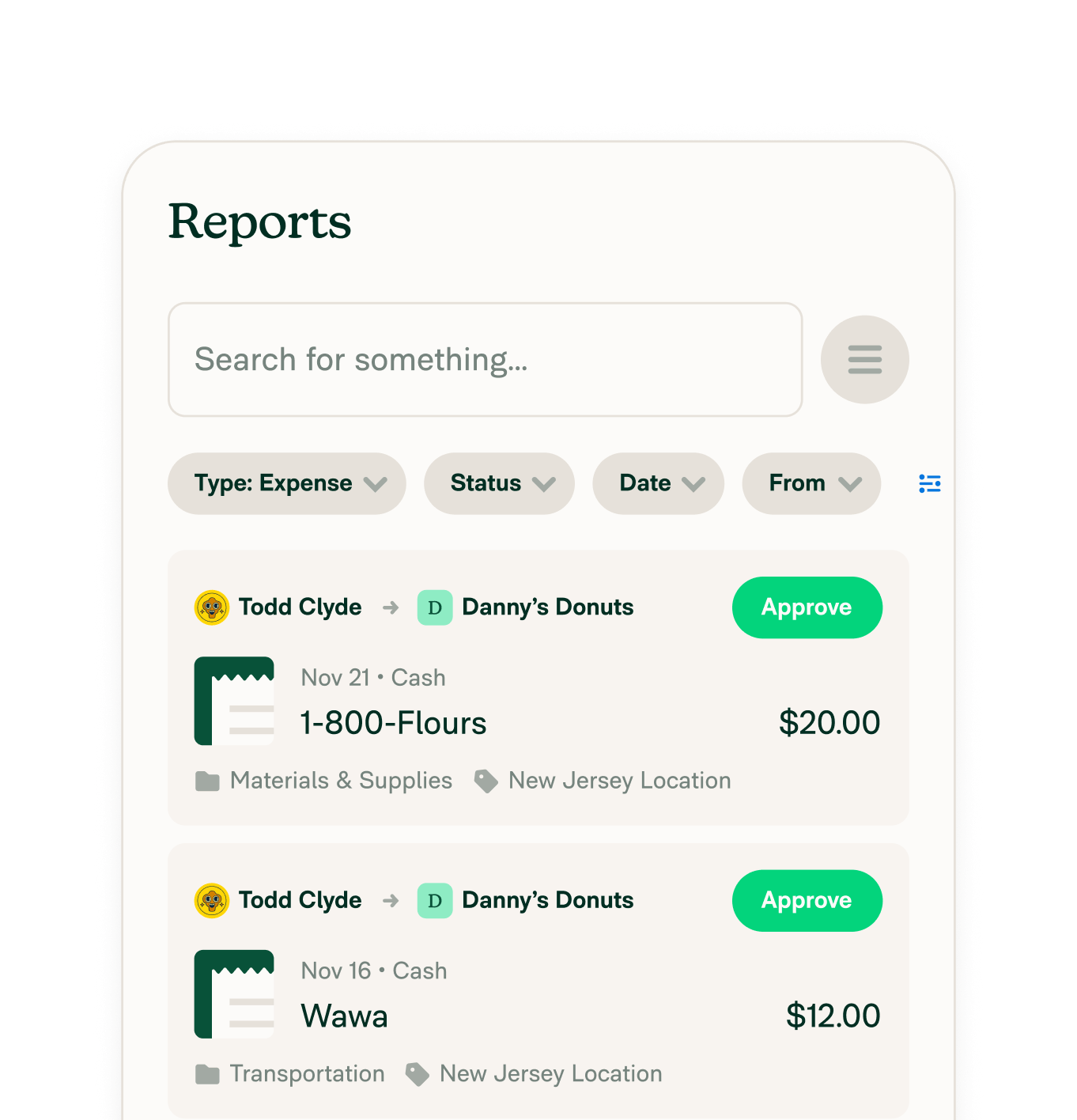
Other integrations



Features
Resources

Get Started


