


Expensify + BambooHR
The Expensify BambooHR integration automates employee setup, approvals, and offboarding
Expensify's direct integration with BambooHR® brings automatic employee provisioning, approval chains built from your org chart, and offboarding that completes itself. Your BambooHR record is the only employee list anyone needs to touch.

Key features

Provisioning without the handoff
Active employees in BambooHR are added to your Expensify workspace and invited by email. No CSV uploads, no adding people one at a time, no new hire waiting a week for access to submit their first expense report.

Three approval modes
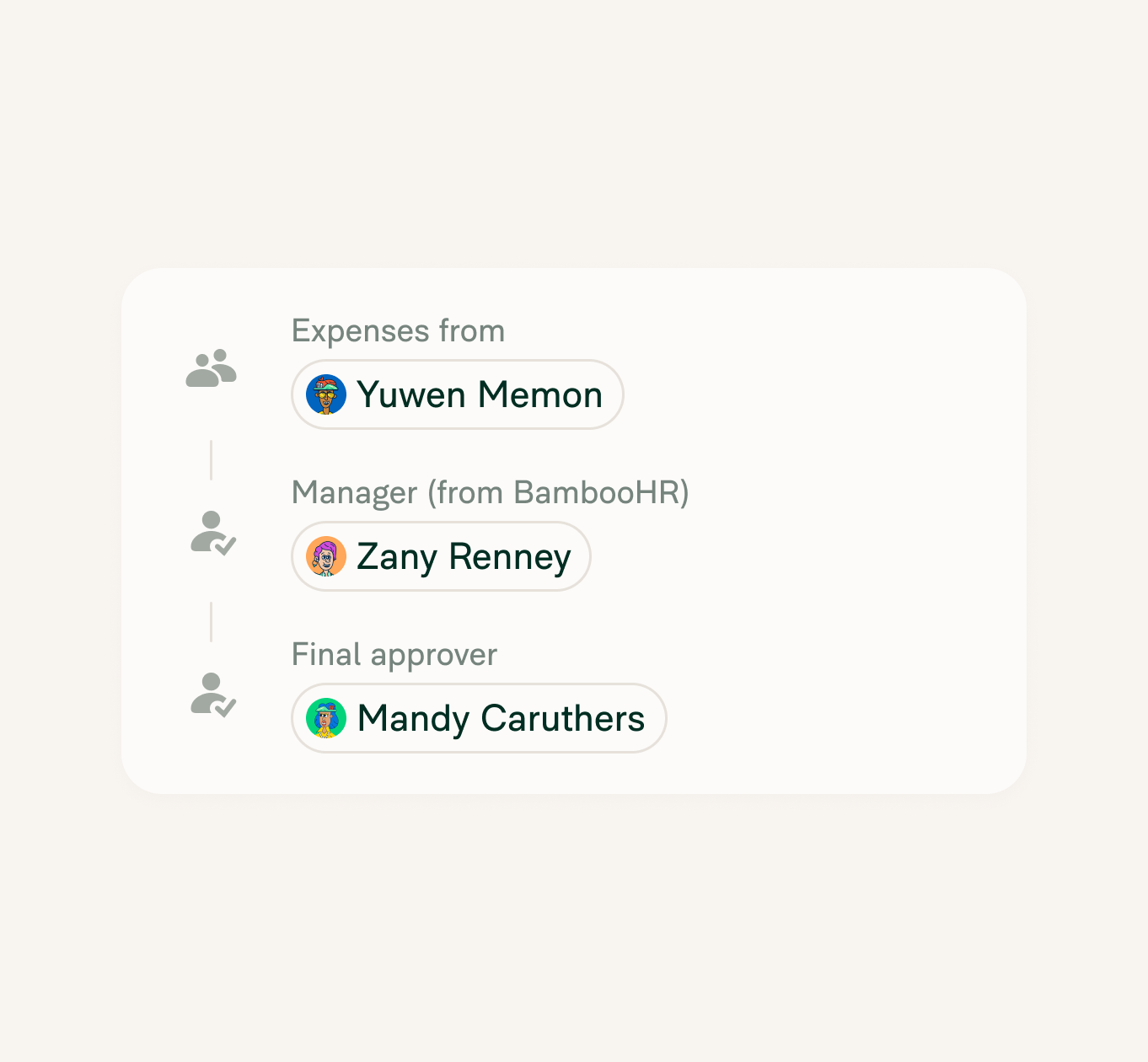
Basic, Manager, or Custom Approval, all built from the manager relationships BambooHR already holds. Pick the one that matches how your team works and reports route themselves from there.

Offboarding HR already triggers
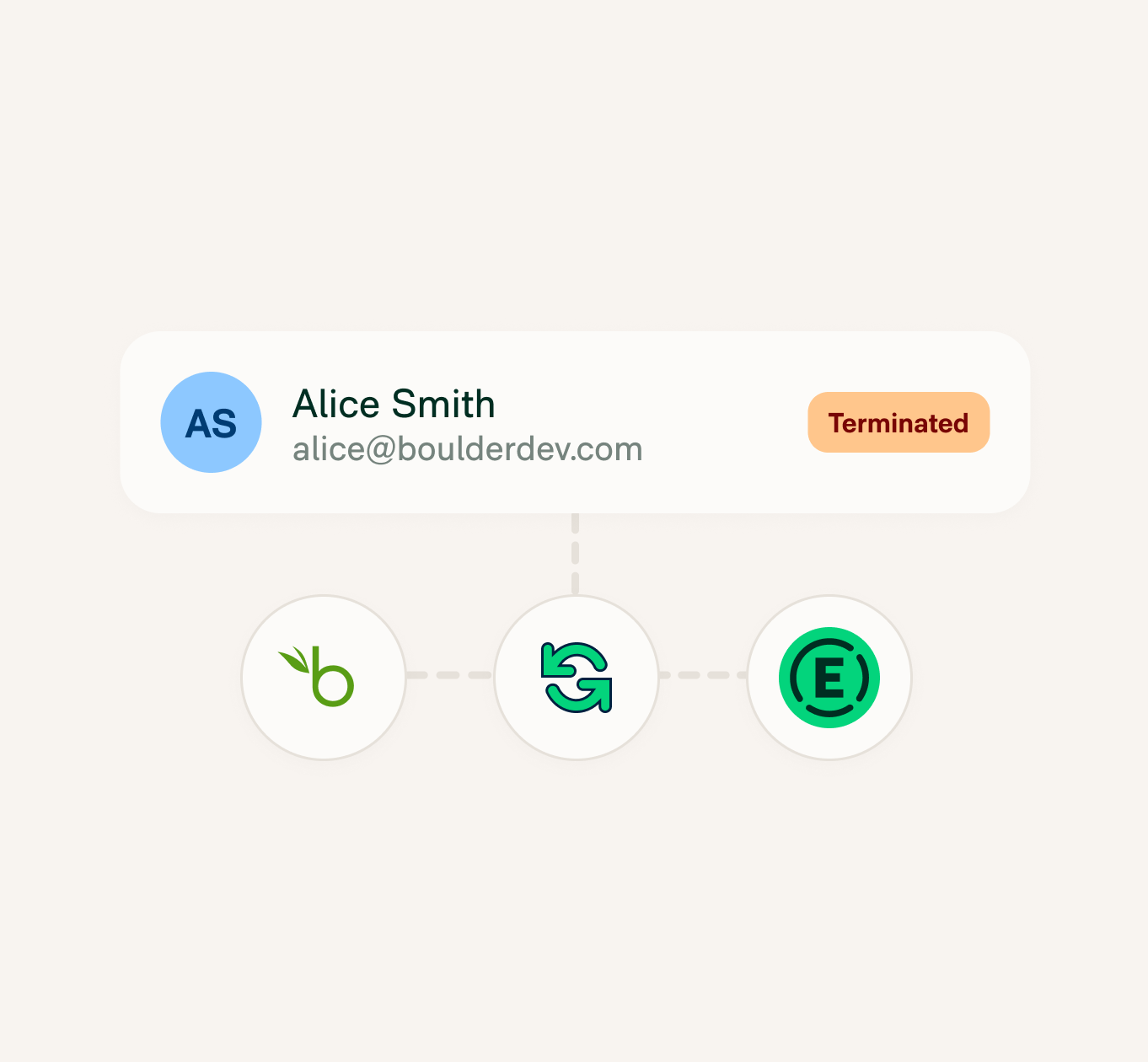
Mark someone terminated in BambooHR and they're out of your Expensify workspace. HR does the step it's already doing, and finance never has to be told about it.

Daily sync, plus manual runs
A daily auto-sync keeps employee details and manager relationships accurate, and you can run a sync yourself twice a day when tomorrow's too long to wait.
How it works
Connecting BambooHR to Expensify takes a few guided steps and one admin login on each side. Once it’s live, your workspace membership and approval structure follow BambooHR.
-
Turn on HR and connect BambooHR
In Expensify, open Workspaces, choose the workspace to connect, and select HR from the left menu. Click Connect next to BambooHR, then sign in with your BambooHR administrator credentials and authorize access. You need Workspace Admin on a Control workspace, with HR enabled under More features.
-
Choose what syncs
When the initial connection finishes, click the green status indicator and select Complete setup. Choose which BambooHR data to sync and save. The first sync can take several minutes on larger accounts.
-
Pick your approval workflow
Choose Basic Approval to send every report to a single final approver, Manager Approval to route through each employee's direct manager first, or Custom Approval to keep managing the chain yourself in Expensify.v
-
Category
HR integration
-
Plan to use
Control
-
Resources
-
Website
Benefits
A one-person HR team is enough
Plenty of companies run HR with one person. The approval chain builds itself out of BambooHR, so keeping it accurate doesn't get harder every time you hire.
Nobody has to remember the last step
Every offboarding checklist has one system somebody forgets. Expensify comes off that list, because terminating them in BambooHR is the only step anyone takes.
FAQs
-
It connects BambooHR to your Expensify workspace so employee data flows automatically from your HR system into expense management. New hires are added and invited, approval workflows are built from manager relationships, and terminated employees are removed.
-
Employee records and manager relationships sync from BambooHR into Expensify. The sync is one way: BambooHR is the source of record and Expensify follows it. Expense data doesn’t flow back into BambooHR.
-
The integration requires a Control workspace, and the person connecting it needs Workspace Admin access with HR enabled under More features. On the BambooHR side, you need an administrator account.
-
When an employee is marked terminated in BambooHR, they’re removed from the Expensify workspace automatically on the next sync. No manual step is needed to revoke their access.
-
Expensify runs an automatic sync once a day. You can also trigger a manual sync, up to two per day. The initial sync after connecting can take several minutes on larger accounts.
-
Yes. Employees are matched and invited by work email, so anyone without one in BambooHR is skipped during the sync. Adding the missing address and running a sync brings them in.
-
No. BambooHR syncs employees to a single Expensify workspace. Companies running multiple workspaces should connect BambooHR to the one that holds the employees it manages.
BambooHR® is a registered trademark of Bamboo HR LLC. This information was prepared by Expensify and is solely the responsibility of Expensify. Bamboo HR LLC does not control or guarantee the accuracy of any content provided by Expensify.
Try Expensify today
See how much time you can save by integrating Expensify with BambooHR. From onboarding to expense reporting to reimbursement, everything just works faster, smarter, and easier.
Start your free trial
Other integrations




Features
Resources

Get Started


