


Expensify + American Airlines AAdvantage Business℠ integration
Travel smart.
Expense smarter.
Connect your AAdvantage Business℠ account to Expensify and forget about lost receipts or manual uploads. This integration pulls eligible flight receipts directly into your Expensify account, saving time, reducing errors, and keeping your expense reports tax-ready.

Key features

Automatic receipt capture
No need to email receipts or take screenshots. Your AAdvantage Business℠ flight receipts sync directly into Expensify.

Seamless reconciliation
Receipts land in your account with the correct amounts and vendors already filled in, making reconciliation effortless.

One-time setup
Enable the integration once from your AAdvantage Business℠ portal and never think about it again.

Built for business travel
Stay organized while earning AAdvantage miles on eligible travel bookings. It’s travel and expense management in perfect sync.
How it works
-
Log in to your AA Business account
Head to your AAdvantage Business℠ travel management portal.
-
Enable the Expensify integration
Go to Settings → Integrations and toggle Expensify on.
-
Let the automation take over
All future eligible flight receipts will automatically appear in your Expensify account (no extra steps needed).
-
Category
Travel
-
Plan to use
Control or Collect
-
Website
FAQs
-
It’s a one-time setup that connects your AAdvantage Business℠ account with Expensify, allowing eligible flight receipts to automatically sync into your expense reports.
-
This integration saves employees time, reduces manual entry errors, and improves compliance. Finance teams get more accurate reports with less chasing and fewer delays, all while your company continues earning AAdvantage miles.
-
An authorized admin simply logs into their AAdvantage Business℠ account, goes to Settings → Integrations, and enables Expensify. No Expensify login or credentials are required at this stage.
-
No, only eligible flights booked after enabling the integration will sync automatically going forward.
-
No. Once the integration is enabled at the company level, it applies automatically to all eligible bookings.
AAdvantage Business℠ is a trademark of American Airlines, Inc. or its affiliates. This information was prepared by Expensify and is solely the responsibility of Expensify. American Airlines, Inc. does not control or guarantee the accuracy of any content provided by Expensify.
Try Expensify today
See how much time you can save by integrating Expensify with American Airlines AAdvantage Business℠. From onboarding to expense reporting to reimbursement, everything just works faster, smarter, and easier.
Start your free trial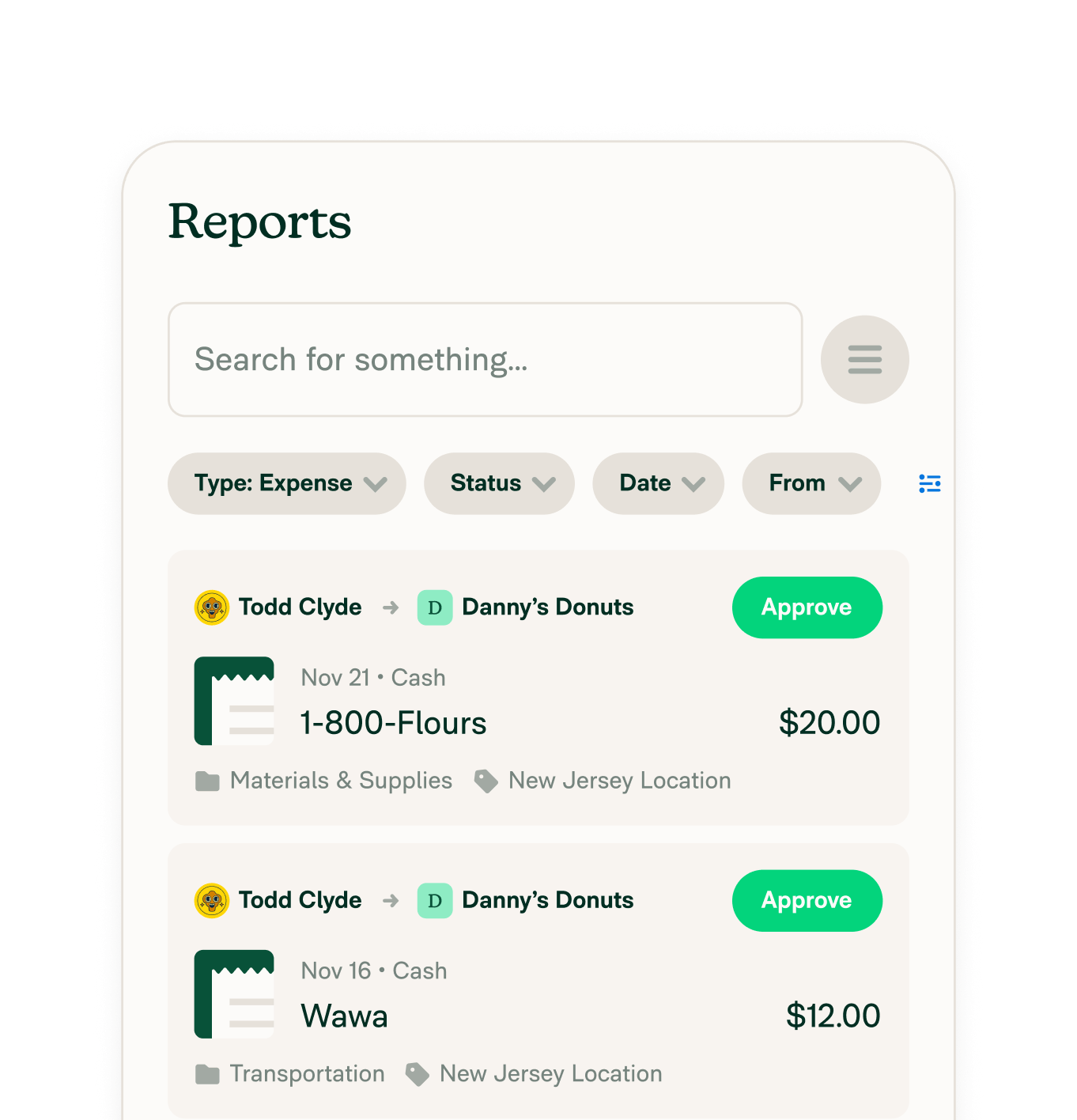
Other integrations




Features
Resources

Get Started


