


Expensify + ChatGPT
Bring your Expensify data into ChatGPT
Connect ChatGPT to Expensify once, then ask it to summarize spend, flag missing receipts, or find expenses by merchant, all in natural language.

Key features

Ask in natural language
Skip the filters and the manual reports. Ask ChatGPT a question the way you'd say it out loud, and it pulls the answer straight from your Expensify data.

Connect once, skip the exports
Set up the connection a single time. After that, ChatGPT reads your Expensify data on demand. No CSV downloads, no copy-paste.

Read-only and secure
The connection uses OAuth 2.1, and ChatGPT gets read-only access at launch. It can search, summarize, and analyze your data, but it can't edit expenses or approve expense reports. You can disconnect it any time.

Answers scoped to your access
ChatGPT only sees the Expensify data you already have permission to see, based on your account and workspace role.
What can you ask ChatGPT?
ChatGPT works whether you're tracking your own spending or managing a team. A few examples to get you started:

How much have I spent on meals this month?

Find my Uber expenses from last quarter.

Which of my reports haven't been reimbursed yet?

Show me which team members have overdue reports.

Summarize my team's travel spend for the quarter.
These are just examples. Ask ChatGPT about anything in your expenses, reports, reimbursements, invoices, or spending trends.
How it works
Setup happens inside ChatGPT and takes just a few steps.
-
Find the Expensify plugin
In ChatGPT, go to Plugins and search for "Expensify".
-
Allow ChatGPT access
Review ChatGPT's request for access to Expensify and click Allow in your browser.
-
Start asking questions
Ask ChatGPT a question about your Expensify data, and it returns the answer right in your chat.
-
Category
AI integrations
-
Plan to use
All plans
-
Resources
-
Website
Full setup instructions live at expensify.com/mcp.
Benefits
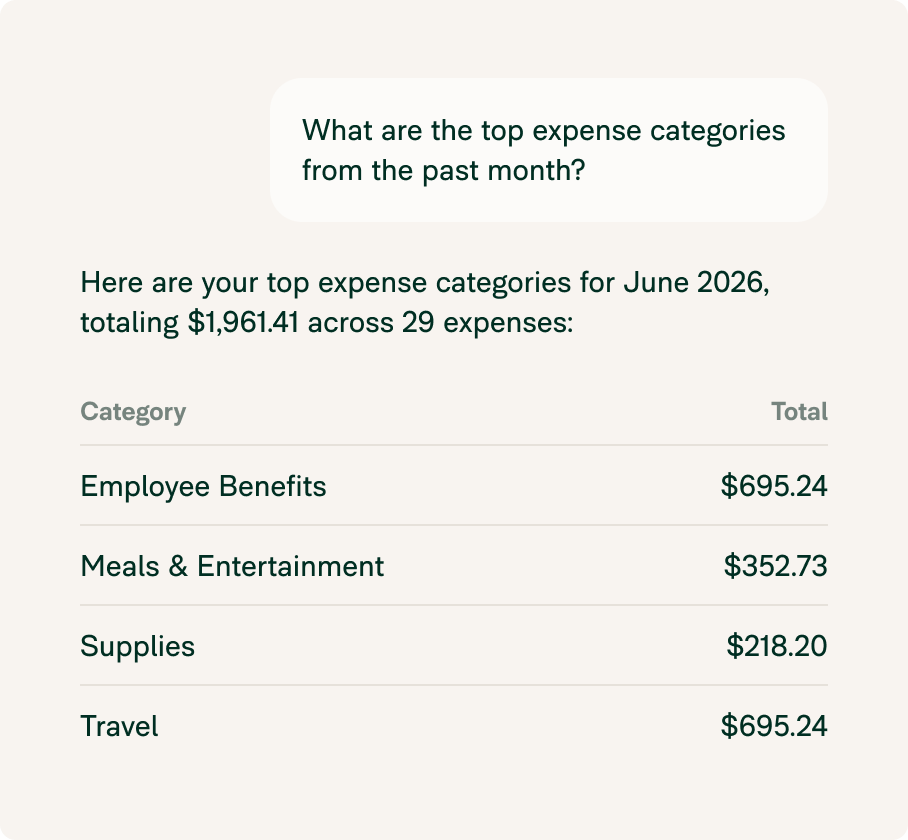
Answers without the busywork
Stop exporting data and rebuilding the same reports. Ask the question you actually have, and get the answer in seconds.
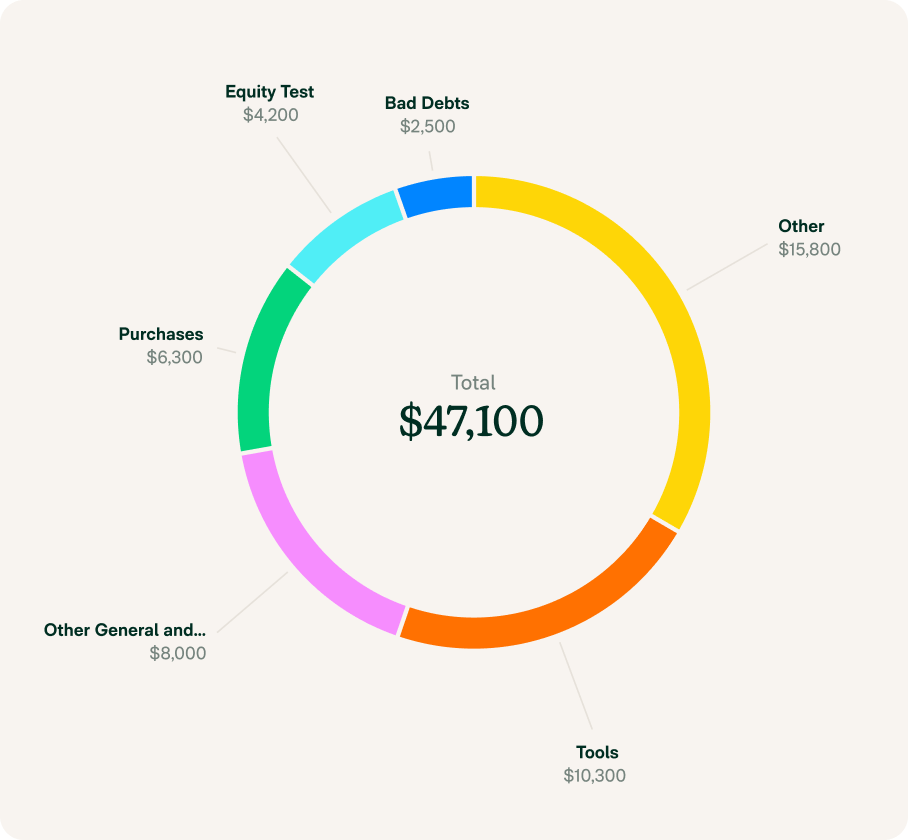
Spending visibility, on demand
From your own receipts to your team's overdue reports, ChatGPT surfaces what you need to know without you opening a single report.
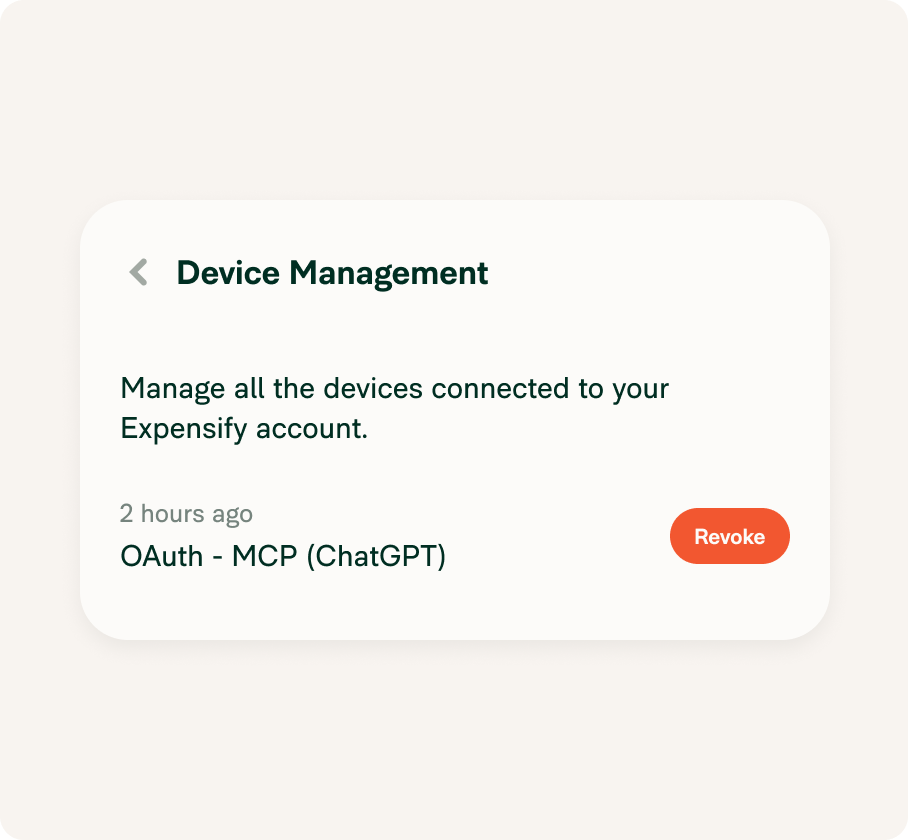
Your data stays yours
Read-only access, explicit consent, and one-click disconnect mean you stay in control of what ChatGPT can see.
FAQs
-
No. The connection is read-only at launch. ChatGPT can search, summarize, and analyze your data, but it can't edit expenses, approve reports, reimburse payments, or change workspace settings.
-
Yes. The connection uses OAuth 2.1 with explicit consent. ChatGPT only accesses the data you already have permission to see, and you can disconnect it any time.
-
Expenses, reports, reimbursements, invoices, merchants, categories, receipts, approvals, and spending trends.
Try Expensify today
See how much time you can save by integrating Expensify with ChatGPT.
Try Expensify MCP
Other integrations




Features
Resources

Get Started


