


Expensify + ADP integration
Streamlined payroll, simplified expenses
Connect Expensify with ADP via the ADP Marketplace to eliminate manual entry, sync payroll and expenses, and get employees reimbursed faster. It’s the smarter way to simplify admin work without sacrificing accuracy or speed.

Key features

Easy syncing
Push expense data directly into ADP for accurate, always-updated payroll runs.

Automated approvals
Use smart rules to route and approve expenses automatically, with built-in audit trails.

Eliminate errors
Get rid of manual re-entry and reduce compliance risks with clean, verified data.

Flexible setup
Map categories, employees, and workflows in minutes – no IT support needed.
How it works
Setting up the Expensify + ADP integration takes just a few clicks. Once connected, everything runs in the background:
-
Link to your ADP account
Use the ADP Marketplace to authorize the integration with Expensify.
-
Customize your workflow
Choose which expense categories, employees, and accounting codes sync to ADP.
-
Let automation do the rest
As expenses are submitted and approved in Expensify, the data flows straight into ADP, ready for payroll.
-
Category
HR
-
Plan to use
Collect
-
Resources
-
Website
FAQs
-
The ADP marketplace is an online platform that allows customers to easily access every ADP integration option available, including Expensify.
-
Yes. Expensify is a certified ADP Marketplace partner. You can connect Expensify to ADP Workforce Now® or RUN Powered by ADP® in just a few clicks via the ADP Marketplace. Once connected, you’ll unlock a seamless data flow between expense reports and payroll, helping you eliminate redundant steps and reduce risk across your finance workflows.
-
Yes, you can find Expensify on apps.adp.com, ADP’s official Marketplace. This ensures your connection is secure, verified, and built for plug-and-play use. You can browse the listing, read more about the integration, and get started instantly with no custom setup required.
-
Reimbursements submitted through Expensify are automatically synced to ADP once approved. That means you no longer need to manually enter approved reimbursement amounts into your payroll system. Everything flows directly into ADP for fast, accurate payout on your regular payroll schedule.
-
Yes. Expensify uses ADP’s secure API for all data connections, which means your information is encrypted and transferred through protected, authenticated channels. There’s no need to upload spreadsheets or share sensitive data over email. Everything is handled through verified, secure system-to-system syncing.
-
Absolutely. You’re in full control of how your data maps from Expensify to ADP. You can choose which employee profiles are included, which expense categories get transferred, and how everything aligns with your existing general ledger or chart of accounts.
-
This integration is built for small and midsize businesses that want to streamline back-office operations without building a giant tech stack. If you’re already using ADP for payroll and want to cut down on manual expense tracking, this is a no-brainer.
-
No, Expensify doesn’t process payroll itself. That’s what ADP is for. But when you integrate Expensify with ADP, you can sync approved expense reimbursements directly into your payroll runs. So, while Expensify doesn’t replace your payroll provider, it works hand-in-hand with ADP to simplify how you pay people back.
-
ADP isn’t designed for expense reporting. That’s where Expensify comes in. Employees submit expenses through Expensify using SmartScan and can track approvals in realtime. Once approved, those expenses sync with ADP for reimbursement via payroll.
ADP is a trademark of ADP, Inc. or its affiliates or licensors. The information in this document was prepared by Expensify and Expensify is solely responsible for its accuracy and completeness. The HR Management System, ADP, makes no representation as to the accuracy or completeness of any information contained herein.
Get started
Try Expensify today
See how much time you can save by integrating Expensify with ADP. From onboarding to expense reporting to reimbursement, everything just works faster, smarter, and easier.
Start your free trial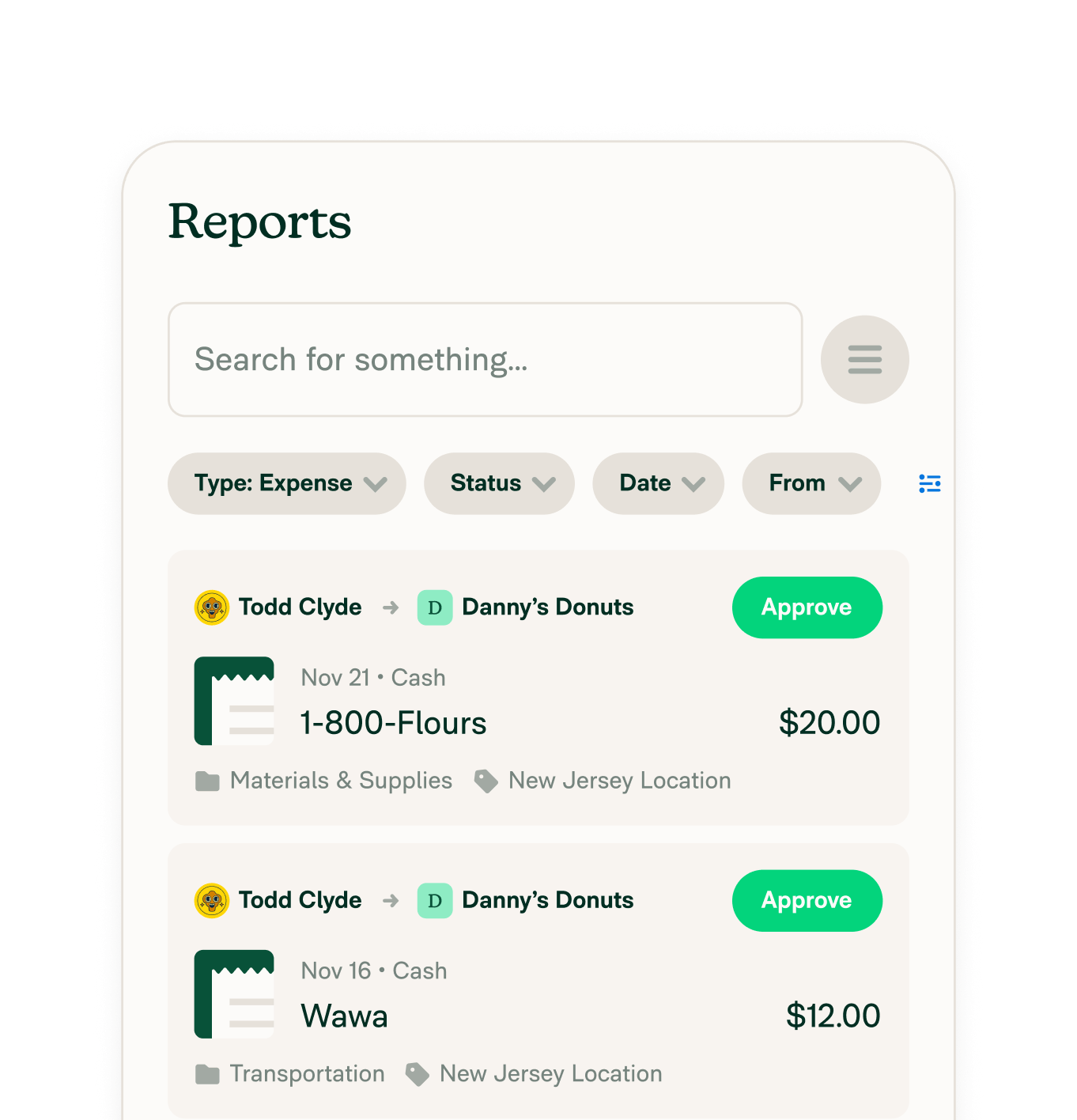
Other integrations



Features
Resources

Get Started


