


Expensify + ANZ integration
Expense management for ANZ New Zealand businesses
Connect your ANZ New Zealand credit card to Expensify for faster, smarter expense management. Enjoy automatic receipt imports, realtime transaction syncing, and effortless reconciliation – no manual entry needed.
Click the button below and sign up to receive the offer!

Key features

Automatic card feed connection
Securely import ANZ New Zealand Visa transactions into Expensify. No manual uploads required.

Realtime spend visibility
Track expenses as they happen with auto-categorisation and merchant matching powered by Concierge AI.

Smart receipt matching
Upload or forward receipts, and Expensify automatically links them to the correct card transaction.

Easy reconciliation
Review, approve, and export expenses in just a few clicks. No spreadsheets, no headaches when it comes to credit card reconciliation.
How it works
Setting up the Expensify + ANZ integration is easy. Once connected, everything runs in the background:
-
Request the connection in your ANZ portal
Log in to ANZ Internet Banking or ANZ Direct Online. Go to your settings or batch center and submit the required authority form selecting Expensify.
-
ANZ sets up the card feed
Once submitted, ANZ will handle the setup and securely send the feed to Expensify. You’ll be notified when the feed is live.
-
Start tracking automatically
Your card transactions will begin syncing into Expensify, ready to categorise, match with receipts, and report, all in realtime.

-
Category
Bank
-
Plan to use
Any
-
Resources
-
Website
Benefits
When signing up for the ANZ and Expensify integration, ANZ customers can expect a boost in their productivity and efficiency levels. In fact, our TEI Report shows that Expensify members see a 50% increase in IT productivity and a 50% reduction in expense reporting time.
Other benefits for ANZ customers include:
Simplified onboarding
No complex tech setup required.
Fully itemized tracking
Break down spend by user, card, or project.
Exclusive offer
ANZ NZ customers get 50% off for the first year with Expensify.
FAQs
-
An expense manager tracks, organises, and reconciles business spending. Expensify automates this process by capturing receipts, syncing with your ANZ card transactions, and generating reports, so you spend less time on admin and more time on your business.
-
ANZ offers lightweight spend tracking features online and in-app, but for automated receipt matching and detailed expense reporting, integrating with Expensify gives you far greater control, visibility, and automation.
-
ANZ card payment limits vary depending on your account type and security settings. Check your ANZ online banking or contact ANZ support to confirm your current limit.
-
To connect your ANZ credit card (New Zealand only), log in to either your ANZ Internet Banking portal or ANZ Direct Online account. From there, submit the appropriate Data Authority form for Expensify. Once ANZ approves the feed, your card transactions will be sent directly to Expensify, where you can match them to receipts, ready for reconciliation.
-
Connecting your ANZ card to Expensify eliminates the need for manual entry, simplifies reconciliation, and highlights missing receipts. It’s especially useful for teams using corporate cards, as expenses are automatically imported with automated receipt-matching, saving time and improving accuracy.
-
Expensify isn’t just for expenses. It also helps you manage travel, reimbursements, corporate cards, and automate exports to accounting integrations like Xero or MYOB. It’s the all-in-one platform to simplify financial operations for Kiwi businesses.
ANZ is a trademark of Australia and New Zealand Banking Group Limited (ANZ) or its affiliates. This information was prepared by Expensify and is solely the responsibility of Expensify. ANZ does not control or guarantee the accuracy of any content provided by Expensify.
Try Expensify today
See how much time you can save by integrating Expensify with ANZ New Zealand. From onboarding to expense reporting to reimbursement, everything just works faster, smarter, and easier.
Start your free trial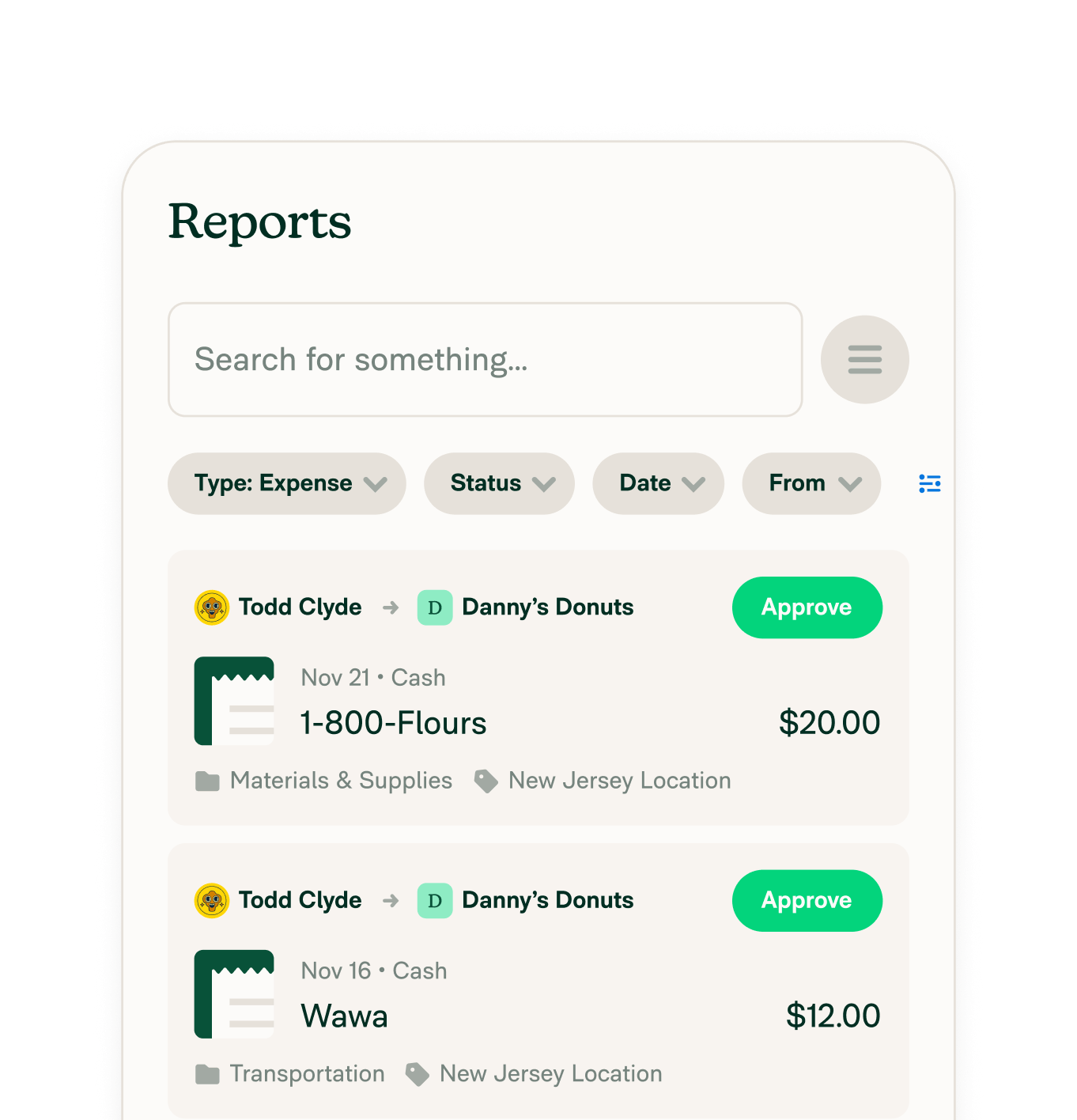
Other integrations




Features
Resources

Get Started


