


Expensify + Dynamics 365 Business Central integration
Get expenses into Dynamics 365 Business Central with the Expensify integration
Expensify's direct integration with Microsoft Dynamics 365 Business Central imports card transactions from your bank, codes expenses to your accounts, and exports approved reports automatically. You'll stop uploading card statements and recoding entries by hand.

Key features

Card feeds from your bank
Connect company cards through a direct or commercial bank feed, and transactions import into Expensify with no statement uploads, matched to your Business Central vendors by merchant name.

Your chart of accounts, imported
Business Central accounts come in as categories, dimensions as tags, and VAT posting setups as tax rates, so expenses are coded to your own structure before they're submitted.

Journal entries or purchase invoices
Out-of-pocket expenses export as general journal entries and company card expenses as purchase invoices. Switch either format to match your books.

Posting control
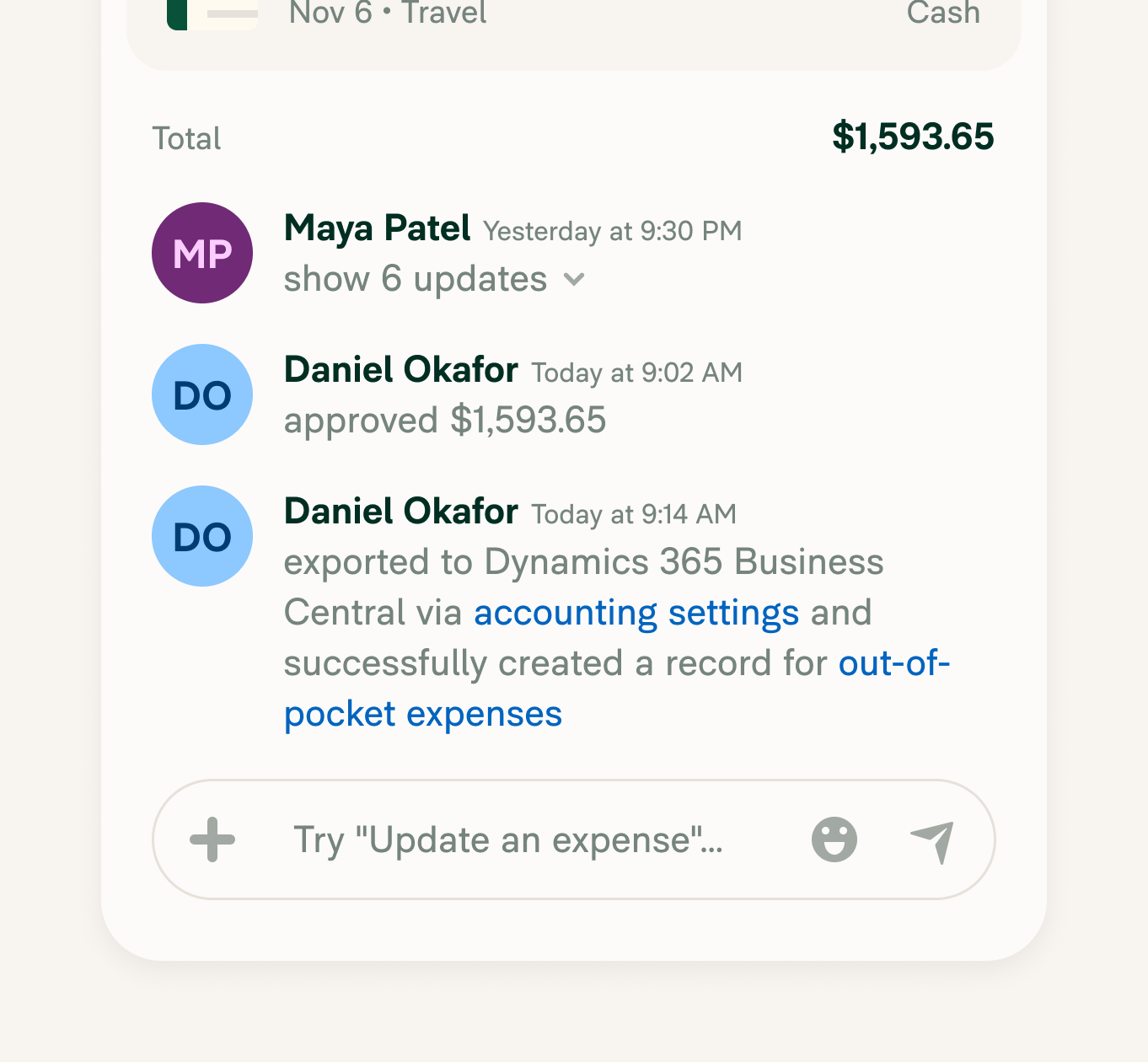
Post entries the moment they export, or create them for review in Business Central first. Every exported report links to the record it created.
How it works
Setting up the Expensify Business Central integration takes three steps.
-
Install the Expensify extension
Add the Expensify extension to your Business Central environment from Microsoft Marketplace, then follow the Expensify Assisted Setup wizard, which includes the Microsoft Entra app registration.
-
Connect your workspace
In Expensify, go to Workspaces > [workspace name] > Accounting, select Connect next to Dynamics 365 Business Central, and enter your tenant, environment, and app details to run the first sync.
-
Choose what syncs
Pick the company to sync, set your import, export, and posting options, and turn on Auto-sync so Expensify exports each report once it's approved or paid.
-
Category
Accounting
-
Plan to use
Control
-
Resources
-
Website
Benefits
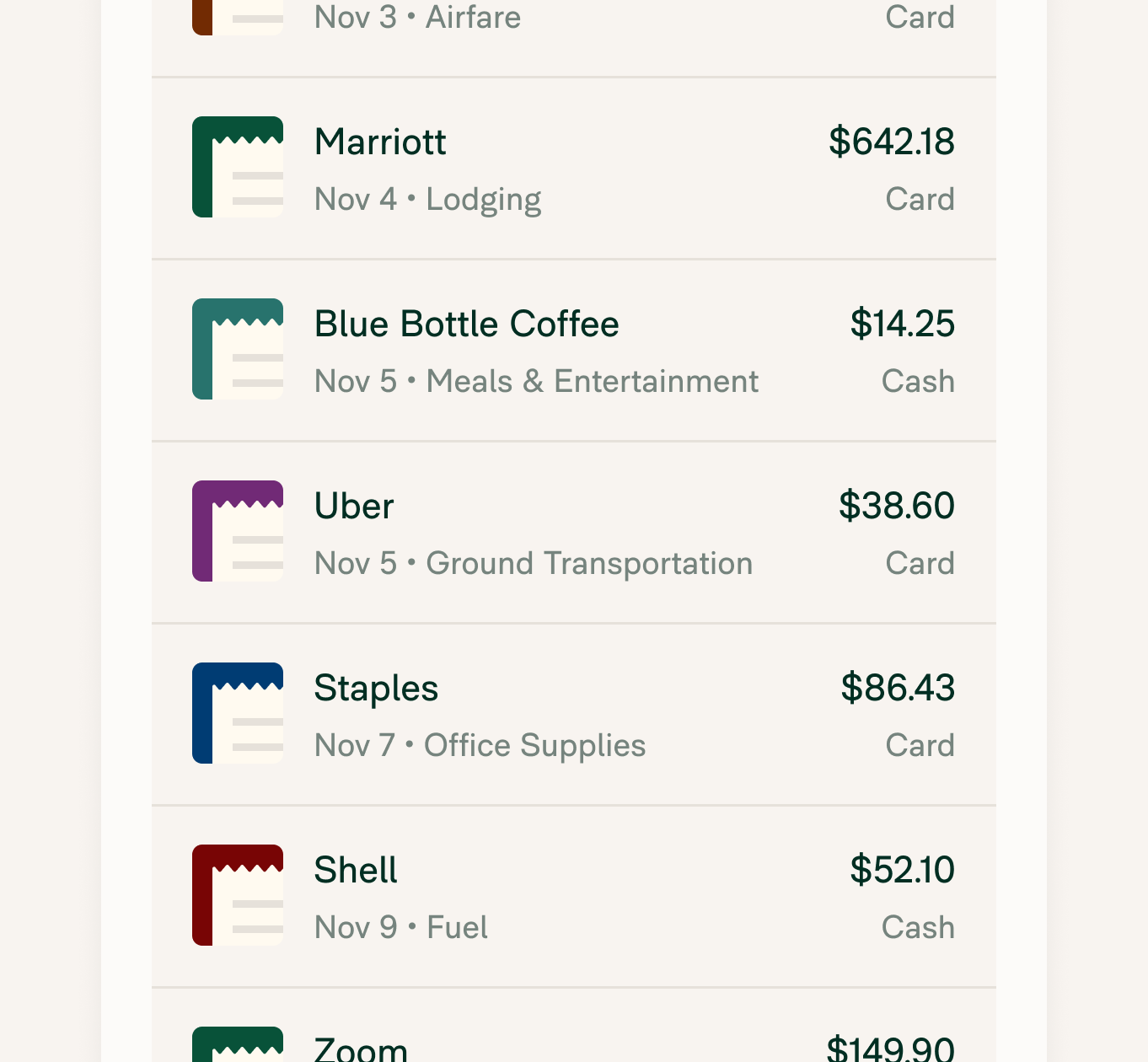
A faster month-end close
Card spend and out-of-pocket expenses reach Business Central already coded to your accounts and dimensions, so your month-end close starts with the entries in place.
Entries you can trace
Every exported report carries a link to the Business Central document it created. When someone asks where an entry came from, the answer's one click away.
Policy checks before posting
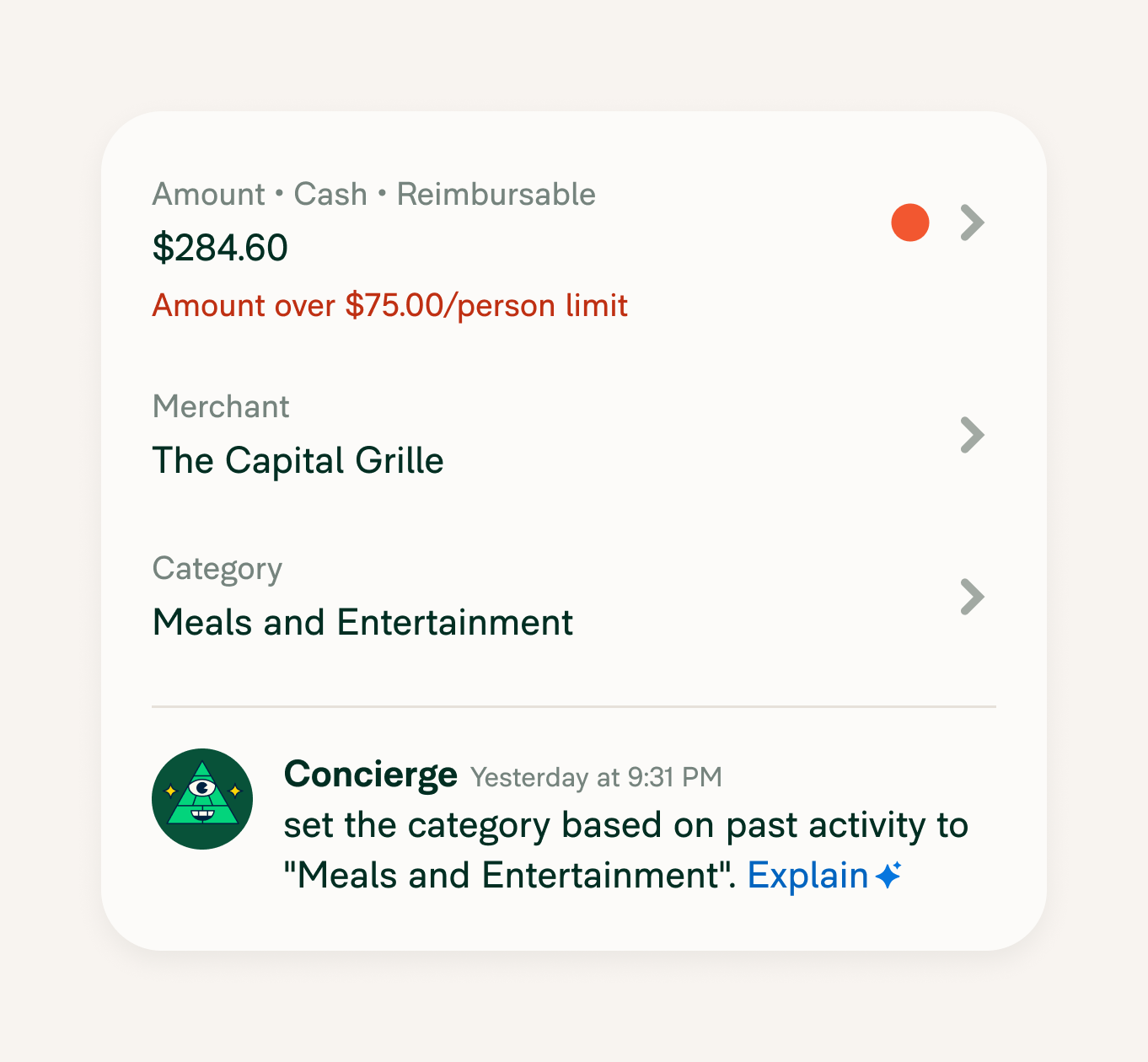
Concierge AI reads each expense in context as it's submitted, using your policies and past activity to categorize it and flag anything out of policy. It catches problems before anything posts to Business Central.
FAQs
-
It's a direct connection for Business Central expense management. Approved reports reach your books without CSV files or re-keying, so Expensify and your general ledger stay in step.
-
Expensify brings in your accounts and service or non-inventory items as categories, enabled dimensions as tags, vendors, and VAT posting setups as tax rates. Projects and customers can come in as tags when purchase invoices are one of your export options. Approved reports go back to Business Central with foreign-currency amounts converted to your base currency, and Auto-create adds any missing vendors or employees.
-
You'll need a workspace on the Control plan and workspace admin access in Expensify. On the Microsoft side, you'll need a Business Central environment where you can install extensions and a Microsoft Entra app registration for Expensify.
-
The direct integration supports Business Central only. For Dynamics 365 Finance and Operations or other Microsoft Dynamics products, Expensify offers a flat-file export template.
-
Yes. Company cards connected through a bank feed export to Business Central. You can assign a vendor to an individual card, and Expensify uses it before your default card vendor.
-
Yes, if you turn it on. Once you reimburse a report in Expensify, it can create a general journal line in Business Central to close the employee payable.
-
Turn on Export to next open period, and Expensify exports reports dated in a closed Business Central period to the next open one. The setting's off by default.
Microsoft, Dynamics 365, and Business Central are trademarks of the Microsoft group of companies. This information was prepared by Expensify and is solely the responsibility of Expensify. Microsoft Corporation does not control or guarantee the accuracy of any content provided by Expensify.
Try Expensify today
See how much time you can save by integrating Expensify with Dynamics 365 Business Central. From onboarding to expense reporting to reimbursement, everything just works faster, smarter, and easier.
Start your free trial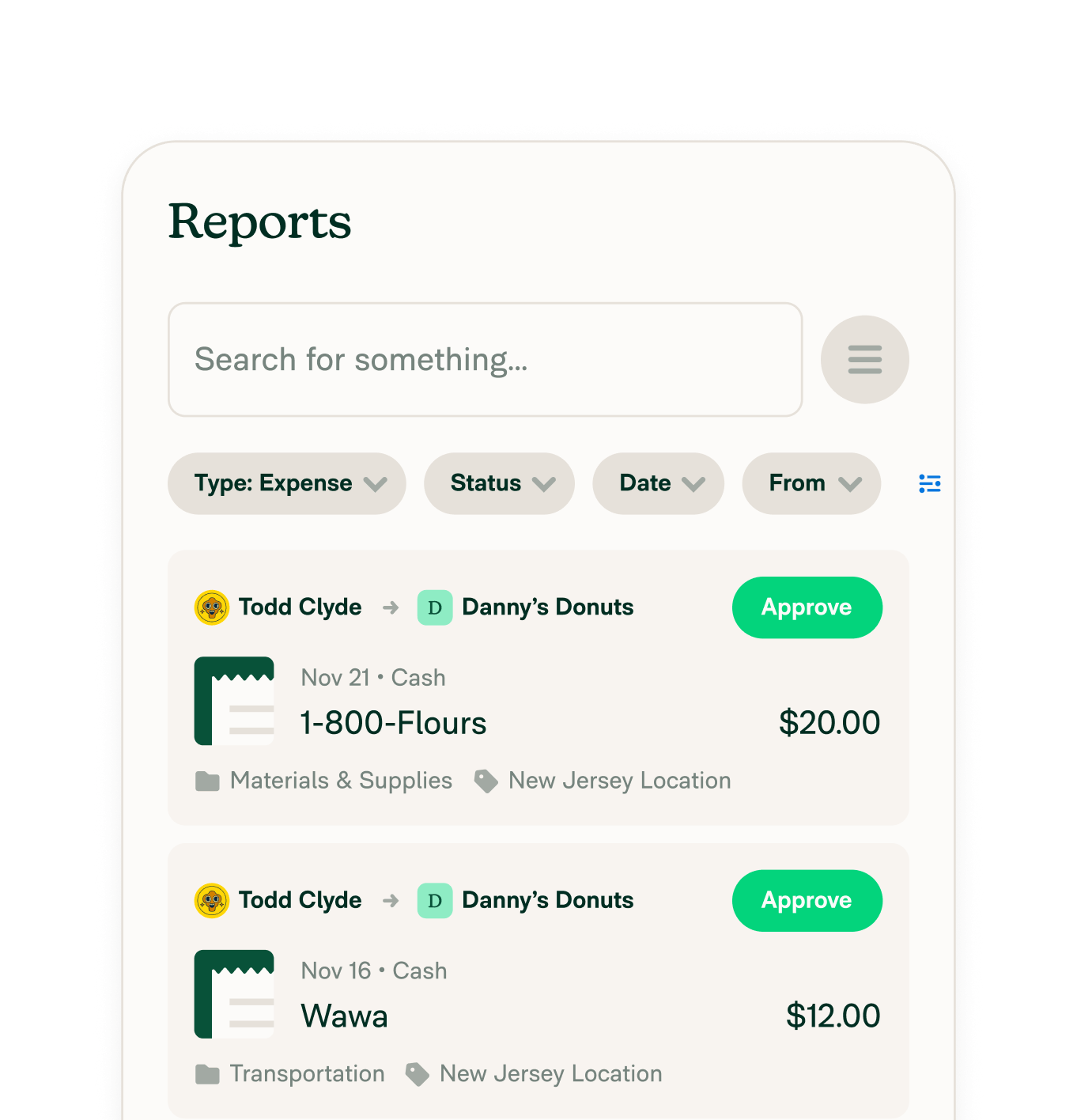
Other integrations


Features
Resources

Get Started


